
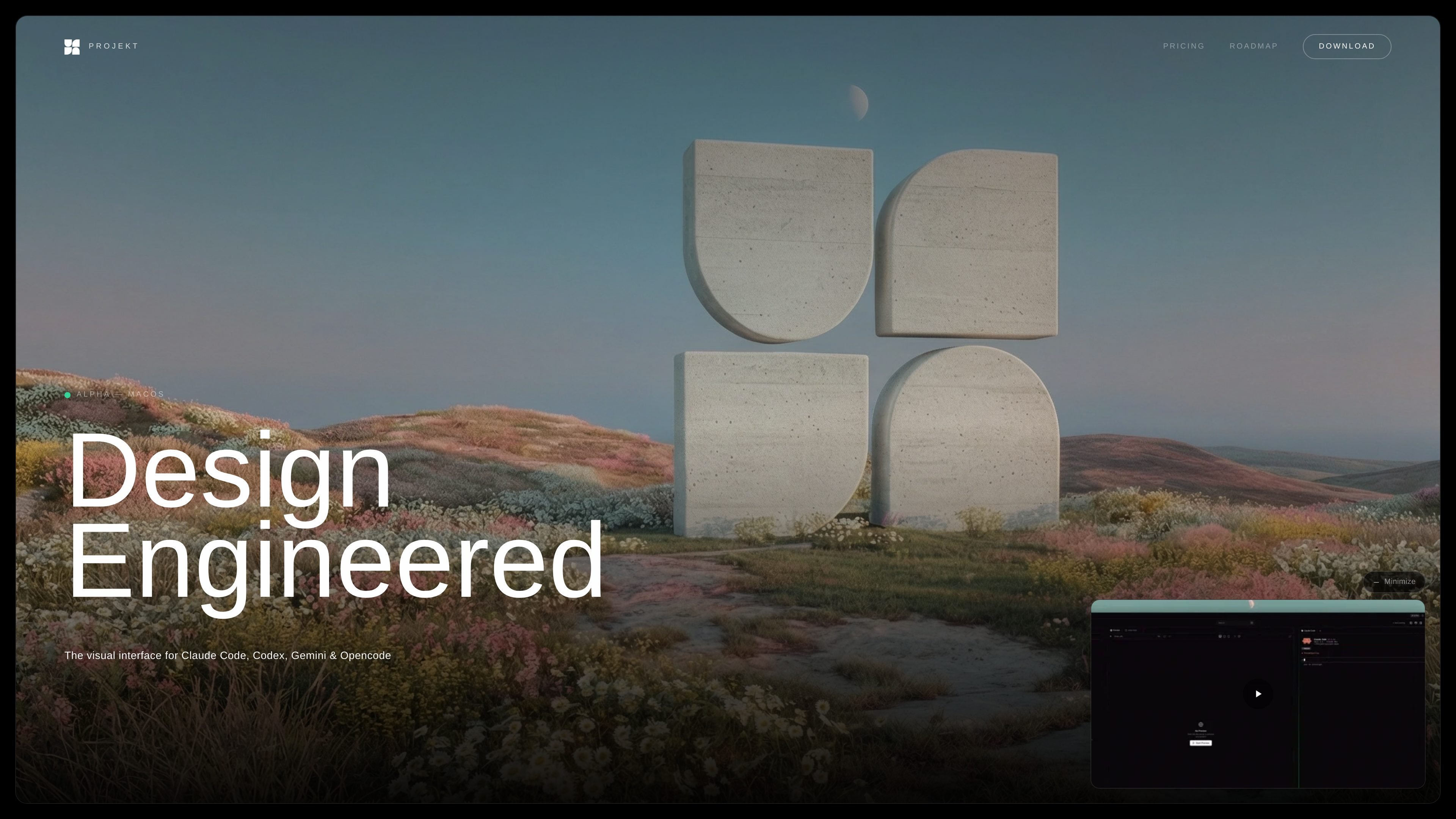
All-in-one editing workspace
Projekt combines a file browser, code editor, live preview, and chat in one workspace so you can move from prompt to implementation without switching tools.

Projekt é um espaço de trabalho visual para engenheiros de design, combinando agentes de código com AI, pré-visualização ao vivo e edição inline. Disponível em alpha para macOS, com download gratuito e um nível limitado para fundadores.
Projekt is a visual workspace for design engineers and builders who want to prompt, preview, and refine software in one place. It is positioned as the interface for Claude Code, Codex, Gemini CLI, and OpenCode, with a focus on turning AI-assisted coding into a more visual workflow.
The home page describes a prompt-first process: connect your agents, open a project, watch a live preview update as code is written, then select elements and edit them inline before committing changes. The pricing page shows that Projekt is in alpha on macOS, with a free alpha download and a separate founder tier for early supporters.
Projekt combines a file browser, code editor, live preview, and chat in one workspace so you can move from prompt to implementation without switching tools.
The interface shows changes in real time as your agent writes code, making it easier to review output while the build is still in progress.
Users can select elements in the preview and edit them inline, which supports visual refinement instead of only working in code.
Projekt supports Claude Code, OpenCode, Gemini CLI, and Codex CLI, and the home page says you can run them side by side.
The product is designed to work with your existing API keys rather than reselling AI access, so you keep control over the models and spend.
The roadmap shows a built-in focus on shipping workflows, including commit, pull, push, and Git-related panels already completed or planned.
A solo developer can use Projekt to start from a prompt, watch the app update in a live preview, and refine components visually without leaving the workspace.
A design engineer can inspect elements in the preview and adjust styling or layout inline, which fits a workflow that mixes visual judgment with code changes.
Teams or individuals working with different AI agents can run Claude Code, Codex, Gemini CLI, or OpenCode in the same environment and compare outputs.
Builders who already have API access can connect their own keys and use Projekt without introducing another AI vendor subscription.
Early adopters can join the free alpha to evaluate the product while it is still being built and decide whether the founder tier is worth the long-term discount.
Projekt is currently in alpha and can be downloaded on desktop. The pricing page says the alpha is free and that no credit card is required.
The pricing page says Projekt works with Claude Code, OpenCode, Gemini CLI, and Codex CLI, and the home page describes a visual workspace built around those agents.
The home page says you can bring your own API keys, and the product is positioned as a visual workspace with live preview, an editable DOM, and prompt-first editing.
The pricing page says the founder tier is limited to 50 people, costs a one-time $50, includes one year at launch, and then gets 50% off for life.
The roadmap and pricing pages show that pricing before alpha ends has not been announced yet, so the public pricing beyond the alpha and founder offer is still pending.
Os dados de tráfego são apenas para referência.
| mai. | 0 |
|---|---|
| jun. | 0 |
| jul. | 0 |
As análises de tráfego ainda não estão disponíveis.
As análises de tráfego ainda não estão disponíveis.

tastemaker-skill.online
Tastemaker é uma habilidade de fluxo de trabalho para agentes de programação que transforma o contexto do produto e referências visuais em telas de UI, recursos, sistemas de cores com contraste verificado e decisões locais de design. Foi criada para agentes como Claude Code, Windsurf e Gemini CLI.

pixelcrew.ai
PixelCrew é um fluxo de trabalho de design com AI que coordena agentes especializados para transformar um briefing escrito em pesquisa, direção criativa, wireframes de UX, textos, recursos para o sistema de design, documentação de QA e HTML/Tailwind pronto para produção. É voltado a pessoas e equipes que precisam de sites, dashboards, landing pages ou sistemas de design sem começar por um template rígido.

agent3.replit.com
Agent 4 é o agente de IA baseado na web da Replit para criar apps, sites, apresentações e projetos em um só espaço, com edição visual, coordenação de tarefas e execução paralela.

impeccable.style
Skill de design para ferramentas de programação com IA, com fluxos frontend, configuração estruturada, edição por comandos e iteração ao vivo no navegador.

magicpath.ai
Canvas de design compartilhado para pessoas e agentes de IA

www.protoflow.ai
ProtoFlow é uma ferramenta de design de PCB com tecnologia de IA para engenheiros eletrônicos. Ela transforma ideias de circuitos descritas em linguagem simples em esquemas editáveis e oferece um ponto de partida mais limpo para o layout. Exporte para KiCad ou Altium.