
Design system support
Bring an existing design system into Polymet, create new pages and components, and iterate on existing ones without starting from scratch.

Polymet transforma descrições ou imagens em páginas, componentes, protótipos e código frontend.
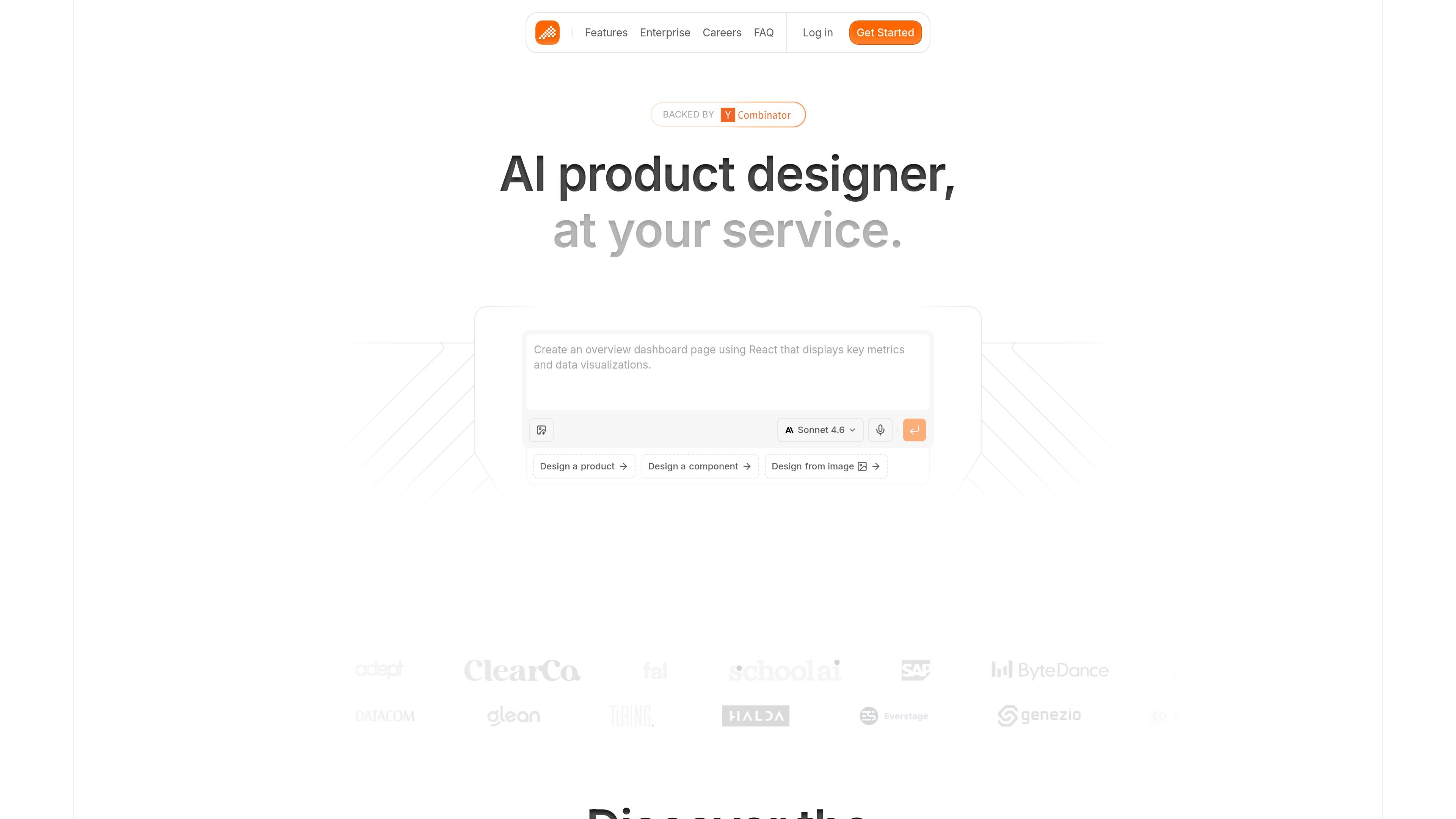
Polymet is an AI product designer that helps teams create pages, components, prototypes, and frontend code from a description or an image. The site positions it as a tool for moving from idea to design to implementation in one workflow.
Its interface includes options to design a product, design a component, or design from an image, and it highlights visual editing, code editing, Figma import and export, and collaboration features for teams that need to refine work before shipping.
Bring an existing design system into Polymet, create new pages and components, and iterate on existing ones without starting from scratch.
Import and export Figma files to move design work between Polymet and existing design workflows.
Work with GitHub, public and private npm packages, and Storybook so the product fits into development workflows.
Adjust layouts, spacing, colors, and other details visually for more direct control over the interface.
Edit code directly when you need fine-grained control over the generated frontend output.
Collaborate with teammates in real time and share live demos with stakeholders for review.
Use Polymet when you need to turn a product idea into a page or component that can move from concept to implementation without switching tools.
Start from a screenshot, mockup, or other image when you want the interface recreated or adapted from visual reference.
Use the visual editor and code editor together when designers and developers want to tune spacing, color, structure, and implementation details.
Share live demos and collaborate in real time when a team needs to review design changes and refine them with stakeholders.
Bring in Figma files and connect work to GitHub, npm packages, and Storybook when the design process needs to fit into a broader front-end workflow.
Polymet is an AI product designer for creating pages, components, and prototypes, and it can output production-ready frontend code.
The source says you can explain what you want or provide an image, and Polymet will design and implement the interface.
The site includes a pricing page, but the rendered text provided here does not show plan names, billing periods, or exact prices.
The site indicates team collaboration features, including design review and sharing live demos with stakeholders.
The source references design systems, Figma import and export, and workflow connections to GitHub, npm packages, and Storybook.
Os dados de tráfego são apenas para referência.

banani.co
Banani é uma ferramenta de design de UI com IA que transforma prompts, referências e PRDs em designs e protótipos editáveis.

shotcandy.app
Shotcandy é uma ferramenta gratuita e de código aberto para navegador que transforma capturas de tela, gravações e trechos de código em imagens ou vídeos prontos para compartilhar. Adicione fundos, molduras, ajuste de tamanho e movimento sem enviar arquivos nem criar uma conta.

flowstep.ai
Flowstep é um assistente de design com IA que transforma prompts em UI editável, copia para o Figma, exporta código e conecta IDEs via MCP.

gaoding.com
稿定设计 é uma plataforma de design online para criar rapidamente cartazes, PPTs, páginas H5, imagens e vídeos com modelos, recursos e ferramentas de IA.

animaapp.com
Plataforma de IA orientada a design que transforma arquivos Figma, URLs, prompts e clones de sites em apps e código prontos para produção, com integração de API e SDK.

magicpatterns.com
Prototipagem com IA para equipes de produto, de prompts a protótipos UI