
Build a collage from photos
Choose a ready-made layout, combine 2 to 10+ photos, adjust grid spacing, and add text, stickers, or a background.

Build photo collages, edit pictures, and create AI images and videos online.
PhotoGrid is an online photo editor and collage maker with AI image and video creation tools. To build a collage, combine 2 to 10+ photos in a ready-made layout, adjust the grid spacing, and add text, stickers, or a background.
PhotoGrid also provides standard photo-editing tools and AI workflows for images and video. Its workspace supports non-commercial personal creative projects.
Choose a ready-made layout, combine 2 to 10+ photos, adjust grid spacing, and add text, stickers, or a background.
The Free plan includes standard photo-editing tools, basic collage and layout tools, a selection of free templates, and 100 MB of cloud storage. Free exports include a watermark.
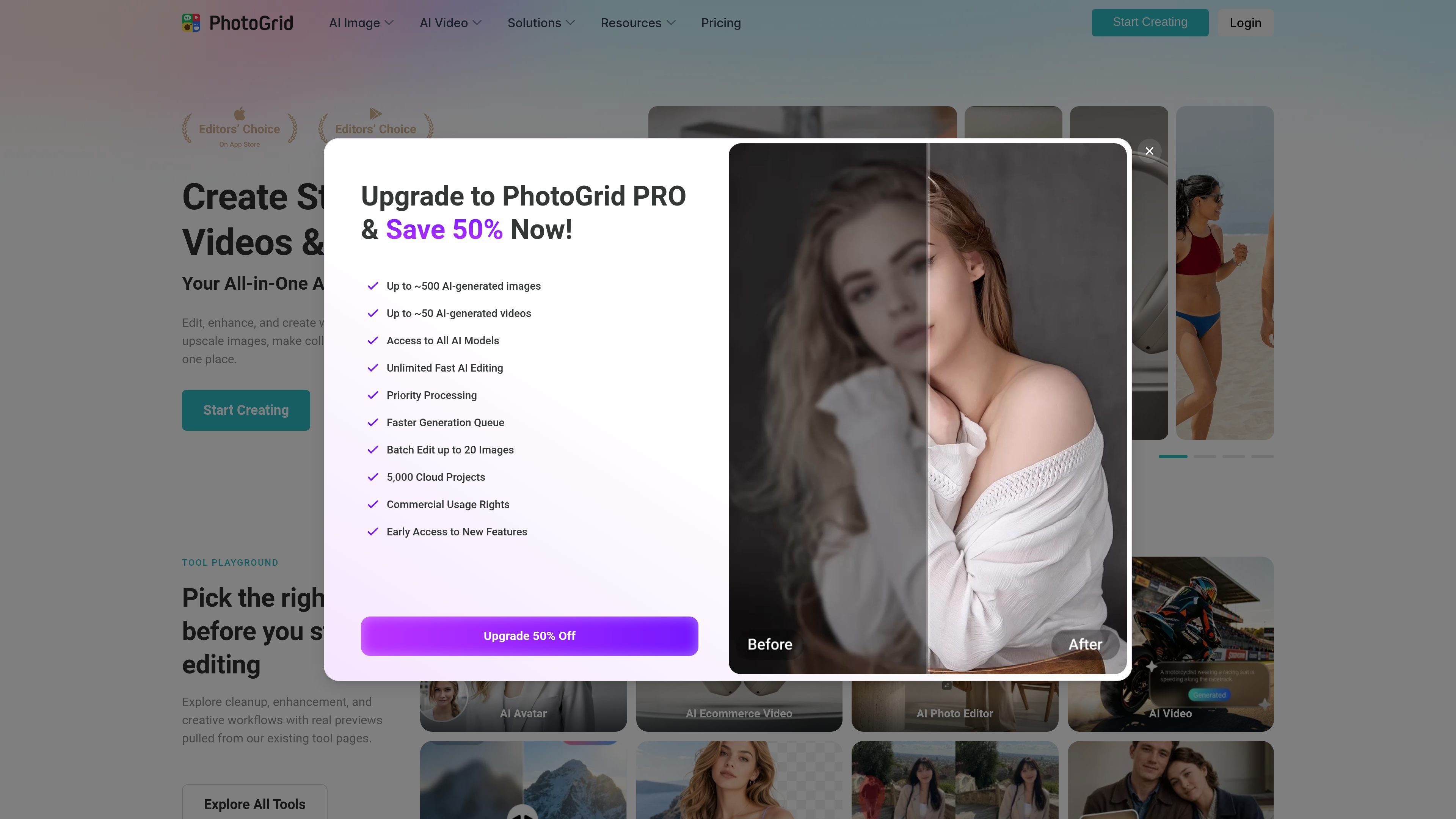
VIP includes 180 credits per month, Pro 500, and Ultra 2,000. Those allocations support up to about 180, 500, or 2,000 AI images—or about 18, 50, or 200 AI videos—respectively; each tool may use a different number of credits.
VIP includes Core AI Models. Pro adds access to all AI models, priority processing, and a faster generation queue. Ultra adds priority access to new AI models and the fastest processing priority.
VIP supports batches of up to 10 images and 1,000 cloud projects; Pro up to 20 images and 5,000 projects; Ultra up to 50 images and 30,000 projects. Paid tiers include no-watermark downloads.
Combine event or personal photos in a layout for a non-commercial personal project, then adjust the spacing and add text or backgrounds.
Available canvas-size presets include formats for Instagram, TikTok, Facebook, Amazon, Poshmark, and Depop. Choose one to arrange images for a non-commercial personal project.
Generate AI images or videos for non-commercial personal creative projects, including personal social posts. Output quantity depends on plan credits and each tool’s credit cost.
PhotoGrid supports photo editing, photo collages, and AI image and video creation. Its collage maker combines 2 to 10+ photos in a layout, with controls for grid spacing, text, stickers, and backgrounds.
Free costs $0 per month and includes standard photo editing, basic collage and layout tools, selected free templates, 100 MB of cloud storage, and watermarked exports.
VIP includes 180 monthly credits, Pro 500, and Ultra 2,000. Depending on tool credit costs, each plan supports up to about 180, 500, or 2,000 AI images—or 18, 50, or 200 AI videos. Actual output counts vary by tool.
VIP includes Core AI Models and batches of up to 10 images. Pro includes all models, priority processing, a faster queue, and batches of up to 20. Ultra adds priority access to new models, fastest processing, and batches of up to 50. Paid tiers also include no-watermark downloads.
Monthly plans renew every month and yearly plans renew once per year. Subscriptions renew automatically and can be canceled anytime.
Os dados de tráfego são apenas para referência.

cutout.pro
Edit, enhance, and generate visual media with web tools and APIs for images, videos, and product assets.

flair.ai
AI product photography and editing for creating branded e-commerce images, videos, and ads.

gencraft.com
Turn text prompts into images, refine their style and edit creations. Gencraft also offers image uploads and custom-model training, with access and usage allowances depending on the current plan.

zencreator.pro
A web-based AI creation suite for generating and editing images, videos, and creator content.

xgrokimagine.com
A browser-based workspace for generating images and short animated videos with Grok Imagine models.

abrush.ai
ABrush is an AI image generation plugin for Adobe Photoshop that lets artists generate, edit, and upscale images without leaving their creative workspace. It combines multiple AI models with Photoshop-based control for iterative image work.