
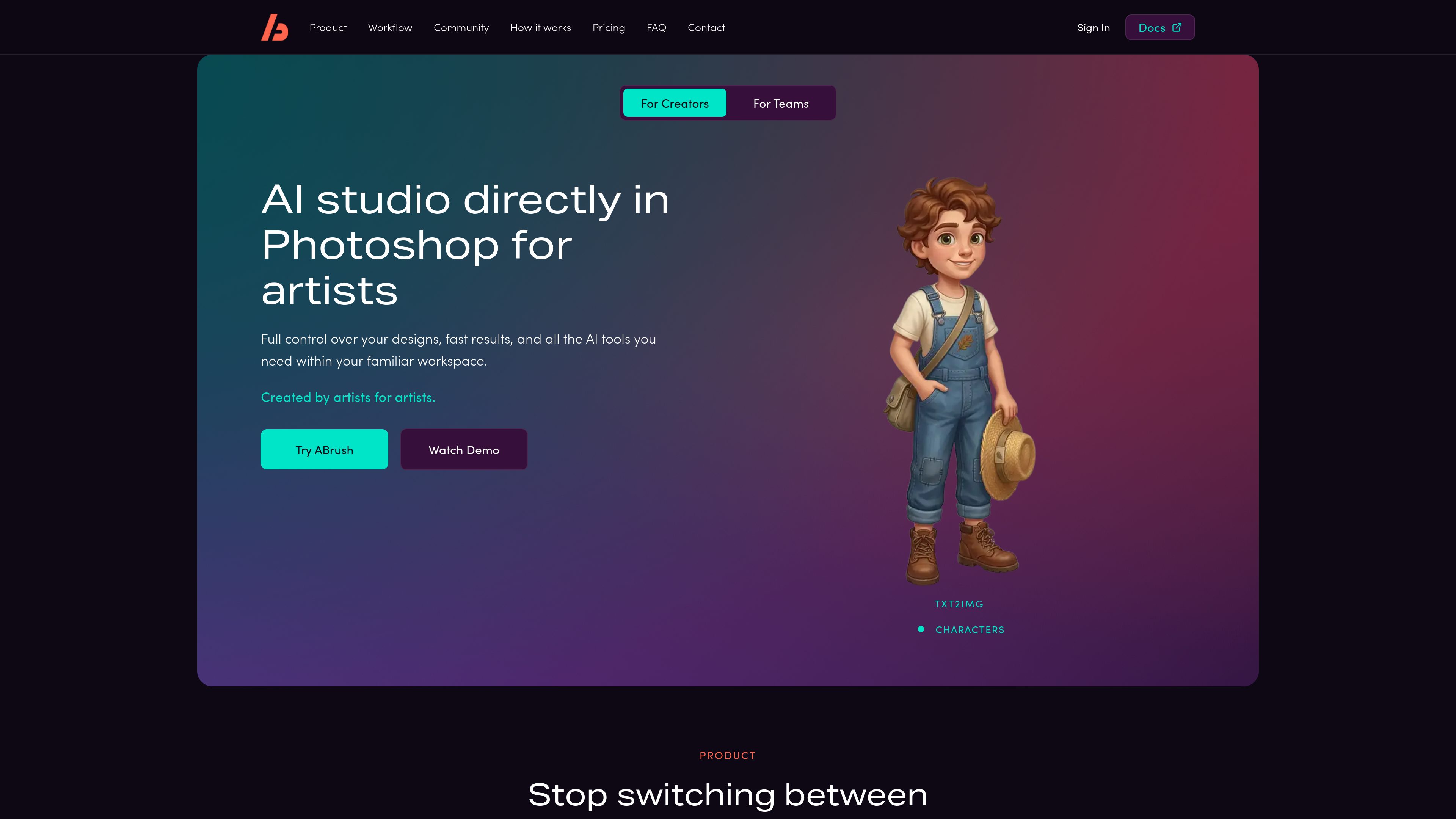
Generation inside Photoshop
Create images directly in the Adobe Photoshop workspace, keeping generation and document editing in one application.

ABrush is an AI image generation plugin for Adobe Photoshop that lets artists generate, edit, and upscale images without leaving their creative workspace. It combines multiple AI models with Photoshop-based control for iterative image work.
ABrush is an AI-powered image generation plugin for Adobe Photoshop. It lets artists generate, edit, and upscale images within Photoshop instead of moving between the editor and separate AI services. The product is designed as an assistive tool: the artist reviews the AI output, makes decisions about the result, and can refine the image manually in the same workspace.
The workflow covers generating variations, making targeted changes, and continuing with hands-on Photoshop editing. ABrush supports more than 23 AI models, including Stable Diffusion, Flux, and Gwen Image, allowing users to select different models for different stages of a project. The site also highlights ControlNet, IP-Adapter or reference support, LoRA styles, generation history, presets, and preset sharing.
ABrush states that users own every image they generate and that their data is not used to train models. Pricing, system requirements, Photoshop version compatibility, installation details, and a complete list of supported models are not established in the available product information.
Create images directly in the Adobe Photoshop workspace, keeping generation and document editing in one application.
Work with more than 23 models, including Stable Diffusion, Flux, and Gwen Image, and choose a model for each stage of the creative process.
Make changes where they are needed rather than replacing the entire image, using an interface designed for localized edits.
Use ControlNet and IP-Adapter or reference support to provide additional structure or visual guidance during generation.
Save generation history, prompts, and settings in presets, share presets, and return to earlier results for further iteration.
Apply LoRA styles and continue adjusting details, visual style, and other aspects of the result by hand in Photoshop.
Generate multiple image variations in Photoshop while developing an idea, then compare options and select a direction without moving assets between services.
Edit a specific part of an image when a composition is close to the desired result but needs a localized change, rather than restarting the whole generation.
Use model selection, references, ControlNet, IP-Adapter, or LoRA styles when a project needs more controlled visual direction than an unconstrained prompt.
Use generation history and saved presets to revisit useful prompts and settings, reproduce a prior approach, and refine results over multiple passes.
ABrush is an AI-powered image generation plugin for Adobe Photoshop. It is designed to assist artists with image generation and editing while leaving creative approval and final refinement to the user.
The site states that ABrush includes more than 23 AI models and names Stable Diffusion, Flux, and Gwen Image as examples. A complete model list is not provided in the available information.
Yes. ABrush brings image generation and editing into Photoshop so users can generate variations, make changes, and refine results within the same creative workspace.
ABrush states that users own every image they generate and that the company does not use users’ data to train models.
The available pricing URL does not provide plan or price information, so the product’s pricing structure cannot be confirmed from the supplied sources.

cutout.pro
Edit, enhance, and generate visual media with web tools and APIs for images, videos, and product assets.

rundiffusion.com
AI image, video, and editing tools in a shared workspace for creative professionals.

gencraft.com
Turn text prompts into images, refine their style and edit creations. Gencraft also offers image uploads and custom-model training, with access and usage allowances depending on the current plan.

dreamega.ai
Dreamega is an online AI creation platform that brings image, video, and music generation into one interface, with access to more than 50 models. It supports text-to-image, image editing, text-to-video, image-to-video, video-to-video, and text-to-music workflows.

nanobananapromax.com
AI image generation and editing with prompts and references for creative visuals.

xgrokimagine.com
A browser-based workspace for generating images and short animated videos with Grok Imagine models.