
Local-first processing
Ollie runs on the user’s machine and stores its private memory on the local disk. The product states that connected data does not leave the device and that it does not phone home.

Ollie é um agente de IA com prioridade local para Windows que conecta e-mails, chats, documentos, arquivos, calendários e ferramentas empresariais e responde a perguntas sobre essas informações em linguagem simples, sem terminal nem arquivos de configuração.
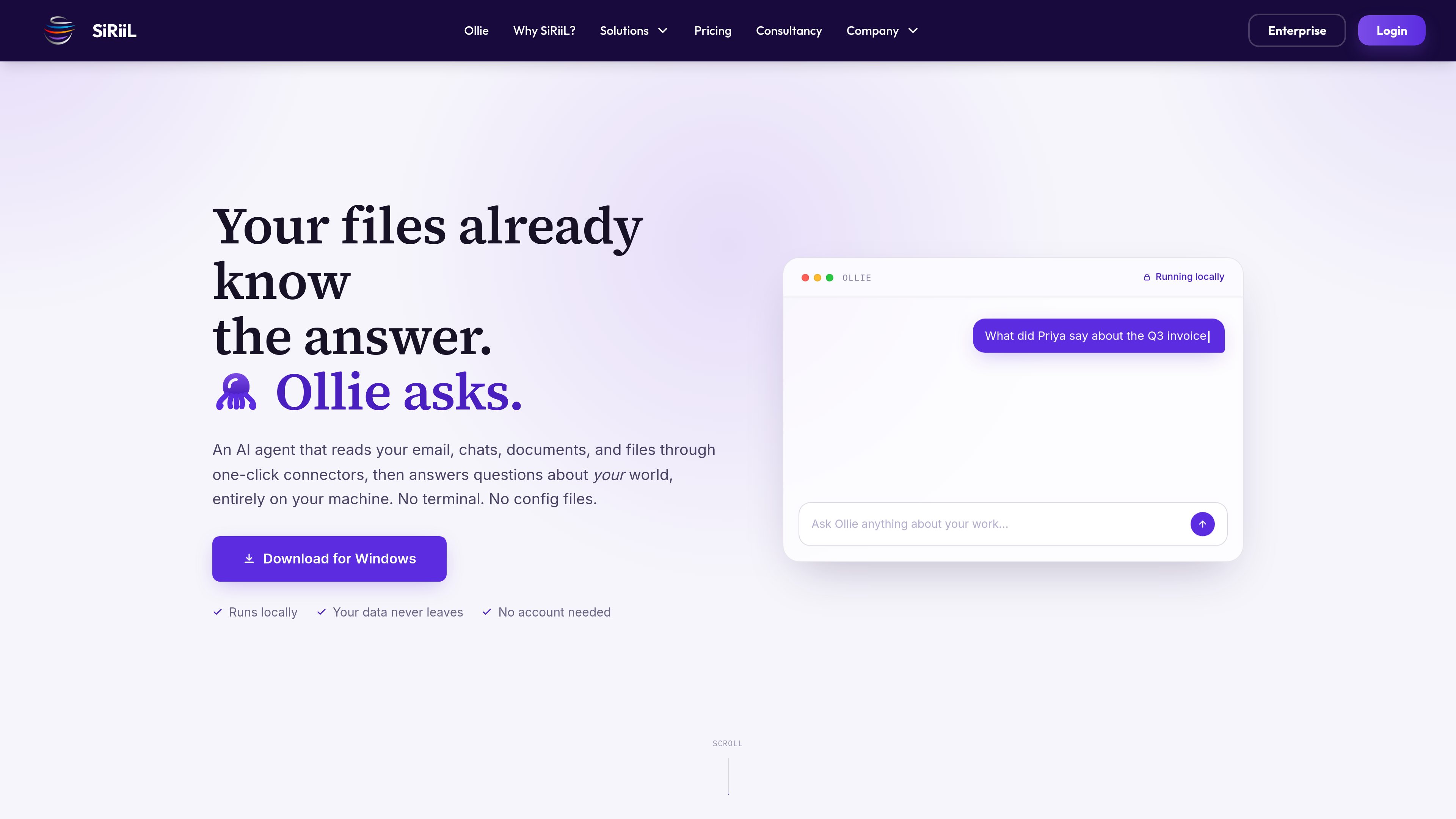
Ollie is a local-first AI agent for Windows that reads information from connected email, chats, documents, files, calendars, and business tools. Users can ask questions about that information in plain English rather than manually searching across each service.
The product is designed around a short setup flow: download and open the app, connect a source through a built-in connector or MCP-compatible server, and ask a question. Ollie’s site says its private memory stays on the user’s machine, with no account required and no telemetry.
Ollie runs on the user’s machine and stores its private memory on the local disk. The product states that connected data does not leave the device and that it does not phone home.
Users connect supported services by clicking Connect and signing in through the normal service flow. The described setup does not require API keys, terminal commands, or configuration files.
The listed connectors include Gmail, Microsoft 365, Teams, Drive, QuickBooks, Stripe, Slack, and Notion. The site says additional connectors are added regularly.
Ollie supports the Model Context Protocol, allowing connections to compatible tools and servers, including a server built by a team.
After a source is connected, users can ask about messages, approvals, deadlines, files, confirmations, and other work context using ordinary language.
The product presents Relationship Manager, Finance Assistant, Close Management, and Business Performance as areas where Ollie can work with connected information. The supplied material does not define a complete automated accounting process for Ollie.
Ask about an invoice, approval, or discussion and receive an answer based on connected email, chats, and related documents, reducing the need to search several conversations manually.
Query connected calendar and email information to identify upcoming deadlines or promises, such as a renewal date or an agenda that still needs to be sent.
Use the Relationship Manager workflow to find what customers, suppliers, auditors, investors, or colleagues agreed to and what remains open, with the site’s examples drawing from email and documents.
Ask questions across connected finance and business sources such as QuickBooks, Stripe, email, and documents. The site identifies finance assistance and close management as workflow areas, without specifying a full automated procedure.
Search for a recently edited contract, check whether an event venue replied, or identify who still owes a response across the work sources Ollie can read.
Ollie is a local-first AI agent that reads connected work information and answers questions about it. It is positioned as an agent that can be used without a terminal or configuration files.
The described flow is to download and open the Windows installer, click Connect for a source, sign in normally, and ask questions in plain English. The site says no API keys or terminal commands are required for the built-in connection flow.
The product states that no account is needed and that it runs on the user’s machine. It also says Ollie can still answer when the internet is unplugged, although the supplied information does not explain offline refreshes or newly connected services.
Listed built-in connectors include Gmail, Microsoft 365, Teams, Drive, QuickBooks, Stripe, Slack, and Notion. Ollie also supports MCP for compatible third-party tools or a server built by a team.
The supplied product information specifically advertises a free download for Windows. Availability for macOS or Linux is not stated.
Os dados de tráfego são apenas para referência.

www.docusmart.eu
DocuSmart AI é uma ferramenta de pesquisa de documentos e base de conhecimento para organizações sem fins lucrativos e da sociedade civil. Ela indexa arquivos do Google Drive, OneDrive e Dropbox, permitindo que as equipes façam perguntas em inglês simples e recebam respostas com citações baseadas nos próprios documentos.

rename.click
RenameClick é um aplicativo de desktop local-first para macOS e Windows que renomeia, organiza e pesquisa arquivos por conteúdo, com sugestões de AI para revisar antes de aplicar.

beaconfind.app
BeaconFind é um app privado de busca de arquivos com IA para Windows que encontra arquivos pelo significado, não pelo nome exato. A indexação e a busca ficam no seu dispositivo; o app oferece Ctrl+K, busca multilíngue e respostas com citações dos seus documentos.

diabrowser.com
Dia é um navegador de trabalho nativo de IA que usa abas e ferramentas conectadas para criar respostas, briefings e conteúdos prontos para apresentações. Disponível no macOS; Windows em breve.

aichatone.com
Assistente de IA no navegador com vários modelos, web, chats e arquivos

tryreference.com
Reference é uma ferramenta de busca local de arquivos para agentes de IA que retorna citações de arquivos no dispositivo do usuário. Foi projetada para manter os dados localmente, sem enviá-los para a nuvem.