Octoparse AI logo

Octoparse AI

Freemium
Visitar

RPA sem código para Windows que automatiza sites, Excel e apps desktop

O que é Octoparse AI?

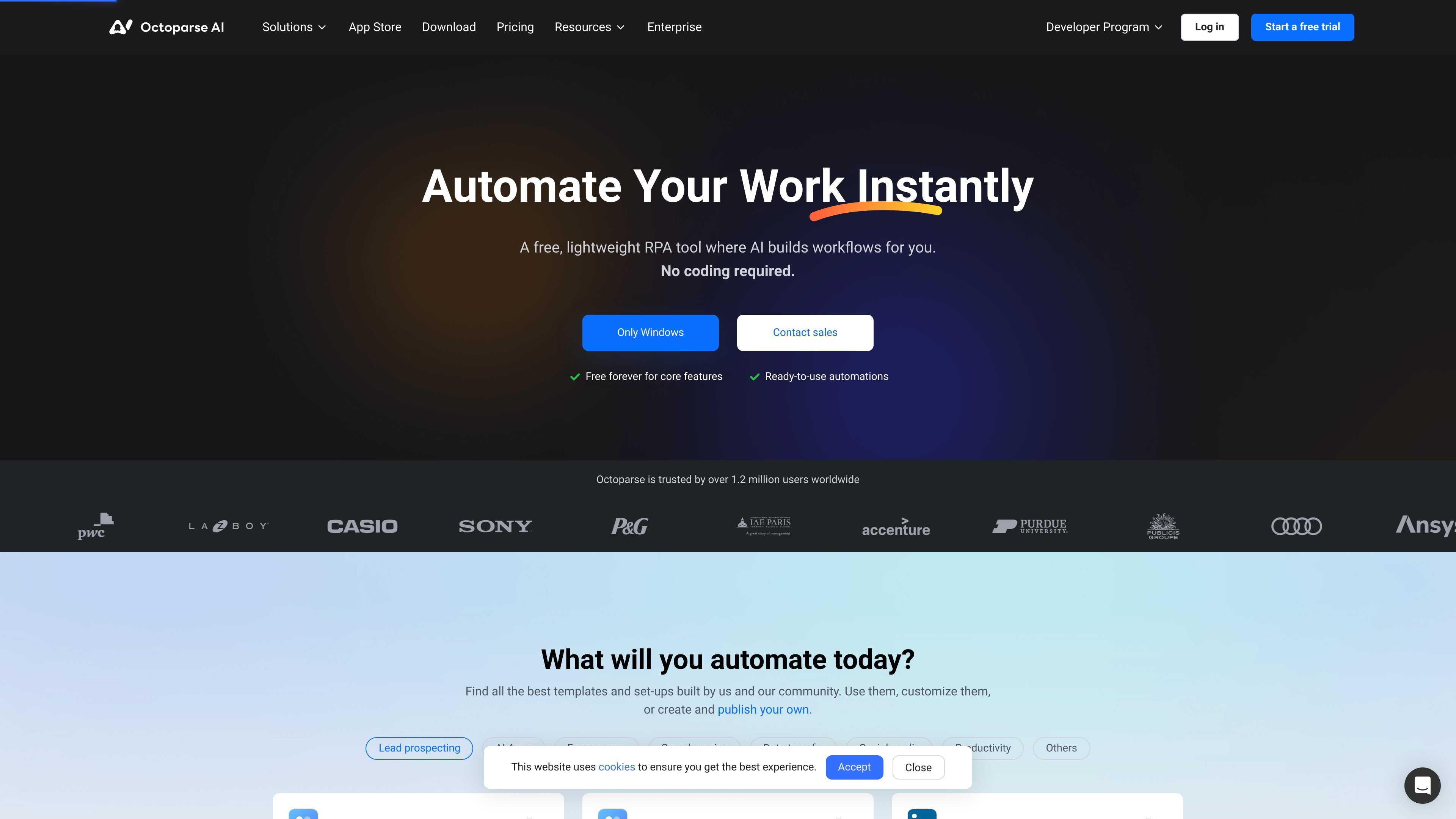
Octoparse AI is a no-code RPA platform for Windows that helps users automate workflows across websites, desktop apps, Excel, and data files. The product combines visual automation tools with AI features so users can describe a task, build a workflow, and run it without writing code.

The site positions Octoparse AI for individual users and teams that need to connect tools, move data between systems, and run routine processes on a schedule or through reusable automations. The free tier covers core automation features, while paid plans add bot instances, webhooks, shared workspaces, and collaboration controls.

O que Octoparse AI pode fazer?

AI-assisted workflow building

Build automations by describing the task in natural language, using drag-and-drop, or adding code when you need more control. The help center says AI Copilot can turn plain-language instructions into ready-to-run workflows.

Cross-app automation

Connect websites, Windows apps, and data files without relying on APIs. The homepage emphasizes end-to-end workflows that move data between tools and handle routine steps automatically.

Workflow editor and triggers

Use a workflow editor with element selection, an asset library, basic commands, custom commands, and time triggers. The pricing page lists these as part of the core platform feature set.

Team workflow management

Add webhooks and shared workspace collaboration on paid plans. The pricing page also includes roles and permissions for organizations.

AI tools and document handling

Embed AI-oriented tasks such as text processing, OCR, CAPTCHA solving, and AI script generation into automations. The product also offers an AI Script Wizard and AI Copilot credits.

Template-based app store

Publish and use ready-made apps from the App Store, including community and Octoparse-built templates. The homepage highlights templates for lead extraction, social content, e-commerce, and productivity workflows.

Casos de uso

“Lead and contact data collection”

Use ready-made app templates or build a workflow to pull contact or profile data from websites and place the results into spreadsheets or internal systems.

“Cross-system office workflows”

Automate repetitive desktop and office tasks such as moving information between web pages, Excel, and Windows applications, especially when the source system does not expose an API.

“AI-assisted processing in workflows”

Run AI-enabled steps inside a workflow, such as text processing, OCR, or CAPTCHA solving, to keep multi-step automations moving without manual intervention.

“Team automation operations”

Set up team workspaces for collaborative automation development, then use webhooks, permissions, and bot instances to distribute and operate workflows across an organization.

“Template-based automation setup”

Start from templates in the App Store to adapt common workflows for e-commerce, social media, search, and data transfer instead of building everything from scratch.

Perguntas frequentes

How is Octoparse AI different from Octoparse?

Octoparse AI is a no-code RPA platform that automates workflows across websites, Excel, and desktop applications. The source also compares it with tools like Power Automate and UiPath, while noting that Octoparse focuses on web data extraction rather than broader workflow automation.

Do I need coding skills to use Octoparse AI?

No. The product is designed for non-technical users, and its AI Copilot can turn natural-language descriptions into workflows. The source also says advanced users can extend automations with Python scripts or custom logic.

What kinds of workflows does Octoparse AI handle?

It is designed to automate tasks on websites, in Excel, and on Windows desktop apps. The source specifically mentions workflows that can scrape web data, process it in Excel, and input results into internal systems.

Is Octoparse AI free?

Yes. The pricing page states that core features are free forever, and the homepage says users can build and run unlimited workflows at no cost. The source also says new users get free AI credits for Octoparse AI's smart tools.

What platforms and workflow types are supported?

The source says Octoparse AI runs on Windows and that a desktop workflow client is available. AI Copilot currently supports web and Excel automation, with desktop workflows noted as coming soon in the help center.

Informações rápidas

Category
RPA / workflow automation
Platform
Windows
Product domain
octoparse.ai
Pricing
Free tier available; paid Starter, Team, and Enterprise plans
Core workflow
Build automations with AI Copilot, visual editor, triggers, and webhooks
Primary users
Individuals and teams automating repetitive office and web tasks

Análise de tráfego de Octoparse AI

Os dados de tráfego são apenas para referência.

Classificação do domínio
33

Alternativas ao Octoparse AI

Aye logo

Aye

okaapps.com

Aye é um navegador com IA para Mac e Windows que delega tarefas repetitivas em sites reais, como baixar mídias, responder a e-mails de suporte e operar redes sociais. Ele planeja, executa e verifica os resultados, mantendo as etapas sensíveis sob aprovação do usuário.

Browse AI logo

Browse AI

browse.ai

Web scraping e monitoramento sem código para dados estruturados e fluxos automatizados

Octoparse logo

Octoparse

octoparse.com

Plataforma de web scraping sem código para coletar dados estruturados

Reworkd logo

Reworkd

reworkd.ai

Reworkd é uma plataforma completa de web scraping que usa LLMs para analisar páginas, gerar código de extração e automatizar a coleta de dados.

Fellou logo

Fellou

fellou.ai

Fellou é um navegador de IA agêntica para pesquisa aprofundada, automação do navegador e execução de tarefas entre aplicativos. Oferece um plano gratuito, planos pagos e downloads para Mac e Windows.

WebBrain logo

WebBrain

www.webbrain.one

WebBrain é uma extensão de navegador gratuita e de código aberto que leva recursos de agentes de IA ao Chrome, Firefox e Edge. Ela lê páginas, extrai dados e automatiza tarefas do navegador usando o provedor de LLM escolhido, incluindo modelos locais.