
Web search and sourced answers
Ask questions and search the web, with key points organized alongside sources.

An AI work assistant for research, writing, learning, and creating documents and media.
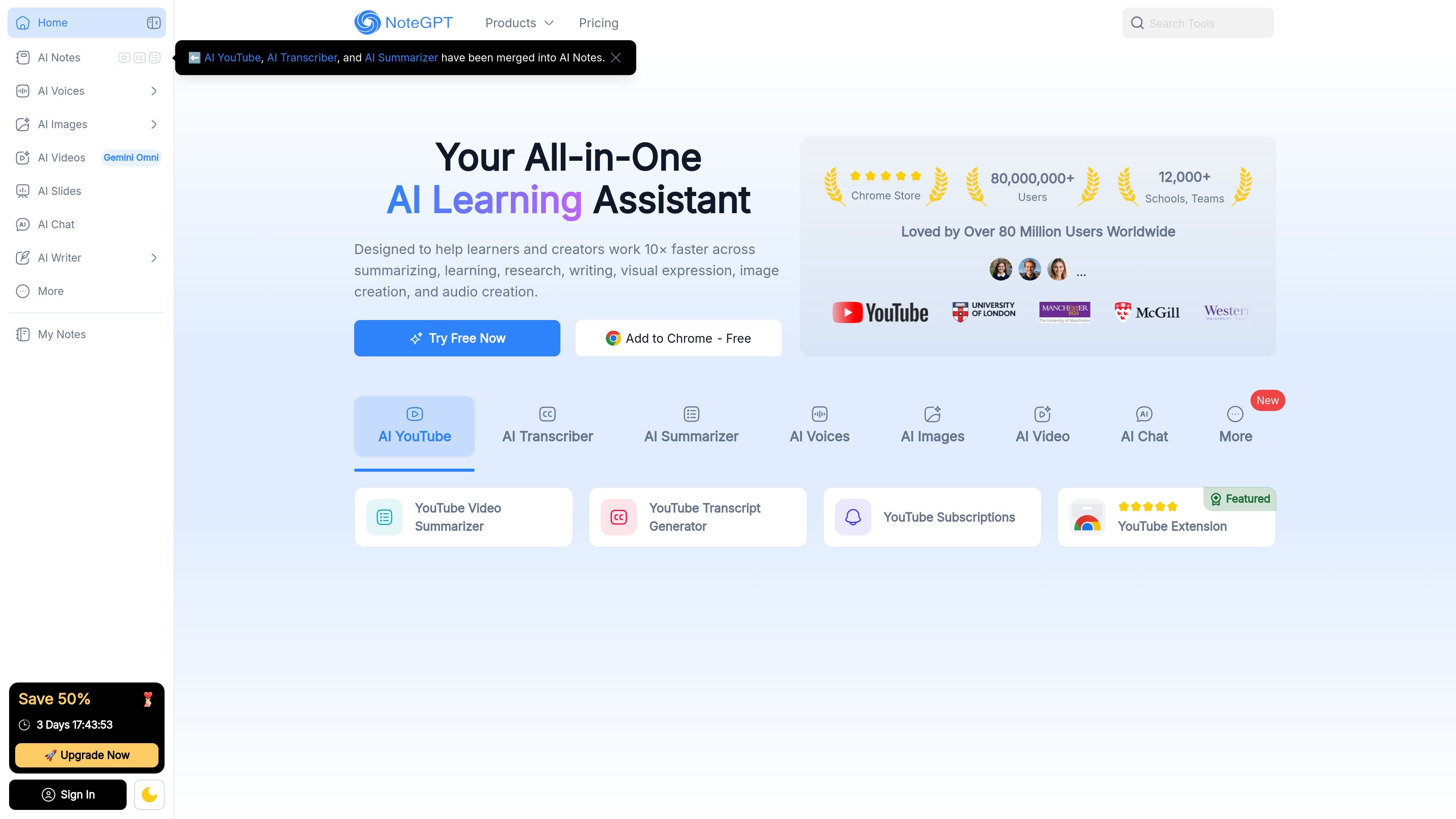
NoteGPT is an AI work assistant that supports research, learning, writing, analysis, and media creation in one workspace. Users can ask questions, search the web, summarize source material, and create editable documents such as presentations and spreadsheets. For larger tasks, its agent describes a workflow that gathers context, plans steps, selects tools, and delivers a result that can be refined through follow-up instructions.
Ask questions and search the web, with key points organized alongside sources.
Summarize YouTube videos, audio, PDFs, and other material into concise explanations and visual insights.
Transcribe speech with speaker separation and timestamps; the site also describes removing filler words and repetitions.
Draft or refine documents and create editable presentations, including structure, text, layout, and visuals.
Organize data, set formulas, generate charts, and create visual analysis reports.
Generate images from descriptions or reference images, turn text into speech or podcasts, and create videos from descriptions or references.
Educators can develop lesson plans, class materials, lecture summaries, presentations, and test questions, leaving more time for instruction and research.
Researchers and students can summarize papers and recordings, extract key ideas, and organize information for literature reviews, papers, or proposals.
Professionals can analyze reports and data, visualize trends, and shape findings into presentations or written deliverables.
Creators can research topics, brainstorm ideas, draft scripts, refine writing, and generate supporting visual or audio material.
The site lists YouTube videos, audio, PDFs, and other content. Summaries can include organized key points and visual insights.
It can search the web, write content, create files, and draw charts. The site says results can be delivered as editable files and refined through follow-up instructions.
Yes. It describes creating editable presentations and spreadsheets, including formulas and charts.
The site presents use cases for educators, professionals, researchers, creators, and college students.
Os dados de tráfego são apenas para referência.

filegpt.app
Ask questions across documents, media, YouTube videos, and webpages with GPT-powered answers.

www.nextdocs.io
NextDocs is an AI workspace for creating presentations, documents, and social posts from prompts. It helps individuals and teams generate structured drafts, refine content and layouts, apply brand settings, and export finished work in common document and presentation formats.