
Word-synchronized lyric display
Lyrics highlight word by word as a song plays. Lyrimuse supports Apple Music, Spotify, Amazon Music, KKBOX, QQ Music, NetEase Cloud Music, Kugou and Soda Music, as well as YouTube Music and Spotify Web in a browser.

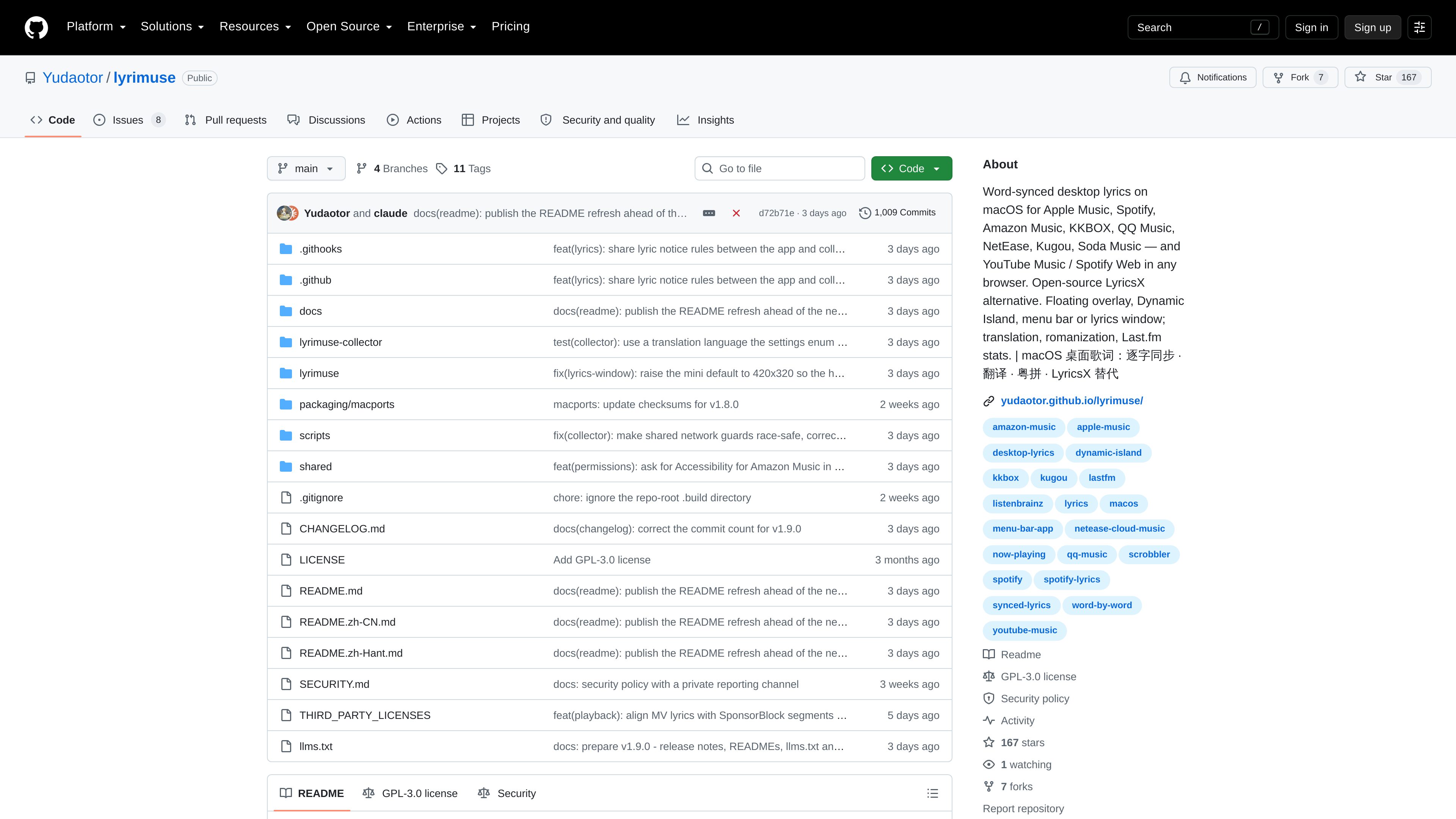
Lyrimuse is an open-source macOS desktop lyrics app that synchronizes lyrics word by word for supported music players and browser-based web players. It provides multiple display modes, translation and romanization, plus optional Last.fm listening history and scrobbling.
Lyrimuse is an open-source desktop lyrics application for macOS. It follows playback and highlights lyrics word by word for supported music players and browser-based web players, with display options ranging from a full lyrics window to an always-on-top overlay, a Dynamic-Island-style capsule and a menu bar view.
The app automatically searches multiple lyrics sources and can add translations, romanization and specialized Chinese-language presentation. It also includes tools for reviewing and correcting matched lyrics, while an optional Last.fm profile records listening activity and scrobbles plays.
Lyrics highlight word by word as a song plays. Lyrimuse supports Apple Music, Spotify, Amazon Music, KKBOX, QQ Music, NetEase Cloud Music, Kugou and Soda Music, as well as YouTube Music and Spotify Web in a browser.
Show lyrics in a full lyrics window, a floating always-on-top overlay, a Dynamic-Island-style capsule below a Mac notch or a menu bar Lyrics Manager. Several players can be enabled, or the app can follow macOS Now Playing automatically.
The app searches twelve lyrics sources, including NetEase Cloud Music, QQ Music, Kugou, Kuwo, Migu, Musixmatch, LRCLIB, LyricFind through YouTube Music, Deezer, AMLL, Soda Music and Apple Music lyrics when an account is connected.
Translations can come from community sources, Apple’s on-device Translation framework or an online fallback. Lyrimuse supports 17 target languages, line-specific romanization, Jyutping for Cantonese and separate Simplified or Traditional Chinese lyric settings.
Lyrics Manager lets users browse, edit, delete, retry or search for lyrics again. Users can shift timing for a single song, retry tracks without lyrics and rescan a library while preserving manual corrections.
An optional Last.fm connection provides recent plays, listening totals, top artists, albums and tracks, streaks and a yearly heatmap. Plays are saved locally first, with configurable counting thresholds and per-player Last.fm exclusion; ListenBrainz receives the original tags.
Use the floating overlay or Dynamic-Island-style capsule to keep synchronized lyrics visible without opening a separate music window.
Display translations beneath the original lyrics, apply romanization only to relevant lines, use Jyutping for Cantonese and choose Simplified or Traditional Chinese presentation.
Combine supported native Mac players with YouTube Music or Spotify Web in a browser, select more than one player and let Lyrimuse follow the system’s current Now Playing item.
Use Lyrics Manager to inspect matches, manually edit or replace lyrics, adjust timing for an individual song and rescan unmatched tracks without overwriting manual fixes.
Connect Last.fm for scrobbling and use the profile views to review recent plays, listening periods, top artists, streaks, yearly activity and historical plays saved before the account was connected.
Lyrimuse is a macOS desktop application. The project provides Homebrew installation and releases for both Apple Silicon and Intel Macs; the supplied source does not specify a minimum macOS version.
The project lists Apple Music, Spotify, Amazon Music, KKBOX, QQ Music, NetEase Cloud Music, Kugou and Soda Music, plus YouTube Music and Spotify Web in a browser. Apple Music and Spotify use macOS Automation access, while several other players use macOS MediaRemote.
Cached lyrics can be used offline for songs whose lyrics have already been stored. Initial matching, new searches and some online translation or service connections may require network access.
Yes. Lyrics Manager supports browsing, editing, deleting and searching again, and an individual song’s timing can be shifted. A full rescan is available, and the project says manual fixes are preserved.
You can connect Last.fm from the Accounts section, save plays locally before connecting, and synchronize later. A play can count at 50%, 75% or 90% completion, or only when the song finishes; individual players can also be excluded from Last.fm history.

ancbuddy.com
ANCBuddy is a macOS menu-bar utility for controlling compatible Bose QC Ultra headphones and earbuds. It provides listening-mode, audio-source, battery, and connection controls without requiring the Bose phone app for daily use.

smartpause.yasinozmeen.me
SmartPause is a free, open-source macOS menu bar app that routes the play/pause key to the application currently producing sound. It helps people switch between media apps without relying on macOS’s sometimes-stale Now Playing selection.

audioaidynamics.com
Browser-based music analysis and audio tools for musicians, producers, DJs, and researchers.

skiley.net
A browser-based tool for Spotify listeners to organize playlists and discover music.

ghost-deck.app
GhostDeck is an offline music player for macOS that combines a classic modular deck with animated low-poly scenes that respond to playback. It plays music files from folders without accounts, tracking, or network access.