
Repository-aware coding agent
LucentraCode inspects an opened project before working on an objective, then can plan the work, edit code, execute commands, run tests, investigate failures, and continue toward the requested result.

LucentraCode is an open-source AI coding CLI that helps developers inspect repositories, plan and implement changes, run commands and tests, and verify results from a terminal. It supports interactive and automated workflows with selectable models and integrations for headless execution and MCP.
LucentraCode is an open-source AI coding CLI for terminal-based software development. It works inside a repository to inspect the project, plan requested changes, edit code, execute commands, run tests, investigate failures, and verify the resulting implementation.
The CLI can be used interactively or from automated workflows. Developers can select models, run tasks without interactive mode, produce JSON output, launch a headless server, and manage MCP integrations. This makes LucentraCode suitable for both hands-on repository work and scripted development processes, while model access remains subject to the account plan’s capped usage allowance.
LucentraCode inspects an opened project before working on an objective, then can plan the work, edit code, execute commands, run tests, investigate failures, and continue toward the requested result.
Use the standard terminal interface for guided work, or run a task directly with `lucentracode run`. The command also supports machine-readable JSON output for downstream automation.
The CLI includes agent modes for planning before edits and reviewing existing changes, including commands such as `lucentracode run --agent plan` and `lucentracode run --agent review`.
List available models with `lucentracode models` and select one for a task. Custom agents can define reusable roles with specific instructions, models, permissions, and responsibilities.
Launch a headless server with `lucentracode serve`, attach to a running instance, and manage Model Context Protocol servers through commands for listing, adding, authentication, and credential logout.
Open an existing project, describe a concrete objective such as adding API rate limiting, and let LucentraCode work through inspection, editing, command execution, testing, and verification.
Use the planning agent to explore how a change—such as adding caching to a service—could be implemented before making edits to the repository.
Run the review agent against the current working changes to obtain an agent-driven review workflow rather than starting a new implementation task.
Use non-interactive runs, JSON output, or a headless server when a script or external process needs to submit tasks to the LucentraCode runtime.
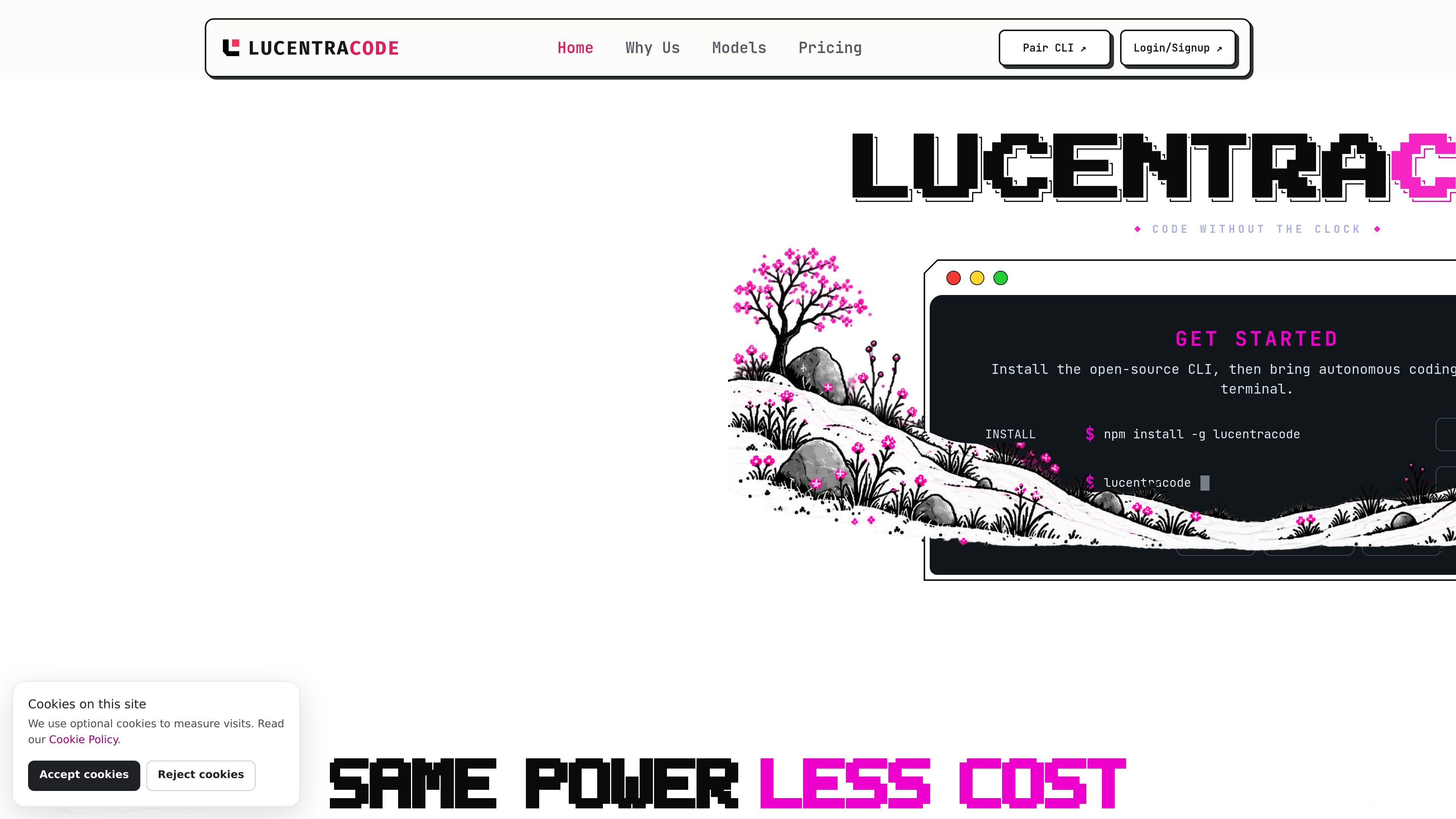
Install it globally with `npm install -g lucentracode`, verify the installation with `lucentracode --version`, sign in with `lucentracode login`, change into a repository, and launch `lucentracode`.
Yes. Use `lucentracode run "your task"` for a direct task, add `--format json` for machine-readable output, or launch `lucentracode serve` and attach with `lucentracode run --attach`.
Yes. Run `lucentracode models` to view available models and pass a selected identifier with `lucentracode run --model <model-id> "your task"`. Availability varies by provider, and all models share the capped usage allowance of the account plan.
It supports MCP integrations, language tooling, controlled external tools, and headless CLI workflows. The site cautions that third-party MCP servers operate outside Lucentra Labs’ direct security boundary.
The site lists Linux, Windows, and macOS as supported platforms.
Os dados de tráfego são apenas para referência.

refact.ai
An open-source coding agent for developers that plans and performs repository-aware software tasks.

www.lucidtrain.com
Lucid Train is a local-first coding harness that generates architecture diagrams from repositories and turns them into specifications for an AI coding agent. It is available as a desktop app or a free, open-source Rust CLI.

ara.so
Ara’s original site now presents Reason, a coding agent for GitHub work. Inspect code changes, tests, recordings and logs before accepting its proposed work.

claude.com
An AI coding agent that understands codebases, edits files, and runs commands for developers.

sparkco.ai
Sparkco: infraestrutura open source para agentes de IA, ferramentas focadas no terminal, fluxos para mercados de previsão e planos de agentes de voz por uso com crédito inicial, SMS, transcrições e integrações.

jackalope.dev
Jackalope is a desktop workspace for running AI coding agents in parallel across separate Git worktrees. It helps developers carry project context between tasks, use supported agent tools, and review related changes together.