
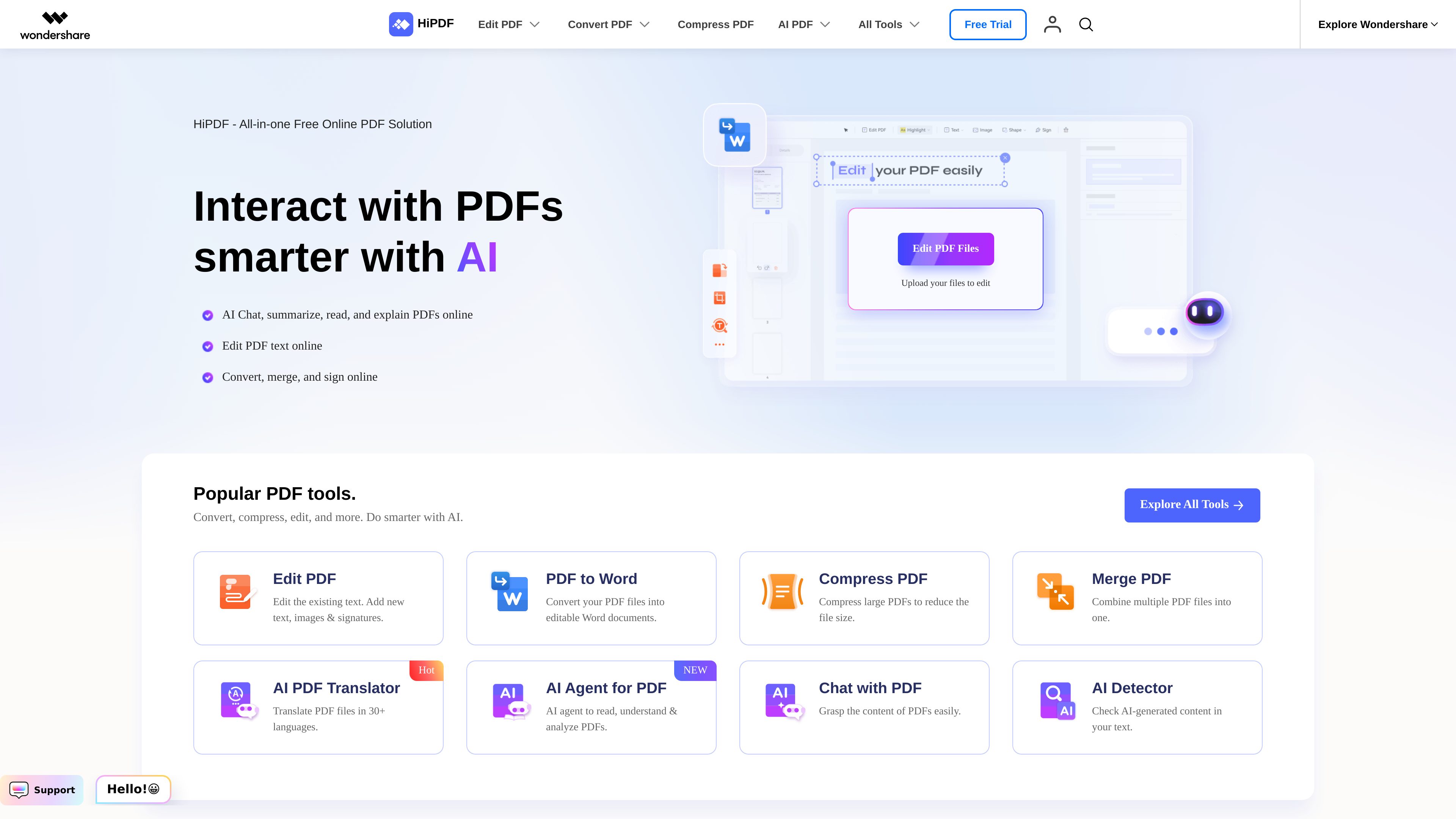
Online PDF editing and annotation
Modify existing PDF text, change font size and color, and add or remove text. The editor also supports images, shapes, signatures, sticky notes, highlights, and drawings.

HiPDF is an online PDF toolkit for editing, converting, organizing, compressing, protecting, and signing PDF files. It also provides AI features for chatting with, summarizing, explaining, rewriting, proofreading, translating, and analyzing PDF content.
HiPDF is an online PDF toolkit for editing, converting, organizing, compressing, protecting, signing, and sharing documents. It also includes AI-assisted tools for reading and working with PDF content, including chat, summaries, explanations, rewriting, proofreading, translation, and analysis.
The service is designed for browser-based workflows: users upload a file, select a tool, make changes or choose an output format, and then export the result. The PDF editor and converter pages state that no download or installation is required for those workflows. The site also lists desktop and mobile options, but the available evidence primarily describes the online product.
Alongside document tools, HiPDF includes OCR for scanned PDFs, batch conversion, image utilities, and downloadable templates for common documents such as resumes, tax forms, invoices, contracts, and settlement agreements.
Modify existing PDF text, change font size and color, and add or remove text. The editor also supports images, shapes, signatures, sticky notes, highlights, and drawings.
Convert files to PDF and export PDFs to formats including Word, Excel, PowerPoint, Pages, JPG, PNG, BMP, GIF, and TIFF. The site also lists TXT, RTF, and PUB among supported input formats.
OCR can turn scanned PDFs into editable Word, Excel, PowerPoint, or EPUB files. Batch conversion lets users process multiple files in one workflow.
Merge files in a chosen order, compress PDFs with high, medium, or low compression levels, crop margins, rotate pages, split documents, rearrange pages, and extract images.
Chat with PDFs and request summaries, explanations, rewrites, proofreading, translations, and content analysis. The site also lists an AI detector for checking text for possible AI-generated content.
The toolset includes password protection, unlocking, redaction, digital signatures, and document sharing. Compressed files can be shared by email, link, or QR code according to the homepage.
Teachers and students can convert lesson plans, handouts, worksheets, and research papers, edit instructional PDFs, and use AI summaries or explanations to review document content.
OCR and conversion to Word, Excel, PowerPoint, or Pages can help turn scanned or fixed-format PDFs into editable files for further work or data extraction.
Users can merge materials in a selected order, compress them for easier transfer, and share the resulting files by email, link, or QR code.
Professionals can edit contracts and reports, add signatures, convert spreadsheet or presentation files to PDF, redact information, and apply password protection where needed.
The AI features provide a way to ask questions about PDFs, summarize or explain their contents, translate them, and rewrite or proofread text without manually reviewing every page first.
The PDF editor and converter pages describe online browser-based workflows with no download or installation required. The homepage also lists separate desktop and mobile options.
HiPDF converts files to PDF and converts PDFs to Word, Excel, PowerPoint, Pages, and image formats such as JPG, PNG, BMP, GIF, and TIFF. The site also lists TXT, RTF, and PUB among supported formats.
Yes. The converter pages describe OCR for converting scanned PDFs into editable Word, Excel, PowerPoint, and EPUB files.
Depending on the selected tool, you can edit text, add images or signatures, annotate, crop, rotate, merge, compress, split, rearrange, extract images, redact, protect, sign, share, or convert the document.
Yes. HiPDF AI supports chatting with PDFs and requesting summaries, explanations, rewrites, proofreading, translations, and other content analysis.

swifdoo.com
PDF editing, conversion, OCR, and signing tools for desktop and mobile document workflows.

skilldocs.dev
SkillDocs is a collaborative markdown workspace for editing, commenting on, and sharing the documents that agents run on. It combines live multiplayer editing with an MCP-based workflow for pushing skills from local files, collecting feedback, and pulling changes back.