
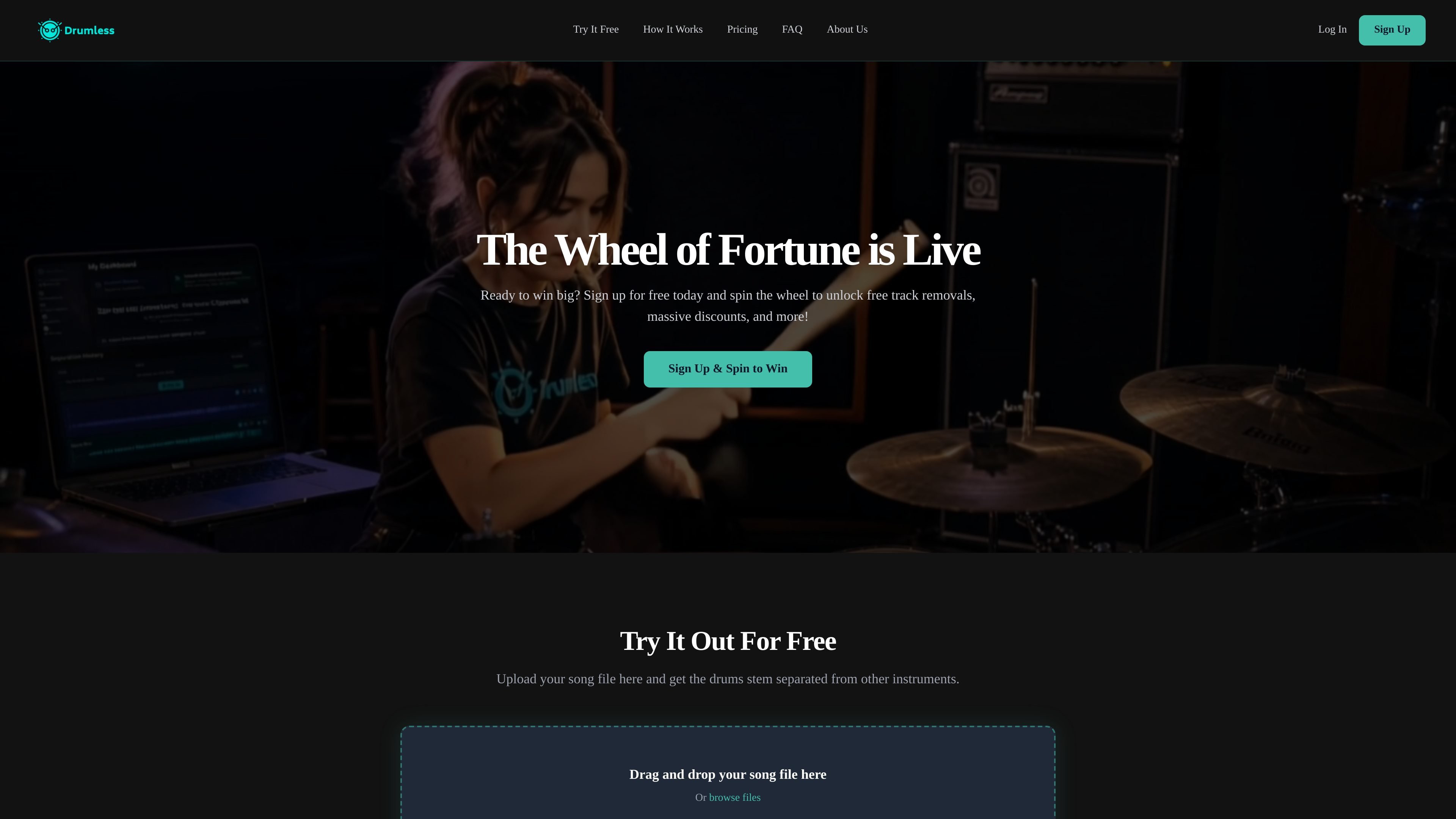
Audio file upload
Upload an MP3 or WAV file by drag-and-drop or file browser, then start drum separation from the homepage flow.

Separe faixas de bateria e crie acompanhamentos sem bateria a partir de MP3, WAV ou links do Google Drive.
Drumless is a web app for separating drum tracks from songs. It accepts audio uploads, processes them with AI, and produces a drum-only track plus a play-along version without drums.
The homepage presents a quick browser-based workflow: upload a file, preview the separation, and, on the premium plan, use a player that lets you mix the tracks together for practice or other editing workflows.
Upload an MP3 or WAV file by drag-and-drop or file browser, then start drum separation from the homepage flow.
Paste a public Google Drive link to import a song, provided the file is shared with anyone who has the link.
Listen to a first-minute preview of the separated drums and play-along tracks directly in the browser before exporting the result.
Use the premium player to play the isolated drums and the accompaniment in sync, with solo, mute, and volume controls.
Download the separated tracks for use in other audio software after processing is complete.
Free usage is limited to smaller uploads, while the premium plan increases the file-size limit and adds unlimited separations and cloud storage.
Drummers can strip the drum part from a song and use the play-along track for practice without having to build a backing track manually.
Musicians and producers can export the separated tracks into a DAW or audio editor to work with stems outside the browser.
Teachers and students can use the premium player to rehearse with synced playback and control the track balance in the browser.
People sharing audio through Google Drive can import a public link instead of downloading and re-uploading the file first.
Users who want a quick check can preview the first minute of the separation before deciding whether to continue with the file.
It isolates drum tracks from an uploaded song and provides a short first-minute preview of the separation in the browser.
The site supports MP3 and WAV uploads. You can also import a file from Google Drive by pasting a public link shared so that anyone with the link can view it.
The homepage says exported separated stems can be downloaded and used in audio software such as Audacity, Pro Tools, Ableton Live, Logic Pro X, or FL Studio.
You can cancel at any time from the service itself, without needing to email or call support.
The homepage says the AI model is trained on a large music dataset and separation accuracy can vary depending on the complexity and mix of the original track.
Os dados de tráfego são apenas para referência.

emastered.com
eMastered transforma faixas enviadas em arquivos WAV ou MP3 masterizados e oferece ferramentas para mastering de referência, separação de stems, remoção de vocais, distribuição e páginas de links para artistas.

vocalremoveroak.com
VocalRemover é uma ferramenta de separação de áudio com IA baseada no navegador, capaz de remover ou isolar vocais, extrair acompanhamentos e dividir stems de músicas ou vídeos. Oferece suporte a arquivos comuns de áudio/vídeo e a alguns links compartilhados, com preços por minuto exibidos na página inicial.