
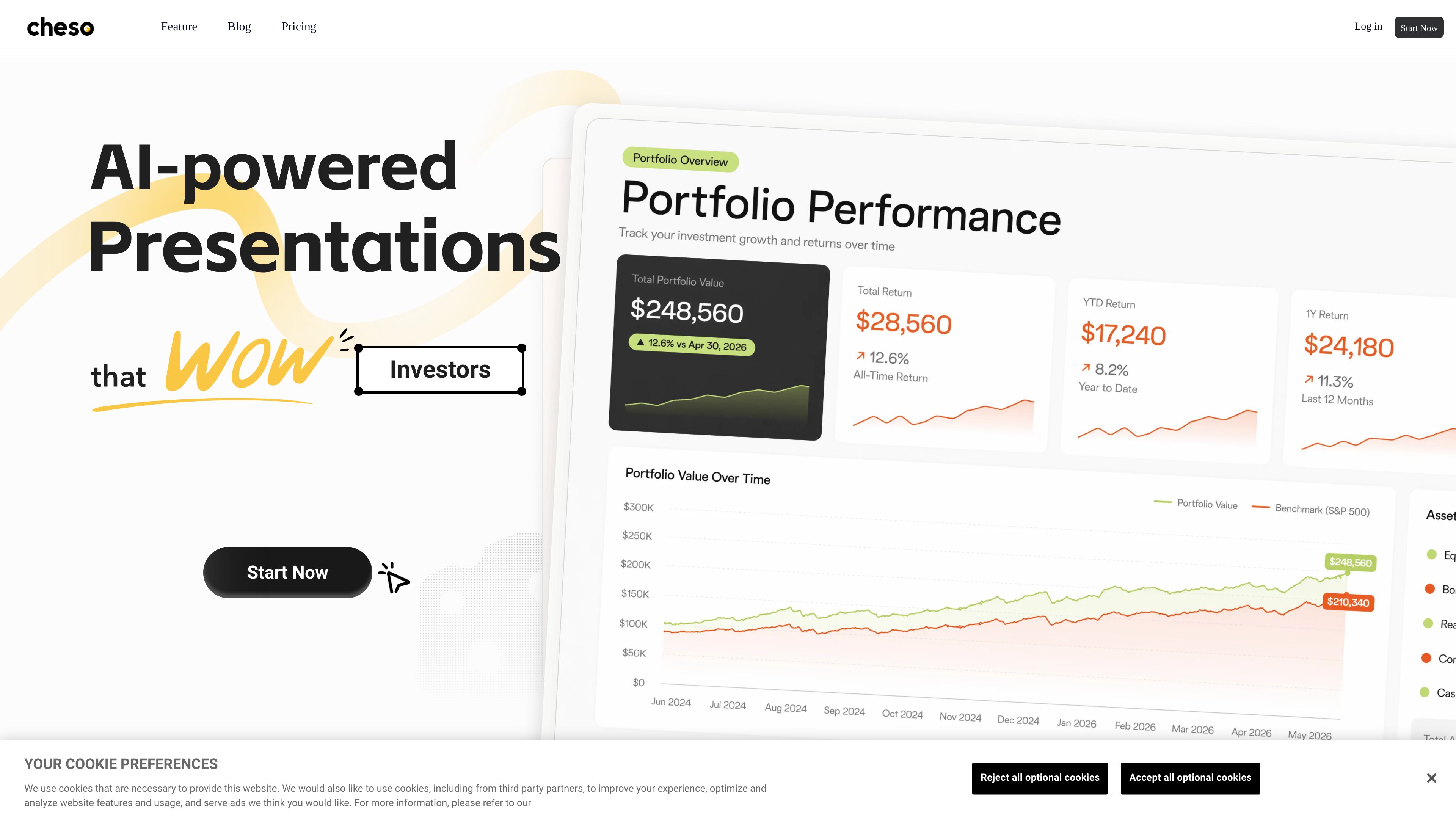
Idea, file, and research-to-draft workflow
Start with available material and use Cheso to turn it into a structured first draft, then develop research into clearer insights and a presentation story.

Cheso is an AI-powered presentation workspace that turns ideas, files, and research into structured, editable presentations and other visual outputs. It supports research, drafting, refinement, presentation, sharing, and export for customers, investors, team leaders, and students.
Cheso is an AI-powered presentation workspace for turning ideas, files, and research into polished visual content. Its workflow starts with existing material, develops research into slide-ready insights and a story, and produces a first draft that can be refined in an interactive editor.
The product supports several output formats, including interactive H5 content, editable presentations, visual canvases, and video output. Users can continue editing text, images, slides, videos, and other elements before presenting, sharing, or exporting the finished work. The site positions Cheso for customers, investors, team leaders, and students.
Cheso also advertises professional reports, presentations, posters, and web pages, alongside AI models for language, image, video, and audio generation. Its blog describes direct text and image editing, data visualization, narrated videos, flexible exports, editable decks, and AI-assisted revisions without regenerating an entire presentation.
The product is best suited to workflows that need a fast first draft but still require human refinement of the story, visuals, and final output.
Start with available material and use Cheso to turn it into a structured first draft, then develop research into clearer insights and a presentation story.
Create browsable and clickable H5 content as well as editable presentations, visual canvases, and video outputs.
Refine individual slides and content elements, including text, images, and videos, rather than relying only on full-deck regeneration.
The product blog describes selected-area AI Edit for local visual changes and Quote and Edit for context-aware updates, alongside precise manual editing.
Cheso supports data visualization and AI models for language, image, video, and audio work; narrated videos are also described in the product blog.
Finish a deck by fine-tuning details, then present, share, or export it. The site also lists reports, posters, and web pages as supported professional outputs.
Turn a proposal or research set into a structured, editable presentation, then refine the story and visual details before sharing or presenting.
Build polished decks from existing files and ideas for internal team communication or customer-facing explanations, with the option to continue editing individual elements.
Organize research into slide-ready insights and a coherent story, then deliver the result as an editable presentation or another supported visual format.
Combine a brief, photos, a menu, or brand assets into a designed poster and revise specific details without starting the whole design over.
Convert presentation work into interactive H5 or video output when the audience needs browsable content or a narrated presentation rather than a conventional deck.
The site says users can start with ideas, files, and research. Cheso uses that material to create a first draft and help identify slide-ready insights.
Yes. Cheso supports manual editing, selected-area AI Edit for local visual revisions, and Quote and Edit for context-aware changes, according to the product blog.
The site lists interactive H5 content, editable presentations, visual canvases, video output, professional reports, posters, and web pages. It also describes presenting, sharing, and exporting finished work.
The homepage lists a one-month one-time purchase, a monthly subscription, and an annual subscription. The displayed plan terms include credits, concurrent tasks, file-size limits, exports, and priority levels; pricing and terms should be checked on the current site before purchase.
The homepage explicitly presents the product for customers, investors, team leaders, and students. The available evidence does not specify a separate team collaboration model or supported integrations.
Os dados de tráfego são apenas para referência.

askdeck.ai
AskDeck is an AI presentation production service that turns a brief and source material into an editable PowerPoint, speaker notes, narrated script, and synchronized video. It supports business teams creating presentations for sales, training, executive communication, and consulting.

felo.ai
Multilingual AI search and creation tools for research, documents, presentations, and visual collaboration.

wonderslide.com
AI presentation maker that turns task descriptions and source materials into structured, designed slides.

dokie.ai
An AI presentation maker for individuals and teams creating structured presentations.

tosea.ai
Turn PDF reports and research papers into AI-generated presentations you can edit and export.

beautiful.ai
AI presentation software for individuals and teams creating branded, editable slide decks.