
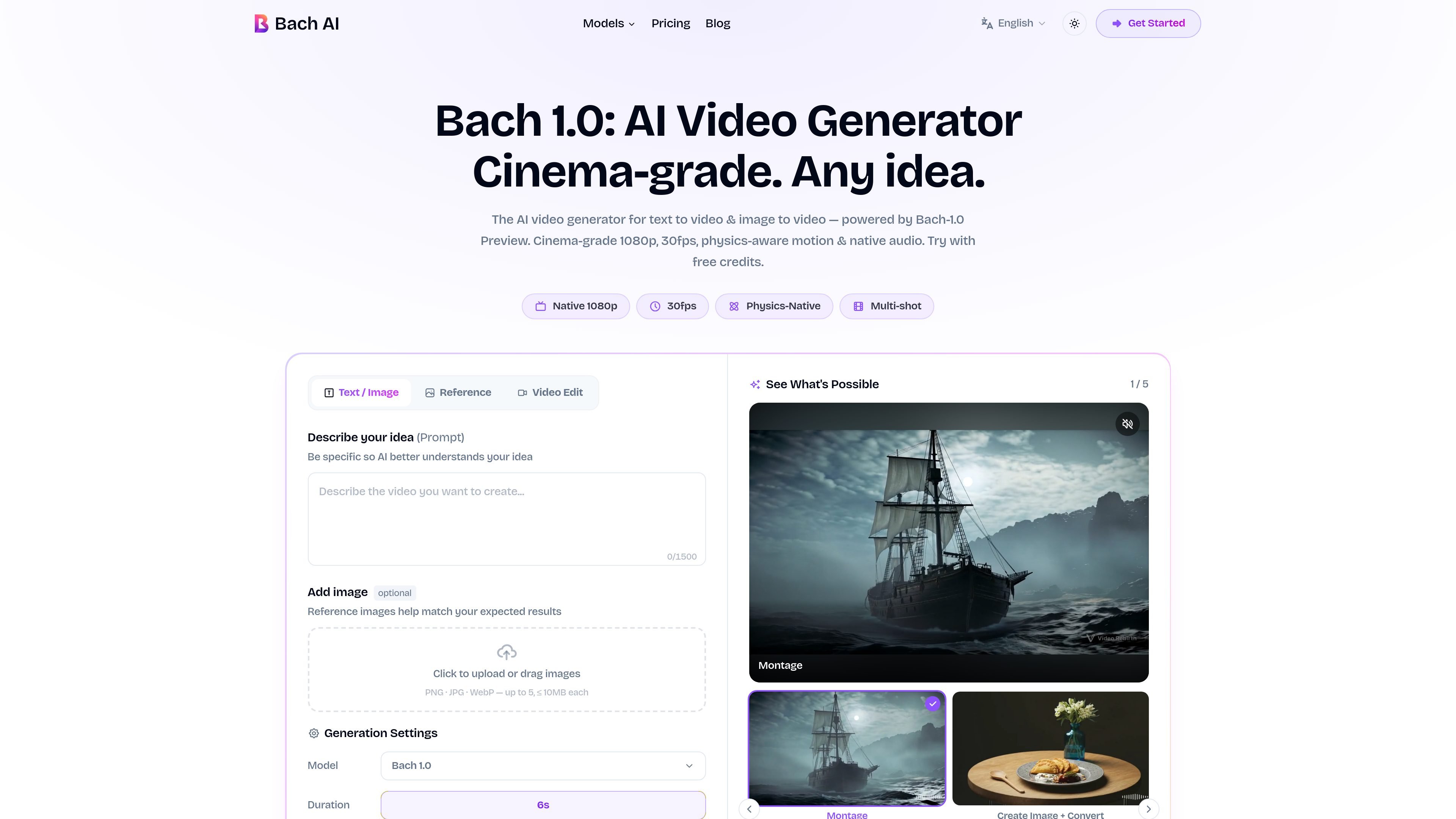
Text and image inputs
Generate scenes from written prompts or animate still images. The prompt field supports up to 1,500 characters, and reference image uploads accept up to five PNG, JPG, or WebP files of 10 MB each.

AI video generation from text and images for creators, marketers, and filmmakers.
Bach 1.0 is an AI video generator within the Bach AI workspace. It turns text prompts and still images into video, with tools for directing scenes, animating reference images, and building multi-shot sequences. The generation engine is also presented as Bach-1.0 Preview.
Bach AI also offers access to models including Seedance 2.0, Kling v3, Wan 2.7, and Veo 3 through one workspace and credit balance. Users choose a model and generation mode, describe their scene, and download the result.
Generate scenes from written prompts or animate still images. The prompt field supports up to 1,500 characters, and reference image uploads accept up to five PNG, JPG, or WebP files of 10 MB each.
Create sequences up to 30 seconds from a prompt and reference image. Bach 1.0 is designed to maintain character identity, lighting, and visual style across cuts.
Specify camera movements such as dolly, tracking, handheld, and whip pans, along with rack focus and lighting choices. Video references can guide camera trajectory, action pacing, and visual effects.
Bach 1.0 produces native 1080p video at 30 fps. Its audio pipeline generates synchronized sound effects and background music, with an audio toggle available in generation settings.
Choose 16:9, 9:16, 1:1, 4:3, or 3:4 formats to suit landscape, vertical, or square delivery.
Marketing teams can turn creative briefs into alternative ad scenes for A/B testing and campaigns across platforms.
Retailers can animate product images into showcase clips for listings and promotional content.
Creators can generate vertical TikTok and Reels clips or supplementary B-roll for a regular publishing schedule.
Filmmakers and musicians can explore storyboards, shot sequences, and visual concepts before developing a larger production.
Sign in, enter a scene description, optionally upload reference images, and choose a generation mode and settings. Generate the video, then download the output. The site says prompts can be written in any language.
Bach AI offers free sign-up credits. It also offers credit packs without a subscription, alongside monthly and yearly plans.
Hobby costs $9.90 per month for 800 monthly credits; Pro costs $39.90 for 3,200; Max costs $79.90 for 7,000. All include Bach 1.0 modes and synced audio. Pro adds priority generation, while Max also adds priority support. Listed annual prices are $69, $279, and $559 respectively.
The homepage advertises an average generation time below 60 seconds. The pricing page notes that montage sequences take longer, so render time depends on the task.
Os dados de tráfego são apenas para referência.

seedanceart.com
AI video and audio generation for creators, marketers, and storytellers

captions.ai
AI video editing and generation for creators and teams making social, marketing, and product videos.

klingai.com
Generate images and video with reference-based motion and start-and-end-frame controls.

openart.ai
An AI creation studio for generating and editing images, video, characters, worlds, music, and audio.

imagine.art
Create and edit images, video, and audio with AI models, shared canvases, and repeatable workflows.

fineshare.com
AI voice, music, and video creation tools for content creators.