
Voice generation and customization
FineVoice supports text-to-speech, voice cloning, voice design, and customization. Fineshare also provides voiceover and voice-changing tools for spoken audio.

AI voice, music, and video creation tools for content creators.
Fineshare is an AI audio and video creation platform organized around separately named tools. Choose FineVoice for generated speech, voice customization, and talking photos; Singify for music and covers; or Vora for video-generation and editing workflows. The tools have their own interfaces rather than one identical application for every task.
Aunio supports audio-production ideas, while the broader lineup also includes FineCam webcam software and VoiceTrans voice-changing and soundboard tools. Inputs include written prompts, pictures, voice recordings, and other media depending on the selected tool. Permissions, licenses, and plan limits need to match that particular workflow; the platform is not a blanket grant to reuse other people's voices or media.
FineVoice supports text-to-speech, voice cloning, voice design, and customization. Fineshare also provides voiceover and voice-changing tools for spoken audio.
Singify and related music tools generate songs, lyrics, and AI covers. Vocal removal separates vocals from songs, while music extension tools lengthen existing tracks.
Aunio turns ideas into voiceovers, music, and sound effects. Fineshare also offers sound-effect generation for the visuals, actions, and environments in videos.
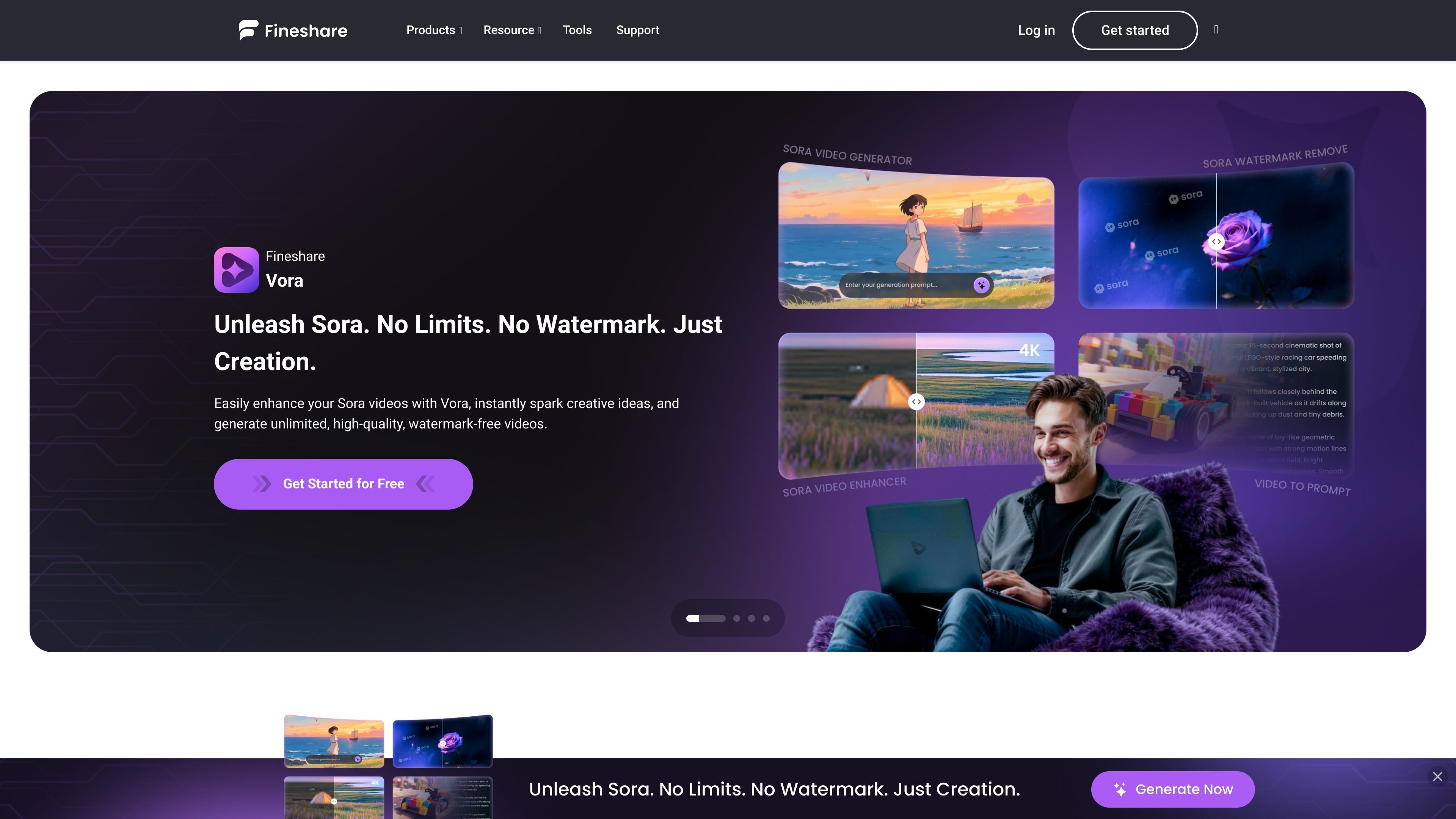
Vora provides Sora video-generation, text-to-video, and image-to-video workflows. Supporting tools extract prompts and remove watermarks; the Sora watermark tool restricts removal to owned or explicitly authorized materials for legitimate research or educational use.
FineVoice animates an uploaded picture using text-to-speech or supplied audio, creating a talking video with lip synchronization.
VoiceTrans provides sound effects, memes, and voice packs. Users can import audio, cut clips, assign desktop playback shortcuts, and publish sounds to its community.
Create spoken narration and supporting audio for videos, combining voiceovers with music and scene-specific sound effects.
Develop song ideas with generated lyrics and music, or prepare cover projects using voices and source recordings you are authorized to use.
Use VoiceTrans during live broadcasts or gaming sessions to trigger sound clips, add background audio, or communicate through character voice packs.
Start with a still image, written description, or portrait to create moving visuals, generated video scenes, or a speaking character.
Fineshare offers multiple named products for different tasks, including Aunio, FineVoice, Singify, Vora, FineCam, and VoiceTrans.
Upload a picture to FineVoice, then provide text for text-to-speech or use audio to drive the lip-synced video.
VoiceTrans Desktop supports click-to-play audio and shortcut keys. Its mobile app supports sharing voice messages and using a phone as a sound player, while the web soundboard lets users explore and download sounds.
Yes. VoiceTrans lets users import audio files, cut clips with Audio Cutter, keep sounds in a personal account, or publish them for community listening and sharing.
You must own the uploaded content or have the necessary rights to use it. Fineshare's terms specifically require permission from the voice owner before cloning and synthesizing their voice, and prohibit fraudulent impersonation.
No. The general site terms and software EULA specify personal, noncommercial use; rights for a particular tool or project must be covered by the applicable license and source permissions. The Sora watermark remover separately limits removal to materials you own or are authorized to edit, solely for legitimate research or educational use.
Os dados de tráfego são apenas para referência.

openart.ai
An AI creation studio for generating and editing images, video, characters, worlds, music, and audio.

vid.ai
AI video creation for faceless Shorts, long-form videos, and social content.

captions.ai
AI video editing and generation for creators and teams making social, marketing, and product videos.

storykit.io
Video automation for organisations turning existing written content into on-brand videos.

davinci.ai
Multi-model AI image and video creation with editing, resizing and upscaling tools.

twoshot.app
An AI creative suite for generating, editing, searching, and organizing audio, music, images, and video.