Amazon Q Developer logo

Amazon Q Developer

Freemium
Visitar

Amazon Q Developer is an AI-powered coding assistant for software developers. It provides code suggestions, chat, testing, security scanning, refactoring, and agentic help across supported IDEs, the command line, AWS tools, and selected collaboration workflows.

O que é Amazon Q Developer?

Amazon Q Developer is an AI-powered software development assistant from AWS. It works in supported code editors and terminals to help developers generate code, ask questions, troubleshoot, test, review, refactor, and upgrade applications. Its core purpose is to reduce manual work across the software development lifecycle while keeping development activity in familiar tools.

The assistant combines code-focused help with AWS guidance and application transformation workflows. Depending on the environment, developers can use it for inline suggestions, natural-language interaction, security analysis, operational investigation, and multistep agentic tasks that involve files, diffs, and shell commands.

O que Amazon Q Developer pode fazer?

Real-time code suggestions

Generates suggestions ranging from snippets to full functions using comments and existing code. Inline chat is available in supported code editors, while the command-line interface provides completions and natural-language-to-Bash translation.

Agentic development tasks

Can work through multistep activities such as feature implementation, documentation, unit testing, code review, and refactoring. The agentic experience can read and write files, create code diffs, run shell commands, incorporate feedback, and provide progress updates.

Code quality and security assistance

Helps write unit tests, optimize code, scan for vulnerabilities, and suggest remediations. These capabilities are intended to support reliability and security work during development.

Private repository context

Can connect securely to private repositories so recommendations can reflect internal code and users can ask questions about company codebases.

AWS operations guidance

In the AWS Management Console and supported chat applications, helps users review resources, analyze bills, explore architectural guidance, investigate operational incidents, and diagnose networking issues.

Application transformation and data workflows

Supports .NET porting from Windows to Linux and Java upgrades, and helps with natural-language queries, data pipelines, machine-learning models, and generative AI application development.

Casos de uso

“Implement and document features”

A developer can describe a change in the editor and use agentic assistance to generate or modify files, review the resulting diff, run related shell commands, and create supporting documentation.

“Test and remediate an existing codebase”

Teams can use code analysis to generate unit tests, optimize implementation details, identify vulnerabilities, and apply suggested fixes as part of a reliability or security review.

“Modernize applications”

Organizations maintaining older systems can use the transformation workflows for .NET porting from Windows to Linux or for upgrading Java applications.

“Operate and troubleshoot AWS workloads”

Cloud practitioners can use Amazon Q in the AWS console, Microsoft Teams, or Slack to examine resources, review costs, investigate operational incidents, and diagnose networking problems.

“Build data and AI applications”

Data and application teams can use natural-language query assistance, data-pipeline coding help, machine-learning model support, and generative AI development guidance.

Perguntas frequentes

Where can Amazon Q Developer be used?

AWS lists plugins or extensions for JetBrains, VS Code, Visual Studio, and Eclipse, plus a command-line interface. It is also available in the AWS Management Console, the AWS Console Mobile Application, Microsoft Teams, Slack, GitLab workflows, and selected GitHub workflows.

What can the agentic coding experience do?

It can handle multistep development tasks such as implementing features, writing documentation, testing, reviewing, and refactoring code. It may read and write files, generate code diffs, run shell commands, incorporate feedback, and provide real-time updates.

Can Amazon Q Developer work with private company code?

Yes. AWS says Amazon Q Developer can connect securely to private repositories to provide more relevant code recommendations, answer questions about company code, and help users understand internal codebases.

Is there a free way to try Amazon Q Developer?

AWS states that Amazon Q Developer has a perpetual Free Tier with 50 agentic chat interactions per month and the ability to transform up to 1,000 lines of code per month. Current eligibility, pricing, and other plan conditions should be confirmed on the Amazon Q Developer pricing page.

What support change should IDE users know about?

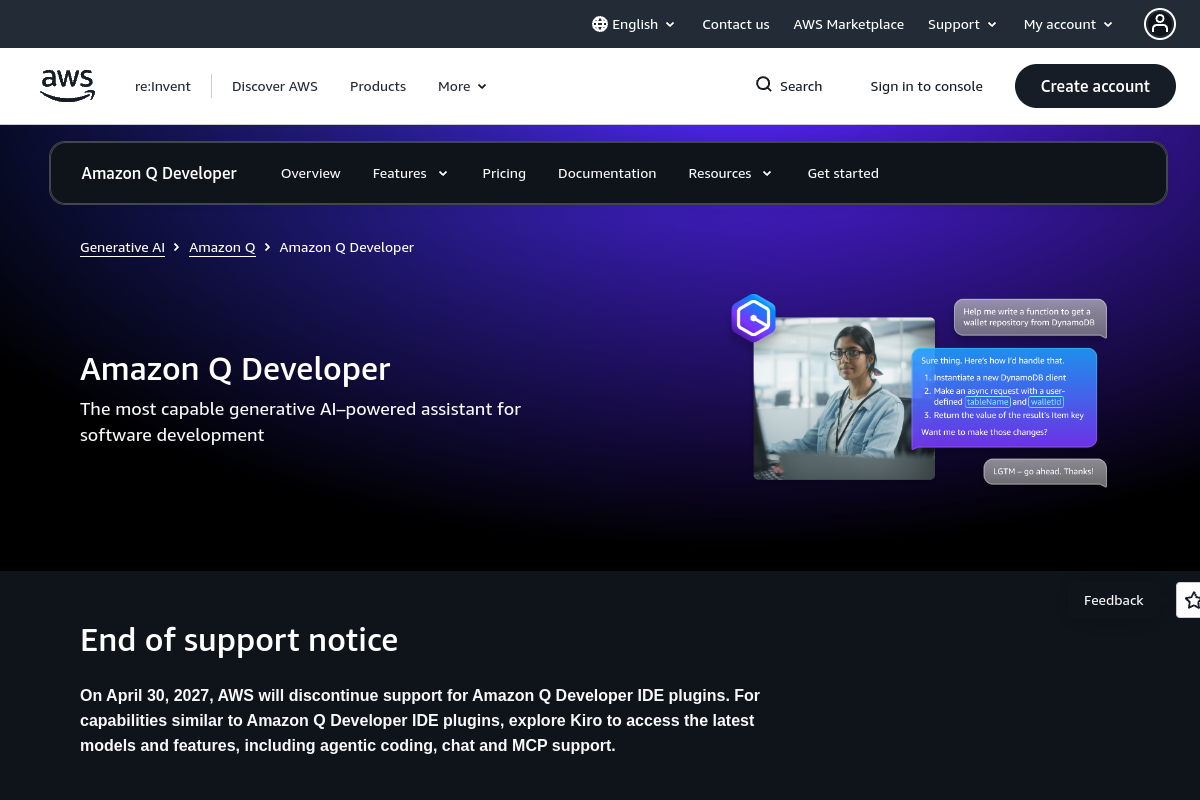
AWS has announced that support for Amazon Q Developer IDE plugins will be discontinued on April 30, 2027. AWS directs users seeking similar capabilities to explore Kiro.

Informações rápidas

Category
Developer Tool; AI Coding Assistant
Provider
AWS
Primary users
Software developers, cloud practitioners, and data or AI teams
Editor and terminal access
JetBrains, VS Code, Visual Studio, Eclipse, and command line
AWS and collaboration access
AWS Management Console, AWS Console Mobile Application, Microsoft Teams, and Slack
Free Tier stated by AWS
50 agentic chat interactions per month and up to 1,000 transformed lines of code per month

Alternativas ao Amazon Q Developer

Jackalope logo

Jackalope

jackalope.dev

Jackalope is a desktop workspace for running AI coding agents in parallel across separate Git worktrees. It helps developers carry project context between tasks, use supported agent tools, and review related changes together.

Syntha AI logo

Syntha AI

syntha.ai

A chat-based AI assistant for developers to generate, explain, and convert code.

ZZZ Code AI logo

ZZZ Code AI

zzzcode.ai

A web-based coding assistant for generating, explaining, converting, reviewing, and documenting code.

Bezi logo

Bezi

bezi.com

An AI assistant for Unity developers that uses project context to support coding, debugging, shaders, and prototyping.

LucentraCode logo

LucentraCode

lucentracode.com

LucentraCode is an open-source AI coding CLI that helps developers inspect repositories, plan and implement changes, run commands and tests, and verify results from a terminal. It supports interactive and automated workflows with selectable models and integrations for headless execution and MCP.

Claude Code logo

Claude Code

claude.com

An AI coding agent that understands codebases, edits files, and runs commands for developers.