
Self-hosted control plane
Deploy Agent Barn to your own Kubernetes cluster so agent data, credentials, and execution stay in your environment.

Agent Barn é um plano de controle auto-hospedado para criar, configurar, executar e monitorar agentes de IA no Slack, Microsoft Teams e Telegram, mantendo visíveis conversas, atividades das ferramentas e custos.
Agent Barn is a self-hosted orchestration layer for AI agents. It provides one place to create agents, attach tools and credentials, run them in chat channels, and monitor what they do from a shared control plane.
The product is built for teams that want agents to work inside existing collaboration tools while remaining hosted in their own infrastructure. The site emphasizes Slack, Microsoft Teams, and Telegram as supported chat surfaces, plus deployment to Kubernetes with Helm and product-state storage in PostgreSQL.
Deploy Agent Barn to your own Kubernetes cluster so agent data, credentials, and execution stay in your environment.
Reach agents from Slack, Microsoft Teams, and Telegram, allowing teams to interact with them through channels they already use.
Define agent roles, instructions, startup behavior, tools, and restrictions in versioned Markdown bundles, then reuse skills across agents.
Link agents to external systems such as Jira, Confluence, GitHub, Bitbucket, and Gmail using scoped credentials and integrations.
Inspect conversations, tool calls, logs, lifecycle state, and model costs for each agent you are allowed to access.
Choose a runtime per agent; the site names OpenClaw and Hermes as supported runtime options.
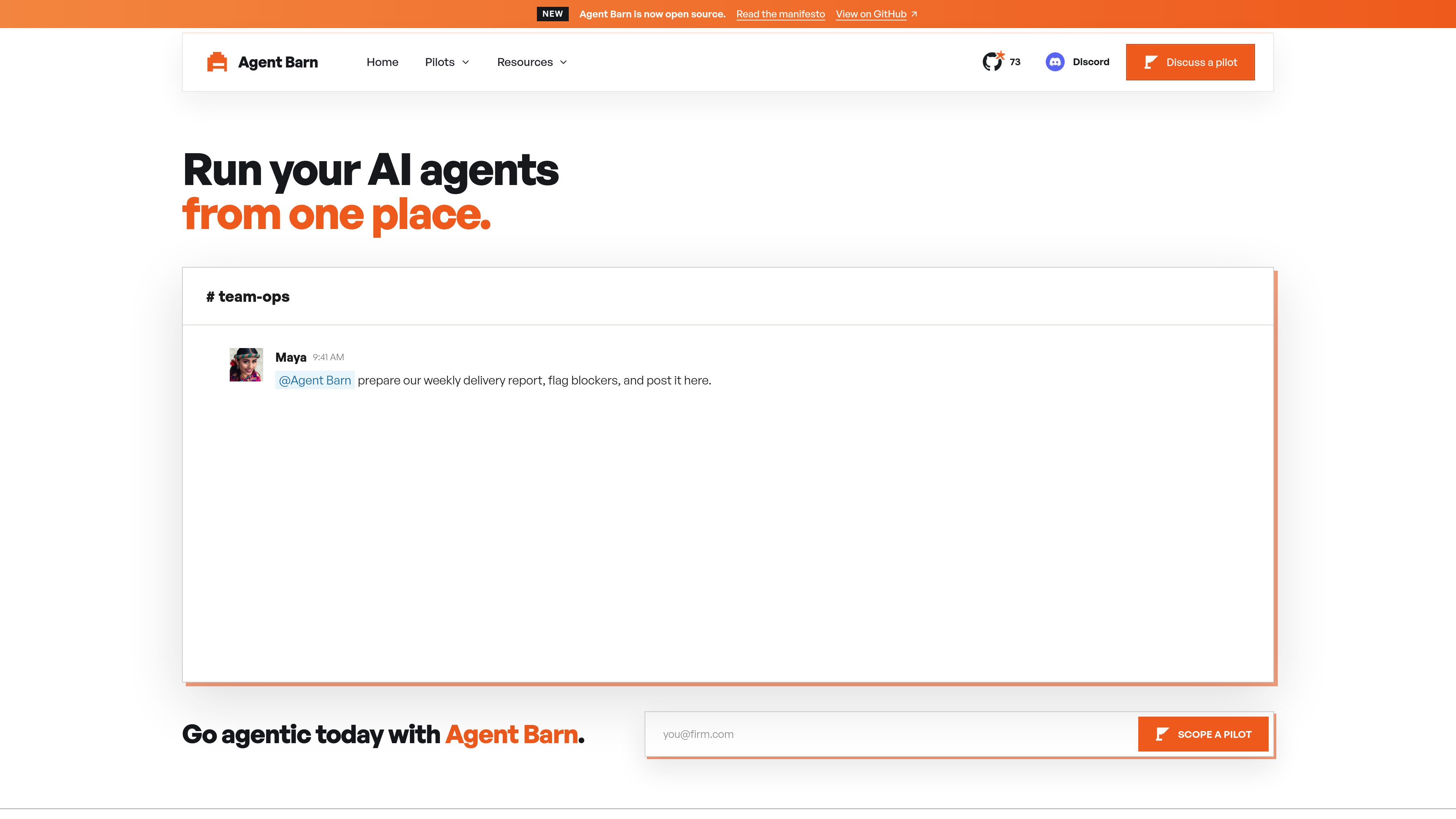
Ask an agent to assemble a delivery report, gather signals from connected tools, and post the result back to Slack or Teams on a schedule.
Use an agent to search Jira, check GitHub activity, read Confluence updates, and combine those inputs into a single task or summary.
Apply agents to manufacturing workflows such as RFQ intake, custom quoting, drawing checks, and order status coordination.
Use supervised agents for repetitive legal work such as procurement claims, precedent search, document review, and email intake routing.
Run and monitor a fleet of agents from one control plane when your team wants visibility into conversations, tool usage, and costs.
They run in your infrastructure. The site says Agent Barn deploys with Helm to your Kubernetes cluster, with PostgreSQL for product state and LiteLLM for model routing.
Slack, Microsoft Teams, and Telegram are listed on the homepage. The documentation also references Discord in its platform category list.
Yes. The homepage and manifesto say you can choose a runtime per agent, including OpenClaw or Hermes.
The site explicitly mentions Jira, Confluence, GitHub, Bitbucket, and Gmail, and the manifesto says the platform is designed for extensible integrations.
No pricing information was available on the pricing URL provided; that page returned a 404 in the collected source.
Os dados de tráfego são apenas para referência.

www.clears.ai
Clears é uma plataforma de orquestração de IA para equipes de engenharia que coordena agentes, ferramentas, tickets e fluxos desde os requisitos até pull requests revisados, com análise em segundo plano, execução paralela, contexto compartilhado e integrações.

powerbi.com
Plataforma de business intelligence e visualização de dados para criar relatórios, painéis e análises interativos.

enabot.com
Enabot cria robôs domésticos inteligentes para monitorar a família e os animais, com EBO e ROLA para vídeo bidirecional, patrulha, interação e acompanhamento de idosos.

positional.com
Ferramentas de conteúdo e SEO para planejar, otimizar, analisar e acompanhar

dtiq.com
Software de operações para restaurantes e varejistas com vídeo inteligente, análises, auditorias e ferramentas de drive-thru

jestor.com
Jestor é uma plataforma de processos empresariais para criar apps internos, formulários, painéis e automações.