
Visual app building
Build interfaces with a visual drag-and-drop editor, then connect the app to data and APIs without leaving the platform.

WeWeb is a no-code web app platform for production-ready apps with AI, visual editing, API integrations, and deployment to WeWeb Cloud or self-hosted infrastructure.
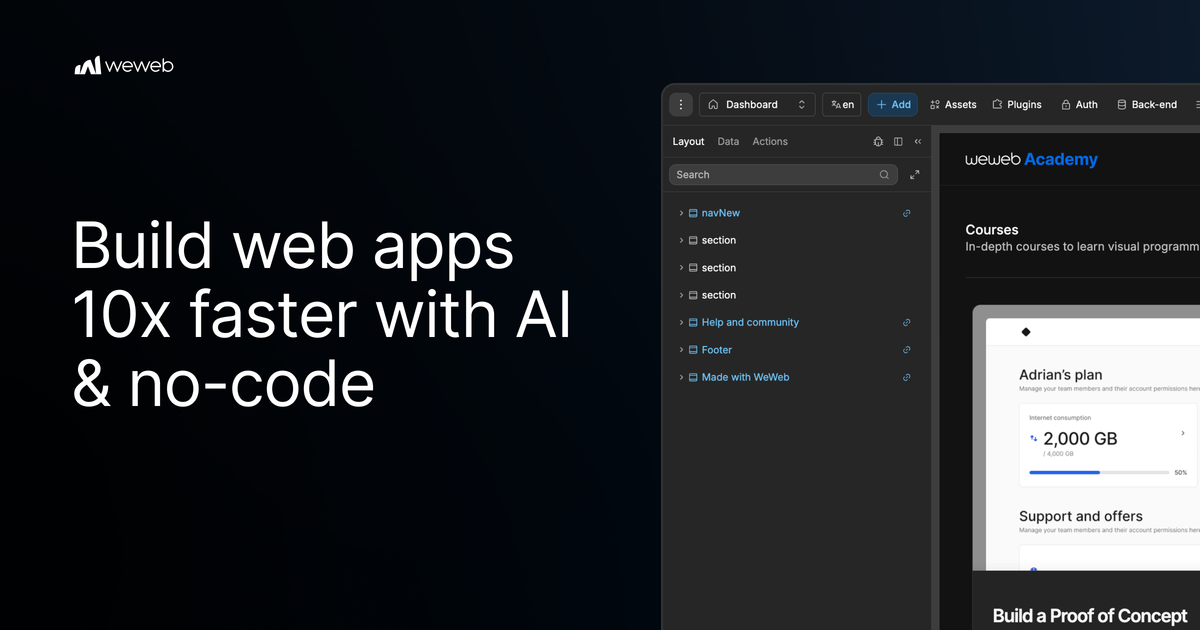
WeWeb is a no-code web-app platform for building production-ready applications with a visual editor and AI-assisted workflows. The product combines drag-and-drop building, API and data integration, and deployment options aimed at teams that want more control than a typical site builder.
The platform positions itself around decoupling and zero vendor lock-in. Its pricing and help pages say users can export their application code and self-host it on their own infrastructure, while WeWeb Cloud provides managed hosting, backups, and scaling options for teams that prefer a hosted setup.
Build interfaces with a visual drag-and-drop editor, then connect the app to data and APIs without leaving the platform.
Use WeWeb’s AI assistant to generate content, logic, or designs, then refine the result with visual controls.
Connect to REST, GraphQL, or SOAP APIs, plus supported data and authentication integrations listed in the integration catalog.
Import coded components and, on paid plans, export code so applications can be self-hosted outside WeWeb Cloud.
Publish on WeWeb Cloud with options that scale from free subdomain hosting to custom domains and higher-capacity tiers.
Invite teammates to the same workspace on Pro plans and manage collaboration through seat-based access.
Create customer portals, internal tools, or SaaS interfaces where teams need a visual builder but still need to connect to external APIs and data sources.
Use the AI assistant to draft content, logic, or layouts quickly, then polish the result in the editor for a more controlled build process.
Ship a hosted app on WeWeb Cloud when you want managed deployment, or export the code and self-host when your team needs infrastructure control.
Invite multiple contributors to the same workspace on seat-based plans when designers, developers, or operators need to collaborate on the same project.
Browse the showcase to study how other teams have built SaaS products, portals, internal tools, forms, and other production apps with WeWeb.
Yes. WeWeb offers free seat and WeWeb Cloud plans, and the pricing page says you can build and deploy an application for free. It also says paid seat plans can publish to a free WeWeb subdomain with WeWeb branding for testing or prototyping.
Yes. WeWeb says you can export your entire application, including both front-end and backend code, and self-host it on your own infrastructure. In that case, WeWeb Cloud limits such as visits, bandwidth, database, and backend compute do not apply.
Yes. WeWeb supports team collaboration through its seat-based model, where you can invite colleagues to a workspace and assign seats.
WeWeb uses AI tokens as the fuel for its built-in AI features. The pricing page says tokens are included with seat plans and are consumed when using AI to generate content, logic, or designs.
The pricing page says subscriptions can be changed in Billing settings, with upgrades taking effect immediately and downgrades or cancellations taking effect at the end of the billing period.