
Meeting recording with instant outputs
Tap record at the start of a meeting and get a transcript, summary, and action items when it ends, without a bot joining the call.

Voicenotes is an AI note-taking app for meetings, memos, and dictation, turning them into transcripts, summaries, and action items.
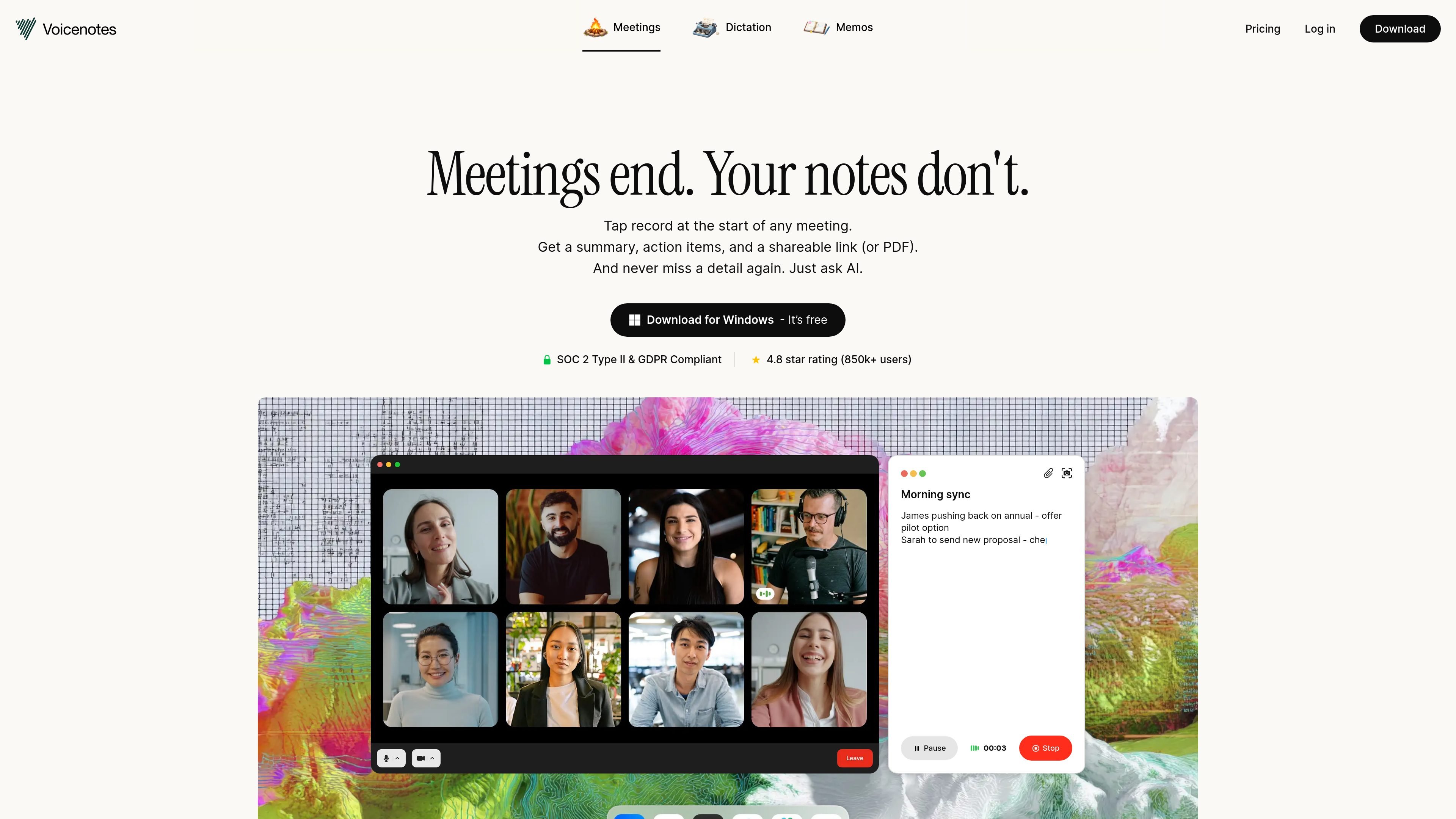
Voicenotes is an AI note-taking and meeting capture app for recording conversations, transcribing them, and turning them into summaries and action items as soon as a session ends. The site emphasizes that it works for both in-person and online meetings and does not require a bot to join the call.
Beyond basic transcription, Voicenotes positions Ask AI as a way to search and reuse the information in your recordings over time. The product also supports memos and dictation, so it can be used for meeting notes, voice journaling, and other spoken notes, not only formal calls.
Tap record at the start of a meeting and get a transcript, summary, and action items when it ends, without a bot joining the call.
The app captures recordings, transcripts, and key points in one place so you can review what was said later without rebuilding the context yourself.
You can export a clean PDF or share a link after the meeting, which makes it easier to send notes to teammates or drop them into Slack.
Voicenotes supports 60+ languages on the home page and 100+ languages on the pricing page, with automatic detection and transcription support.
The pricing page says the Pro plan adds real-time notes and live transcriptions, along with unlimited history and unlimited audio imports.
Ask AI turns your recordings into a searchable knowledge base so you can ask for summaries, reminders, and details from past conversations.
Record a client or internal meeting, then send the resulting summary or PDF to teammates who were not present.
Use Ask AI to search across past notes for decisions, reminders, or details from earlier conversations.
Capture spontaneous thoughts, voice journals, or rough ideas as memos and dictation, then transcribe and organize them later.
Turn recurring conversations into action items, task lists, or follow-up emails after the meeting ends.
Use the Pro plan’s team billing and integrations to connect notes with external tools and shared workflows.
Voicenotes records meetings, memos, and dictation from your device, then transcribes the audio and produces summaries, action items, and searchable meeting reports.
The source shows support for meeting recording on Mac, Windows, iPhone, Android, watchOS, Wear OS, and a Chrome extension, with downloads linked from the site.
Yes. The pricing page states that the Pro plan includes advanced integrations with Zapier, Obsidian, Notion, Claude, ChatGPT, and Voicenotes MCP for connecting notes to external tools.
The pricing page says team billing is available, and the FAQ explains that colleagues can switch to team billing from Settings under Teams.
The site states that data is encrypted, SOC 2 Type II certified, GDPR compliant, and not used to train AI models.