
AI clipping
Let the platform identify highlight moments in longer videos and generate clips with one click, reducing manual review and trimming.

Vizard.ai is an AI video editing and clipping tool that turns long recordings into social-ready clips with transcript editing, caption translation, and branding controls.
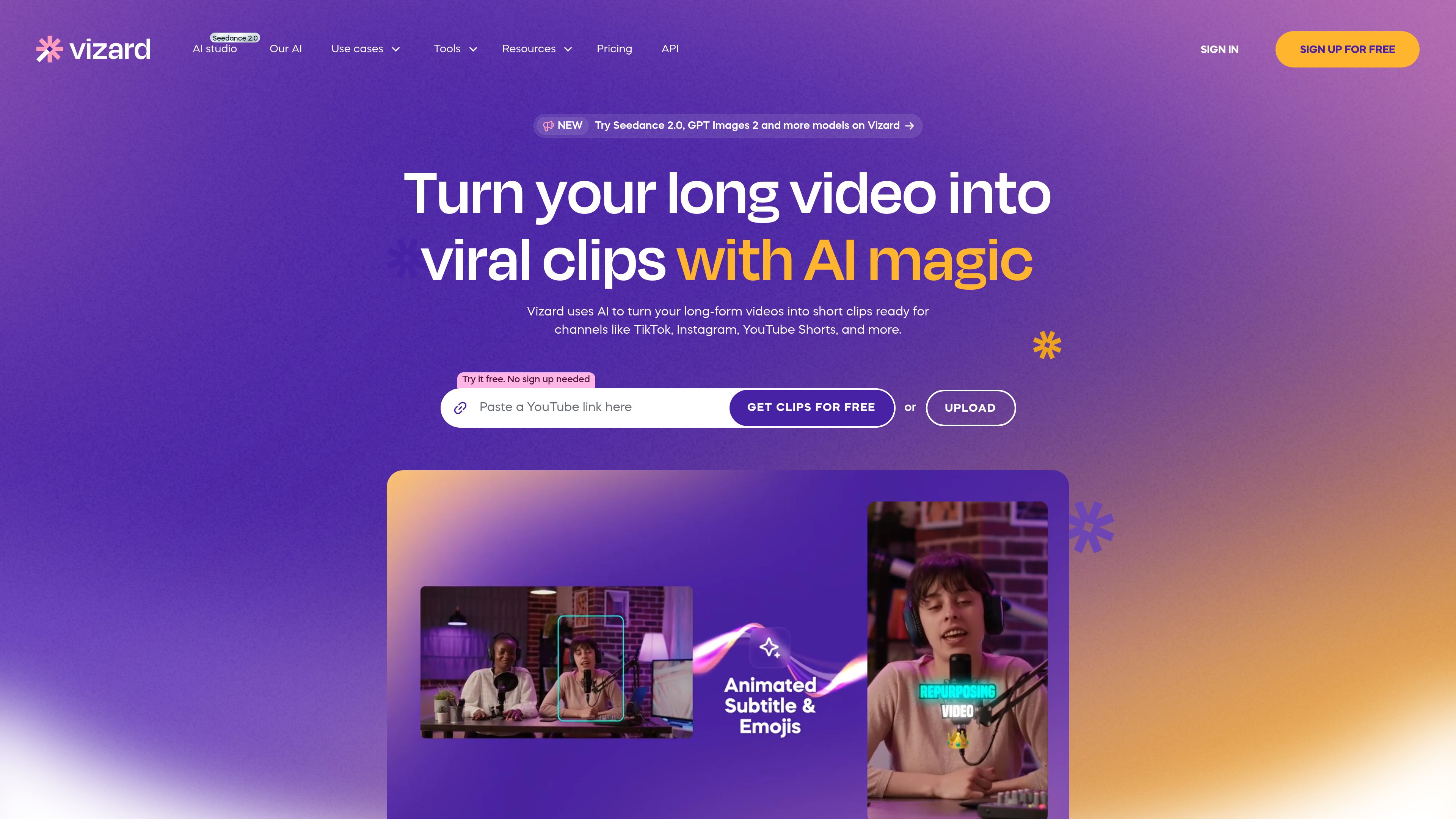
Vizard.ai is an AI video editing and clipping tool built to turn long-form recordings into short social-ready clips. The site positions it for creators, coaches, marketers, agencies, and teams that want to repurpose webinars, interviews, podcasts, and similar footage without doing all of the clipping manually.
The workflow shown on the site starts with uploading or generating clips from existing footage, then transcribing the video, identifying highlight moments, and producing ready-to-share outputs for platforms such as TikTok, Instagram, and YouTube Shorts. The product also includes a fuller editor for text-based edits, caption translation, timeline adjustments, and brand templates.
Let the platform identify highlight moments in longer videos and generate clips with one click, reducing manual review and trimming.
Resize and reframe clips for vertical formats such as TikTok, Reels, and Shorts so the subject stays centered without manual resizing.
Edit videos with transcript-based tools, including trimming by text and downloading transcripts in TXT or SRT formats.
Translate captions into more than 100 languages to adapt the same clip for different audiences.
Apply templates, custom outros, and brand kits with custom fonts to keep output consistent across projects and teams.
Share videos as links, publish directly from Vizard, or send exports to social media and Google Drive where supported by the plan.
Upload a webinar, podcast, interview, or course recording and let Vizard identify highlight moments that can be turned into short social clips.
Use transcript editing, caption translation, and brand templates to prepare clips for consistent publishing across channels.
Work from a team workspace to invite members, share projects, and review previews with clients or contractors before export.
Use the plan tiers to choose between free clipping, creator-focused editing, or business-oriented shared workflows and team access.
You can upgrade from the free plan directly in your workspace or by selecting the Upgrade button. The site says you then choose a plan and follow the checkout prompts.
Yes. The pricing page says you can change or cancel your plan at any time from account settings, and cancellations take effect at the end of the billing cycle.
The pricing page lists credit cards, PayPal, Stripe, and bank transfers as accepted payment methods.
Vizard says payments are processed through Stripe, so card details are handled by Stripe rather than stored by Vizard.
The pricing page describes direct publishing to social media, link sharing, exports, and saving to Google Drive, but it does not provide a full integration directory.