
Text-to-video editor
Create videos by typing into the editor rather than using traditional timeline editing software. Vidon.ai positions this as a simpler way to turn text into finished videos.

Vidon.ai is an AI video marketing platform for creating, repurposing, and automating videos from text, URLs, spreadsheets, or APIs. It supports publishing, hosting, analytics, and exporting MP4s, thumbnails, and SRT subtitles.
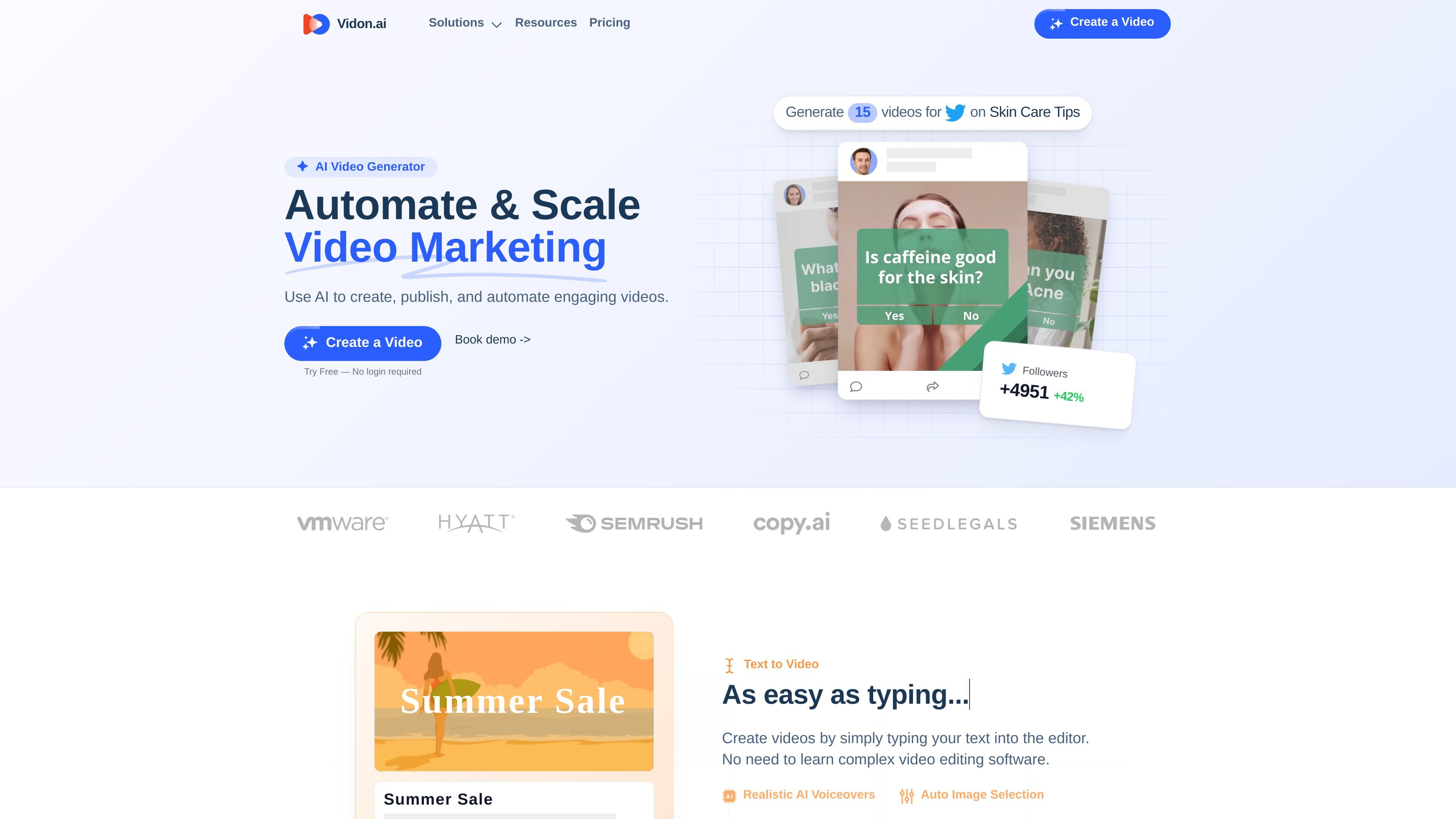
Vidon.ai is an AI video marketing platform for creating, repurposing, and automating video content. The site presents it as a simple way to make videos from text, URLs, spreadsheets, or API-driven workflows.
Its core workflow covers video generation, publishing, scheduling, hosting, and analytics in one place. The product also supports content repurposing for existing pages and bulk automation for teams that need to produce many videos from similar source material.
Create videos by typing into the editor rather than using traditional timeline editing software. Vidon.ai positions this as a simpler way to turn text into finished videos.
Enter a URL and have Vidon.ai turn written pages such as blog posts, product pages, job listings, or real estate listings into videos that summarize the source content.
Use the automation workflow to generate videos from CSV files, spreadsheets, or API requests, including bulk creation for large batches of content.
Publish videos to social media, schedule content with a calendar, and track performance from the same platform so creation and distribution stay connected.
Export videos in Full HD and receive deliverables such as MP4 files, thumbnail images, and SRT subtitle files after export.
Use built-in voiceovers, a large stock media library, automatic captions, and translation support for faster production and reuse across formats.
Turn blog posts, product pages, and other web pages into short videos for social channels or website embeds without rewriting the content from scratch.
Generate videos from text prompts or scripts when you need a quick way to produce explainers, announcements, or marketing clips.
Batch-produce videos from CSV files or spreadsheets when you need many similar videos for product campaigns, listings, or catalog-style content.
Schedule, publish, and track video content from one place when you want video marketing, hosting, and analytics to stay connected.
Use API-driven video generation when you want to trigger video creation programmatically or connect it to existing internal workflows.
Yes. The pricing page says you can use the editor and create videos for free, and you only pay when you export a video.
A video credit exports one video in three aspect ratios: landscape, square, and vertical.
The pricing page says exported videos can be scheduled to social media, downloaded as an MP4, and include SRT subtitles and a thumbnail image.
Yes. Vidon.ai says it supports monthly or annual billing, and the pricing page lets you switch between them.
For larger volumes or more than 40 videos per month, Vidon.ai directs users to contact sales for a custom plan.