
Works everywhere you do
Create reusable text snippets and insert them across apps and websites without needing a separate integration setup.

typedesk is a text expander and keyboard automation app for canned responses, shortcuts, and reusable templates across Windows, Mac, and major browsers.
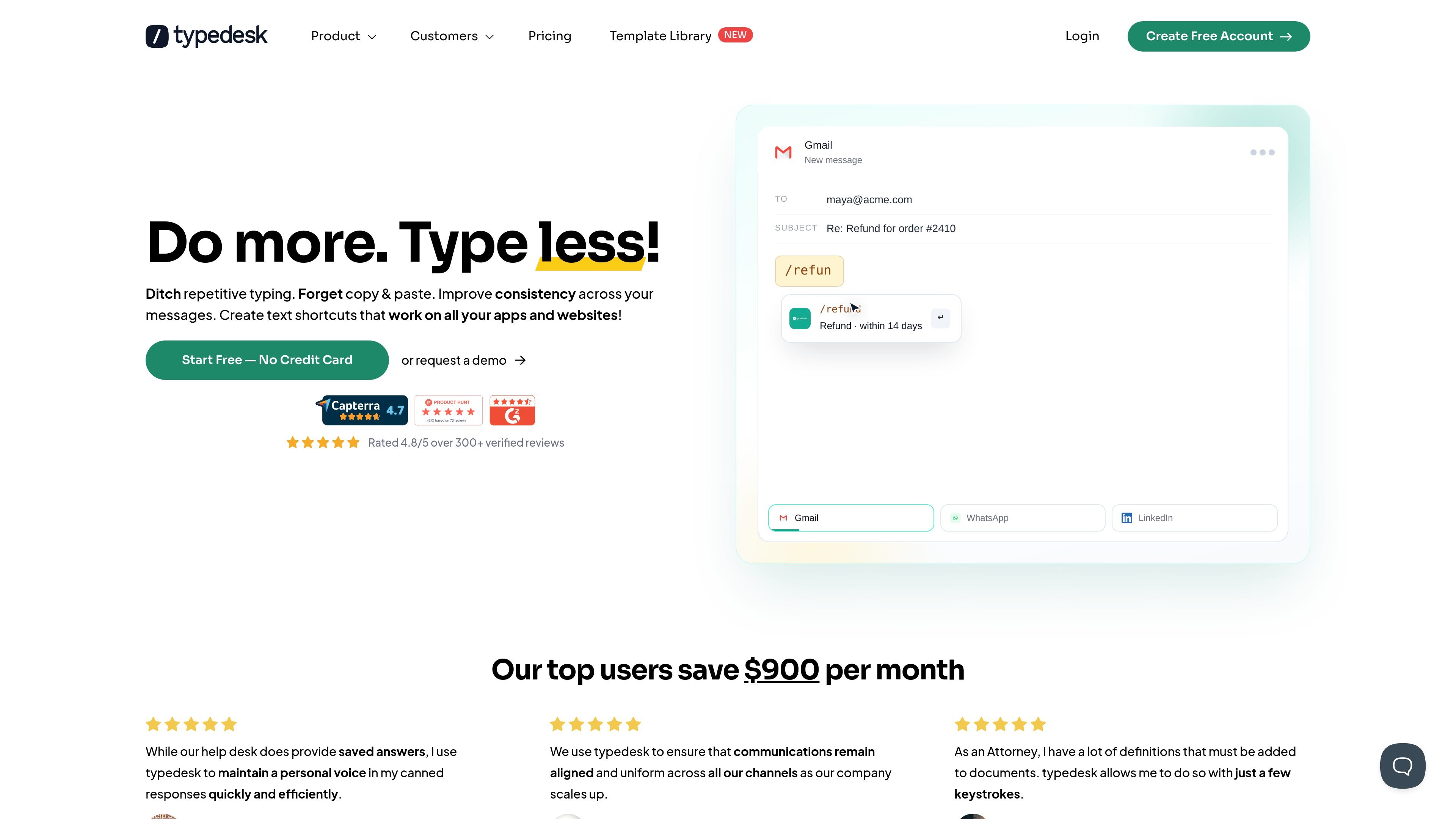
typedesk is a text expander and keyboard automation app for creating canned responses, text shortcuts, and reusable template workflows across desktop apps and browsers. The site positions it as a cross-platform tool for people who want to type less, keep replies consistent, and speed up repetitive communication.
It supports Windows, Mac, and major browsers, and it is designed to work with the apps and websites users already have in place. The product also includes team-oriented features such as shared folders, activity notifications, and permission controls, plus AI-related options on higher tiers.
Create reusable text snippets and insert them across apps and websites without needing a separate integration setup.
Use customizable shortcuts to open templates quickly, with examples like short aliases for frequently used content.
Organize templates in folders and apply different sharing settings so teams can keep responses structured by topic or workflow.
Build reusable variations of the same response, such as alternate tones or translations, without starting from scratch.
Use variables for free-text fields, multi-select choices, gender-based content, time-based content, random values, and calculations.
Fill forms and generate or refine text with OpenAI/ChatGPT features, including prompts, summaries, translations, and quick replies on supported plans.
Support agents can store approved replies, share them with teammates, and keep answers aligned across channels without rewriting the same message repeatedly.
Sales and customer success teams can insert booking links, follow-up notes, and standardized outreach faster while keeping templates organized by folder.
Administrative teams can speed up routine emails, contracts, and company information lookups by using shortcuts, variables, and reusable snippets.
Accountants, bookkeepers, and other detail-heavy teams can automate repetitive text, calculations, and structured responses for recurring tasks.
Legal and consulting teams can keep estimates, document requests, and common notices consistent using shared templates and permissioned folder access.
typedesk works on Windows, Mac, and major browsers. The site says it works with the apps and websites you already use, so it is designed to fit into existing workflows rather than replace them.
The pricing page shows a Free plan, Premium, Premium +AI, and Enterprise. The Free plan is limited to a single user with 50 uses per week, and a 14-day free trial is available for Premium.
typedesk supports shared folders, team notifications when templates change, and custom permissions per folder. The pricing page also lists team support on Premium and enterprise features such as SSO, dedicated account management, and custom onboarding.
The features page shows shortcuts, folders, variations, variables, form filler, and OpenAI/ChatGPT integration. It is built for text snippets, canned responses, and keyboard-driven template insertion.
typedesk includes integrations or support for Gmail, Zendesk, Helpscout, Facebook, Slack, LinkedIn, Office, and browser use, based on the home page and feature pages. The site also says it works out of the box with the apps and websites you already use.