
Long-running background tasks
Write tasks in regular async TypeScript code instead of splitting logic around serverless timeouts. The platform runs them on managed workers so longer workflows can keep state and continue after waits or retries.

Trigger.dev is an open source platform for building long-running background jobs, AI workflows, and agents in TypeScript. It runs tasks on managed infrastructure with retries, queues, observability, and elastic scaling, and also supports self-hosting.
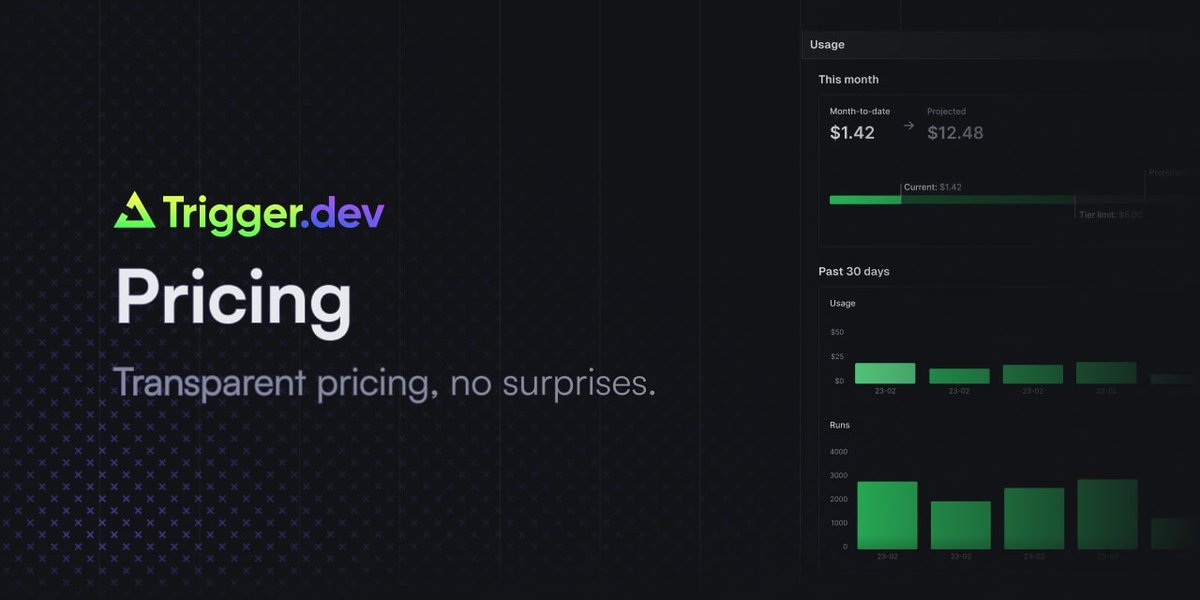
Trigger.dev is an open source platform for building background jobs, AI workflows, and agents in TypeScript. It is designed for long-running work that needs retries, queues, observability, and elastic scaling without requiring developers to manage their own servers.
The product site positions Trigger.dev for tasks such as AI agents, streaming, human-in-the-loop flows, scheduled tasks, media processing, browser automation, and email sequences. The platform runs tasks on managed infrastructure and also supports self-hosting, local development with hot reloading, and integration with existing Node.js code and SDKs.
Write tasks in regular async TypeScript code instead of splitting logic around serverless timeouts. The platform runs them on managed workers so longer workflows can keep state and continue after waits or retries.
Configure automatic retries, conditional retrying, and fine-grained retry behavior inside tasks. The docs also show default retry settings in task configuration.
Set concurrency rules, use queues, and run work sequentially or in parallel. The pricing page and product page both emphasize concurrency controls for managing workload.
Inspect runs with live logs, traces, filters, tags, metadata, and real-time alerts. The product page says the live run page is powered by OpenTelemetry and supports debugging as tasks execute.
Create recurring schedules that can run for up to a year and manage them from code or the dashboard. The platform positions these as durable cron schedules rather than time-limited functions.
Extend the build pipeline with Python scripts, FFmpeg, browsers, system packages, Prisma, and custom esbuild plugins. The site describes this as a way to customize both the build process and the resulting container image.
Build agents that can call tools, retry failures, stream responses, and keep running through multi-step research or orchestration flows.
Offload asynchronous application work such as email sequences, media generation, or browser automation so the main app does not need to handle the execution lifecycle directly.
Schedule recurring jobs that should keep running without traditional function timeouts, including periodic maintenance tasks and queued workflows.
Give product teams live visibility into task status, logs, and traces so they can debug runs and show progress to users in real time.
Use queues, concurrency keys, and sequential or parallel execution rules to separate workloads by user, tier, or processing needs.
Trigger.dev is built for long-running tasks, background jobs, and AI workflows that need retries, queues, observability, and elastic scaling. The product site also highlights AI agents, streaming, cron schedules, and human-in-the-loop workflows.
Yes. The pricing page says Trigger.dev is open source, and the site states it uses the Apache 2.0 license. It also says you can self-host if you prefer.
Trigger.dev tasks have no timeouts. The pricing page says tasks can run for as long as needed, and the docs explain that waiting tasks can be checkpointed so idle time does not count toward compute usage.
Trigger.dev’s docs say it works with most JavaScript frameworks, and the pricing FAQ says you can run tasks locally with the CLI and hot reloading. The site also mentions GitHub integration and a React hooks package.
Trigger.dev’s pricing page says Free, Hobby, Pro, and Enterprise plans are available. Paid plans add higher concurrency, more team members, more environments, and support options, while Enterprise adds features such as SSO and role-based access control.