
Conversation-to-action workflow
The homepage presents Timeless as a system where conversations become inputs for agents, with talk-to-task behavior across meetings and other conversations.

Timeless is an AI productivity platform that turns meetings and other conversations into actions, with Rooms that organize context and wake up agents automatically. It offers meeting notes, follow-up emails, scheduling links, integrations, and higher-tier automation features for teams and enterprises.
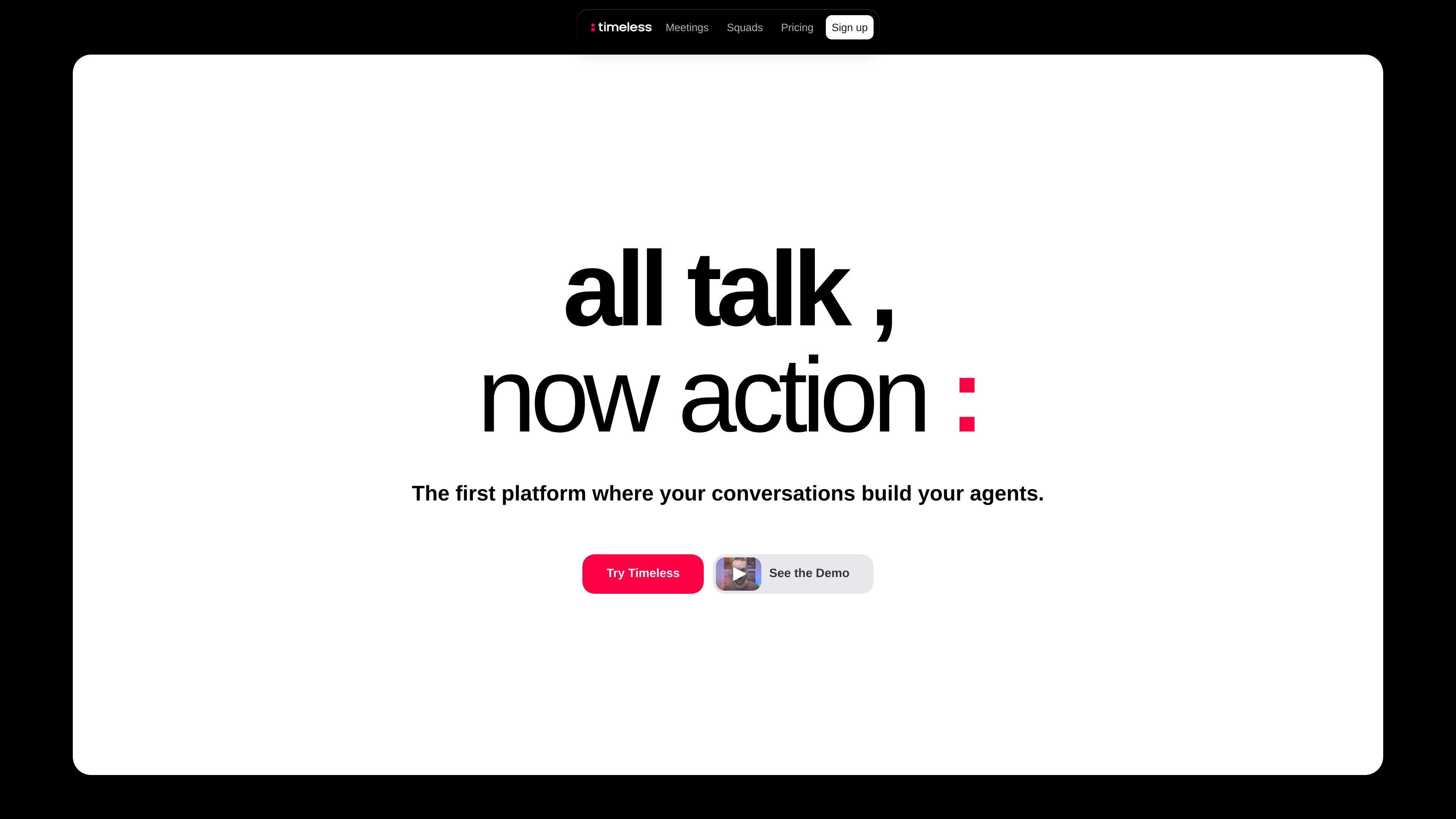
Timeless is a platform that turns conversations into actions. The site describes it as a place where your meetings and other conversations become the prompt for agents that respond when a meaningful moment is captured.
The product centers on Rooms, which organize conversations around a client, project, or topic and can wake up the right agent automatically. The collected pages also show Timeless offering meeting notes, follow-up emails, scheduling links, integrations, and higher-tier automation features for individuals, teams, and organizations.
The homepage presents Timeless as a system where conversations become inputs for agents, with talk-to-task behavior across meetings and other conversations.
Rooms group conversations by client, project, or topic and can wake up the relevant agents automatically when a moment matters.
The pricing page lists AI meeting notes in 60+ languages, plus AI-powered follow-up emails that sound like the user.
The pricing page includes smart scheduling links and mentions more than 15 integrations on the Free plan, including Notion and Google Drive.
Higher tiers add advanced AI creation models, AI chat across conversations, meeting agents, and premium integrations.
Business and Enterprise plans add API, MCP server access, webhooks, real-time events, exports, and enterprise controls such as SAML SSO and custom retention policies.
Use Timeless to capture meeting notes, generate follow-up emails, and keep action items moving after calls instead of leaving them in a transcript.
Use Rooms to keep conversations for a client, project, or topic in one place so the right agent can respond when a relevant moment comes up.
Use the team and business plans when you need shared workspaces, permissions, unified billing, or automation features like API access and webhooks.
Use the product’s integrations and scheduling links to connect conversation-driven work with tools such as Notion and Google Drive.
Use the enterprise plan when your organization needs SAML SSO, custom retention policies, advanced admin controls, and custom onboarding.
Timeless is positioned as a platform for turning conversations into action. The source shows it working around meetings and Rooms, where moments from conversations can wake up agents to act.
The pricing page shows a Free plan, Pro, Max, Team, Business, and Enterprise. Free includes up to 5 AI meetings, while higher tiers add unlimited notes, team workspaces, API access, MCP access, and enterprise controls depending on the plan.
The homepage promotes downloads for macOS and Windows, and the macOS download page shows a standard app install flow through a .dmg file.
The source says Rooms organize conversations around a client, project, or topic and can wake up the right agents automatically. The exact set of agent capabilities is not fully detailed in the collected pages.
Timeless mentions AI meeting notes in 60+ languages, AI-powered follow-up emails that sound like you, smart scheduling links, and integrations such as Notion and Google Drive. More advanced automation options appear on higher-tier plans.