
Block-based page building
Build pages from ready-made blocks instead of starting from a blank canvas. The library includes more than 550 blocks, covering covers, typography, galleries, videos, and forms.

Tilda is a no-code website builder for websites, landing pages, and online stores, with a free plan, ready-made blocks, templates, and AI-assisted creation.
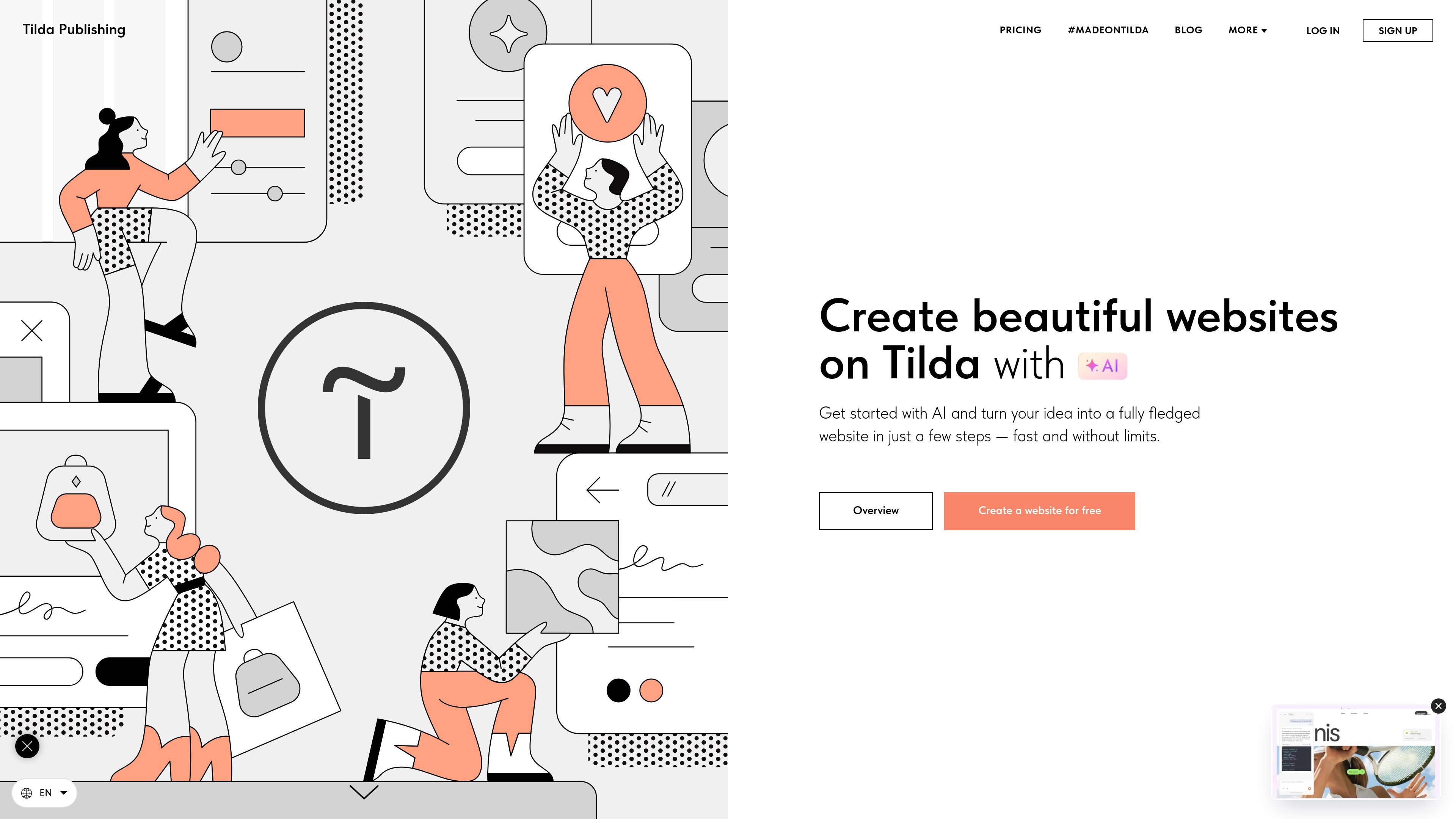
Tilda is a website builder for creating websites, landing pages, online stores, blogs, portfolios, event sites, online courses, presentations, and longform articles. It combines pre-designed blocks, templates, and a more advanced editing mode for custom layouts.
The platform is built for users who want to publish without coding. The homepage highlights AI-assisted page creation, while the features page describes a block library, Zero Block for detailed design control, and tools for visual content, forms, and online selling.
Build pages from ready-made blocks instead of starting from a blank canvas. The library includes more than 550 blocks, covering covers, typography, galleries, videos, and forms.
Start from one of more than 210 templates for landing pages, event sites, blogs, links in bio, and related page types, then adapt the layout and styling to fit the project.
Use Zero Block to edit individual elements and create custom layouts from scratch. This is the more advanced editor for users who want full control over positioning and composition.
Use the built-in AI tools to create a page from a short prompt, generate copy, select matching images, and build custom blocks with interactive functionality such as calculators or animations.
Create landing pages with lead capture forms and set up online stores that accept card payments, PayPal, or Stripe. Order confirmations can go to email, Google Drive, or CRM.
Support content-heavy pages with typographic controls, image-and-text layouts, built-in image editing, and drag-and-drop image placement for visual content.
Create a marketing page or product landing page with ready-made blocks, CTA sections, and lead capture forms, then publish it without coding.
Set up an online store or internet boutique and take payments by card, PayPal, or Stripe, with order confirmations routed to email, Google Drive, or a CRM.
Build a portfolio, personal site, or longform article using templates, typography controls, and visual content layouts that keep the page focused on presentation.
Use Zero Block when you need custom compositions, animation, or finer control over individual elements beyond the standard block library.
Spin up a site for a business, event, or course and adapt templates for repeated publishing or team editing across multiple page types.
Yes. The homepage says you can create a website for free, and the pricing page lists a Free plan for one website.
The pricing page shows Personal and Business plans in addition to Free. Personal is for one website, and Business includes five websites and code export.
Tilda is designed for websites, landing pages, online stores, blogs, portfolios, presentations, online courses, event sites, and longform articles.
Yes. The homepage says Tilda supports AI-powered website creation, including generating a page from a short description and creating copy and matching images.
The homepage and pricing page indicate that order confirmations can be sent to email, Google Drive, or CRM, and that lead capture forms can be integrated with various services.