
Text to infographic generation
Turn written content into an infographic with an AI workflow that automatically handles summarizing and layout decisions.

Text2Infographic is an AI infographic generator that turns text, blog content, or files into visuals for users without design skills or software.
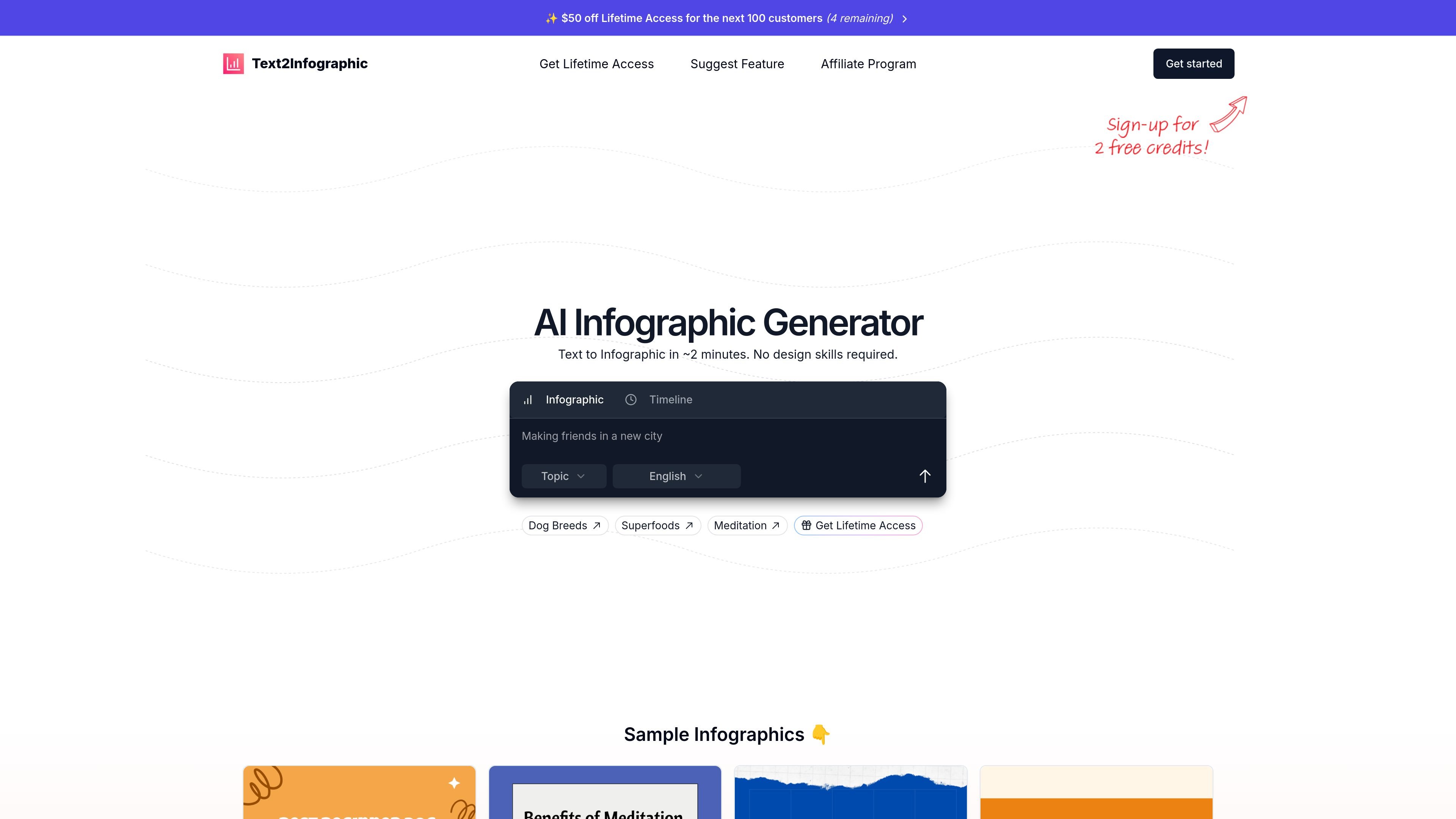
Text2Infographic is an AI infographic generator that turns text into visual summaries for blogs, social posts, and other content formats. The homepage positions it as a way to create infographics in about two minutes without requiring design skills.
The product centers on a simple workflow: provide text or source material, let the system research and assemble the infographic, and then export a finished visual with citations and brand-ready elements where available. The pricing page also shows support for blog-to-infographic and file-to-infographic workflows, plus 20+ languages and API access through a custom enterprise plan.
Turn written content into an infographic with an AI workflow that automatically handles summarizing and layout decisions.
Convert blog posts or files into infographic output, based on the capabilities listed on the pricing page.
Use AI to research and summarize information before design, which the site describes as part of the infographic creation process.
Include citations in the generated output, with the pricing page listing auto citations as a included capability.
Apply brand elements to generated designs; the pricing page lists brand integration as part of the offer.
Generate or work in multiple languages, with the pricing page listing support for 20+ languages.
Turn a blog post or article into a visual summary for sharing on social media or embedding in a content marketing page.
Convert researched notes or source text into an infographic when you need a faster alternative to building a design manually.
Create topic explainers such as health, environment, or lifestyle infographics from text-based source material.
Use the tool when you need a branded infographic but do not want to work inside a traditional design application.
Produce source-cited visuals for content that needs references, especially where accuracy and traceability matter.
Text2Infographic is built to turn text or source material into an infographic. The homepage also shows example outputs such as “Best beginner dog breeds,” “Benefits of meditation,” and “Sources of air pollution,” which suggests it supports topic-based infographic generation.
The pricing page says the product supports “Blog to Infographic” and “File to Infographic,” so users can create an infographic from written content or uploaded files.
The pricing page includes “20+ Languages,” “Auto Citations,” and “Brand Integration” in the lifetime access offer, indicating the product can work across multiple languages and include sourced content and branding elements.
The pricing page includes an Enterprise section that says, “Want API access? Contact us for a custom plan,” so API access appears to be available through a custom enterprise arrangement rather than a standard self-serve plan.
The product page says “No design skills required” and “No software to install,” so it is positioned as a web-based tool for non-designers and quick turnaround use.