
Rich notecards
Supernotes uses notecards instead of long documents, and the source says cards can include Markdown, LaTeX, images, emojis, tables, checklists, and math equations.

Supernotes is a collaborative note-taking app with flexible notecards for personal and team notes. Rich content, real-time collaboration, cross-platform access, and a free starter plan.
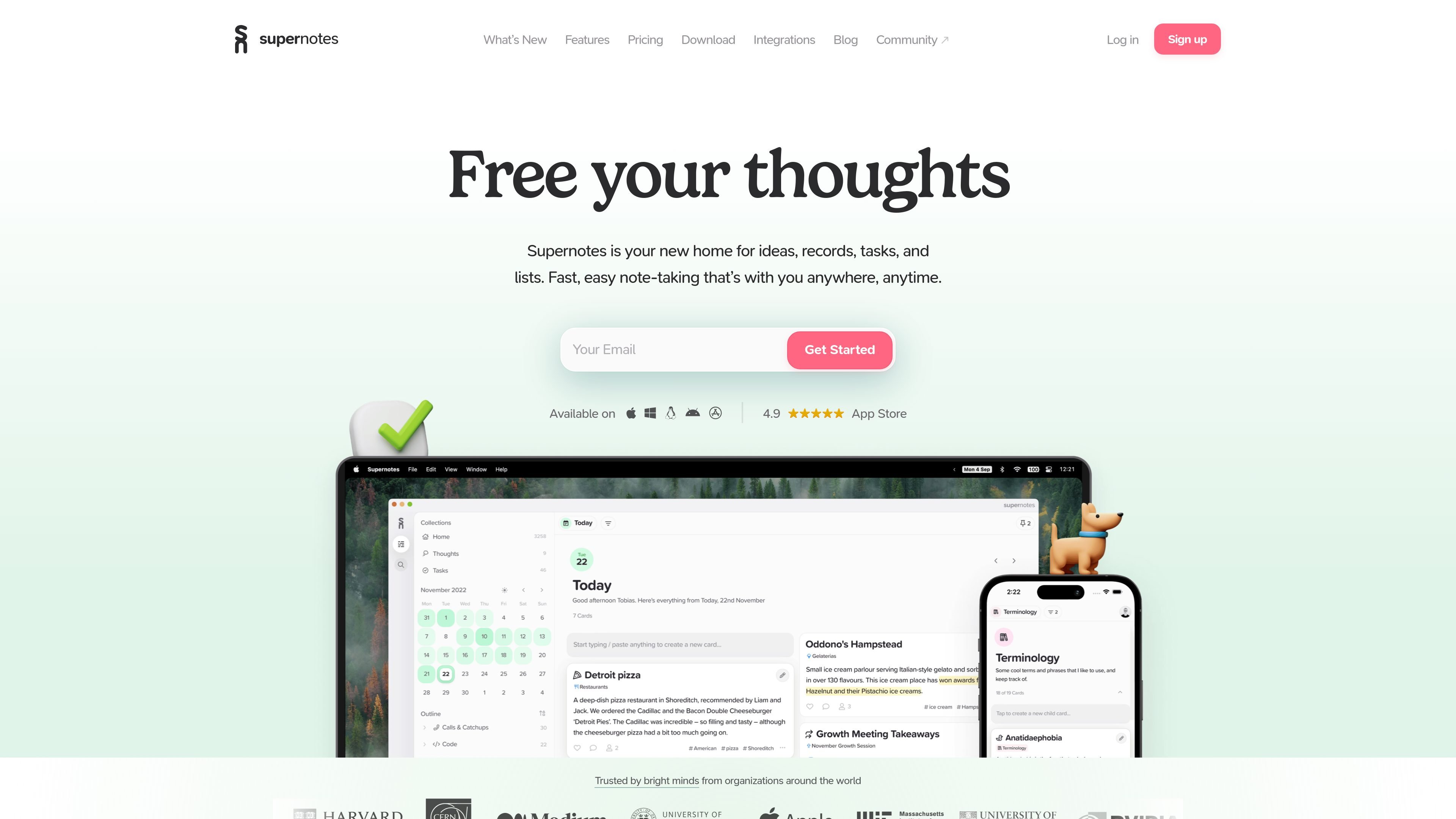
Supernotes is a collaborative note-taking app built around small, flexible notecards instead of long documents. The source positions it for personal notes, records, tasks, and lists, with support for rich content such as Markdown, LaTeX, images, emojis, tables, and checklists.
It is available across web, desktop, and mobile platforms, and the pricing page says the starter plan is free with essential features included. Supernotes also adds sharing, comments, real-time editing, an API, and integrations for users who want to connect notes to other tools or workflows.
Supernotes uses notecards instead of long documents, and the source says cards can include Markdown, LaTeX, images, emojis, tables, checklists, and math equations.
You can organize notecards into hierarchies, then use filters, search, sorting, and linked notes to build and navigate a personal knowledge base. The source also mentions 2D and 3D graph views.
Notes can be shared as notecards with friends or colleagues, and collaborators can edit and comment in real time when they use Supernotes.
The source lists AI-powered proofreading and organization features, described as helping identify typos and organize ideas more effectively.
Supernotes supports import from existing Markdown notes and can generate printable PDFs from Markdown for export.
The app is available on iOS, Android, Windows, Mac, Linux, and web, with fast sync and offline editing called out on the pricing page.
Use notecards to capture class notes, study material, and revision snippets in a format that stays compact and searchable. The use-cases page lists students, Cambridge students, and subjects such as LaTeX maths, markdown, and lectures.
Track meeting notes, tasks, and working records in a shared space where collaborators can comment, edit, and publish notes in real time.
Organize research notes, reference material, and linked ideas into a hierarchy and graph view so you can follow connections across topics.
Capture recipes, meal plans, journaling, or other personal lists in a flexible card format that works across devices and can be edited offline.
Connect Supernotes to other tools through the API or official integrations like Telegram and Raycast, or build custom workflows with email and third-party automation tools.
Supernotes is designed for taking notes as notecards. The source describes a card as a flexible note container that can hold text and rich content such as images and equations, and it also supports sharing, commenting, and real-time collaboration.
The source shows apps for iOS, Android, Windows, Mac, Linux, and web access, and the pricing page says the starter plan includes mobile, desktop, and web apps.
Yes. The pricing page says the Starter plan is free and includes essential features, and the unlimited plan is a paid upgrade with additional capabilities.
The integrations page lists official integrations and a public API, including Telegram, Raycast, email capture, and several work-in-progress connectors.
Yes. The source says notes can be shared as notecards, edited and commented on in real time, and published.