
Capture and index source material
Add videos, podcasts, documents, PDFs, articles, and voice notes to a pod. Summify transcribes audio and video, then indexes the content for grounded retrieval with citations.

Summify helps you build a searchable knowledge pod from videos, podcasts, documents, PDFs, articles, and voice notes for grounded answers inside Summify or connected AI tools.
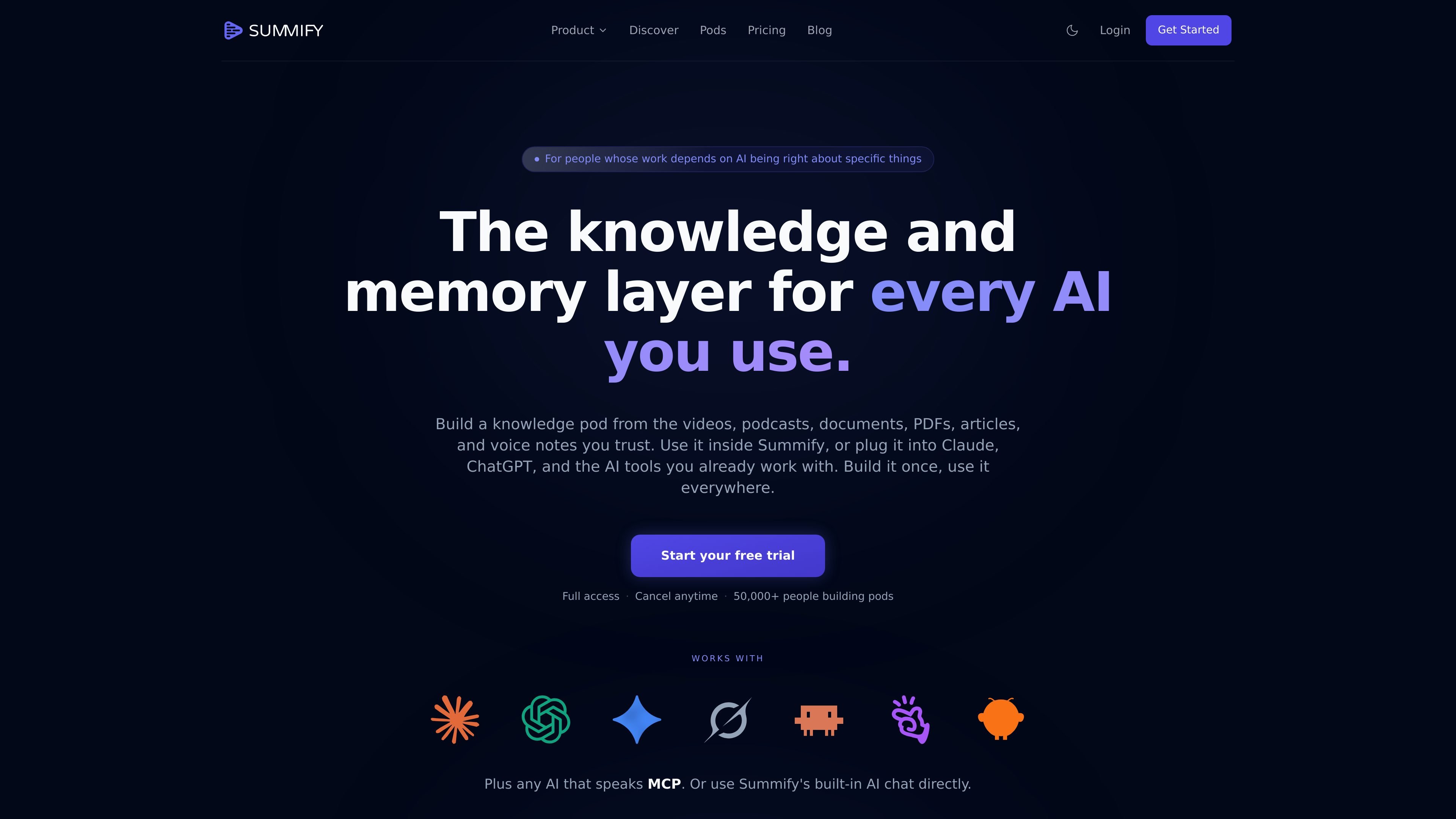
Summify is a knowledge and memory layer for AI tools. It lets you build a knowledge pod from videos, podcasts, documents, PDFs, articles, and voice notes, then use that pod inside Summify or connect it to other AI tools.
The product is designed to keep important context available across chats, devices, and workflows. Instead of uploading the same files into separate assistants, you can store sources in one pod, browse them directly, and ask grounded questions with citations.
Add videos, podcasts, documents, PDFs, articles, and voice notes to a pod. Summify transcribes audio and video, then indexes the content for grounded retrieval with citations.
Organize sources into pods by client, deal, topic, or project so each pod acts as a scoped knowledge library.
Ask grounded questions about the sources in a pod with Summify’s built-in AI chat, or connect the same pod to Claude, ChatGPT, Claude Code, Cursor, Windsurf, and other MCP-compatible AI tools.
Open each source in a structured view that can include a readable summary, searchable transcript, timestamped insights, extracted entities, Q&A summaries, and data tables.
Choose from eleven summary styles, including General, Timestamps, Deep Dive, Q&A, Academic, Blog, X, LinkedIn, Action List, Thought Cleaner, and Transcript.
Work in 130+ languages with automatic language detection, plus options to summarize in the source language or translate.
Group client briefs, past work, brand docs, and transcripts into a pod so an AI assistant can answer in the client’s context rather than from generic web sources.
Collect decks, meeting recordings, market research, and due-diligence documents in one place, then review them through Summify or an external AI tool without re-uploading the same files.
Store papers, conference talks, podcasts, and expert interviews in a research pod to ask grounded questions across large source sets with citations back to the originals.
Turn recorded thinking, playbooks, course materials, and onboarding videos into a browsable library that teams can search and reuse.
Convert long lectures or recordings into summaries, transcripts, and structured notes that are easier to review or turn into blog posts.
Summify offers a free trial with full access to the product. The pricing page says plans grow with your knowledge library, and you can change or cancel anytime.
The pricing page states that Summify can be used inside Summify itself or connected to Claude, ChatGPT, Claude Code, Cursor, Windsurf, and other MCP-compatible AI tools.
The source does not describe a separate team product flow, but it does mention team accounts as a custom option for larger needs.
Summify supports grounded questions across the sources in your pods and provides a structured deep-dive view for each source, including summaries, transcripts, timestamps, and extracted entities where applicable.
The pricing page says you can contact the team for custom transcription volumes, team accounts, or API integrations if the published plans are not enough.