
Real-time analytics
See live visitor count, active pages, sources, devices, and core web vitals as events arrive in the dashboard.

Sleek Analytics is a lightweight, privacy-friendly web analytics tool for live visitors, page activity, and revenue signals without cookies. Simple setup, real-time insight.
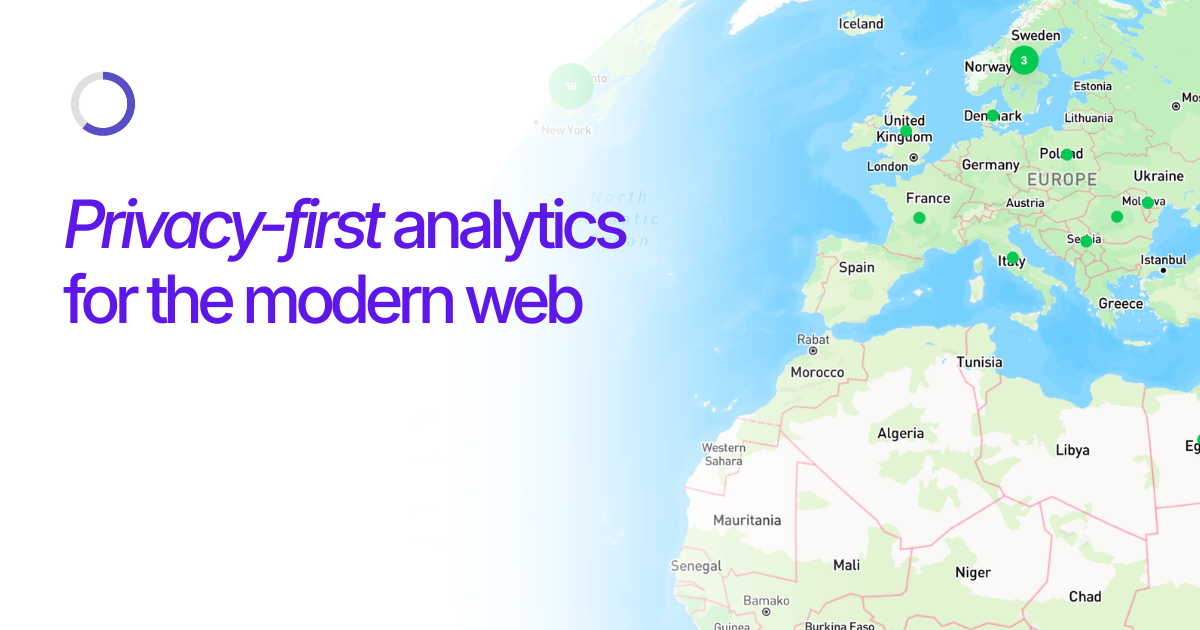
Sleek Analytics is a lightweight web analytics product built to show live traffic, page activity, and revenue signals without relying on cookies. It is positioned as a simple alternative to Google Analytics for teams that want useful product insight with less setup and less privacy overhead.
The site emphasizes a fast install path: you can add a single script tag or use `npx sleek-analytics init`, and the script is described as under 1 KB. Once installed, Sleek streams pageviews, events, and web vitals into a dashboard that highlights sources, top pages, active visitors, and performance metrics.
The product also includes higher-level workflows such as revenue attribution and AI chat, so users can ask questions about their traffic and tie purchases back to the pages and referrers that drove them. The captured pages present plans for individual sites and multiple sites, plus a custom-plan path for larger volume needs.
See live visitor count, active pages, sources, devices, and core web vitals as events arrive in the dashboard.
Collect analytics without cookies or consent banners, and the site says no personal analytics data is stored.
Measure LCP, FID, and CLS from real users to monitor page experience and performance.
Track visitors on an interactive globe to visualize where traffic is coming from in real time.
Attribute revenue through Stripe, Polar, Dodo, Paddle, and Lemon Squeezy so you can connect purchases to acquisition sources.
Ask questions about your data in plain English and get answers without writing a query.
Use Sleek to watch active sessions and see where people arrive from, which pages they open, and how they move through the site in real time.
Use the cookieless setup when you want analytics without adding consent banners or extra privacy workflow to your site.
Use the Web Vitals view to keep an eye on LCP, FID, and CLS from real visitors and understand whether performance issues may affect experience.
Use revenue attribution when you need to connect payments back to specific pages, campaigns, or referrers across supported billing platforms.
Use AI chat when you want to ask questions about traffic and revenue without building custom queries or reports.
No. The site says Sleek is fully cookieless and does not store personal analytics data, and its FAQ says a cookie banner is not needed.
You can add one line of HTML to your page head, or run `npx sleek-analytics init` for automatic setup. The script is described as under 1 KB and loads asynchronously.
A pageview counts as one event. Custom events you fire manually also count, while session heartbeats and blocked internal traffic do not count toward your limit.
Yes. The pricing section says each plan includes multiple sites, and the dashboard copy also talks about seeing a project and site key during installation.
The source mentions revenue attribution for Stripe, Polar, Dodo, Paddle, and Lemon Squeezy, plus install help for HTML and `npx sleek-analytics init`. It does not show a broader integration directory in the captured pages.