
Sketch recognition
Recognizes hand-drawn diagrams and flowcharts and converts them into digital schemes using AI-powered recognition.

Sketch2scheme is a web app that converts hand-drawn flow charts and diagrams into digital schemes. It supports sketch recognition, text-to-diagram generation, editing, and export to common file formats.
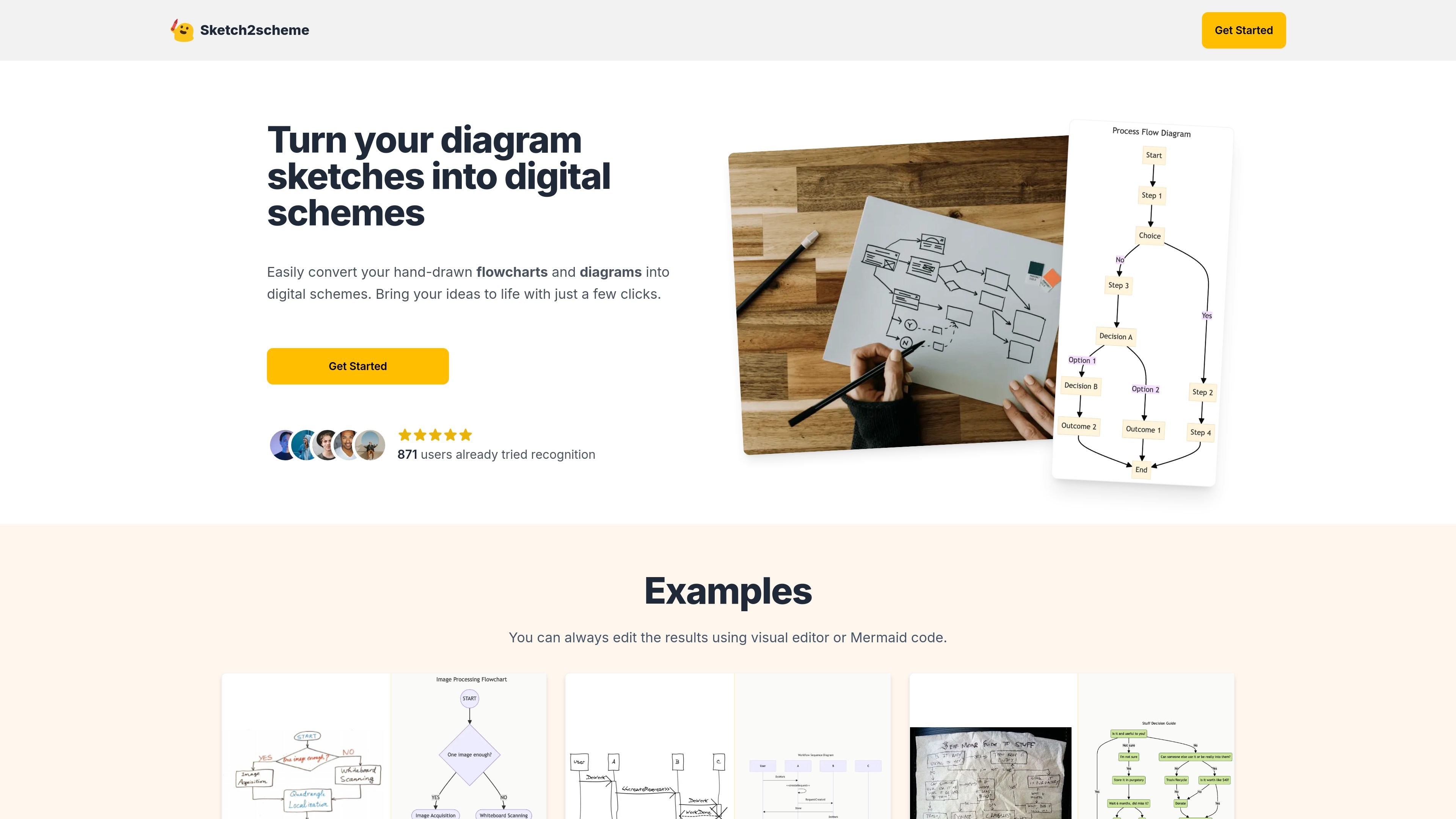
Sketch2scheme is a web tool for converting hand-drawn flow charts and diagrams into digital schemes. It is designed for people who start with sketches on paper and want to move them into an editable digital format without rebuilding everything manually.
The site says it can recognize nodes, connections, and text from sketches, then auto-arrange and align the result. Users can continue editing in a visual editor or with Mermaid code, and export the finished diagram in formats such as PNG, SVG, PDF, or diagrams.net-compatible files.
Recognizes hand-drawn diagrams and flowcharts and converts them into digital schemes using AI-powered recognition.
Generates diagrams and flowcharts from text descriptions for users who want to start from written input instead of a sketch.
Lets users adjust images with built-in editing tools, with the site describing the image editor as free to use with no credit requirements.
Supports editing in a visual editor or by working with Mermaid code after the sketch has been recognized.
Exports diagrams to multiple formats, including PNG, SVG, PDF, and diagrams.net-compatible files.
Offers a credit-based pricing structure on the homepage, including a Regular plan with 10 recognition credits and an Agency tier with API access.
Turn whiteboard or notebook sketches into a digital diagram when you need a clean version without redrawing every shape and connector from scratch.
Move from paper brainstorming to a polished digital workflow after an early sketch captures the structure of an idea.
Generate a diagram from a written description when you already know the process or structure and want to produce a visual quickly.
Edit or finalize an extracted diagram in a visual editor or Mermaid code before sharing it with others or exporting it.
Sketch2scheme converts hand-drawn flow charts and diagrams into digital schemes. The site also shows examples for turning sketches into editable results.
The homepage says you can edit the results using either a visual editor or Mermaid code after recognition.
The site says the output can be exported to multiple file types, including PNG, SVG, and PDF, and that it is compatible with diagrams.net format.
The pricing section indicates a Regular plan with 10 recognition credits and an Agency plan with raised limits or no limits plus API access. The pricing page itself was unavailable and returned a not-found message, so plan details may have changed.