
Photo-based interior redesign
Upload a room or property photo and generate designs that fit the existing space rather than starting from a blank canvas.

REimagineHome: AI interior design and virtual staging that turns room photos into realistic redesigns for furnishing, restyling, repurposing, and exterior edits.
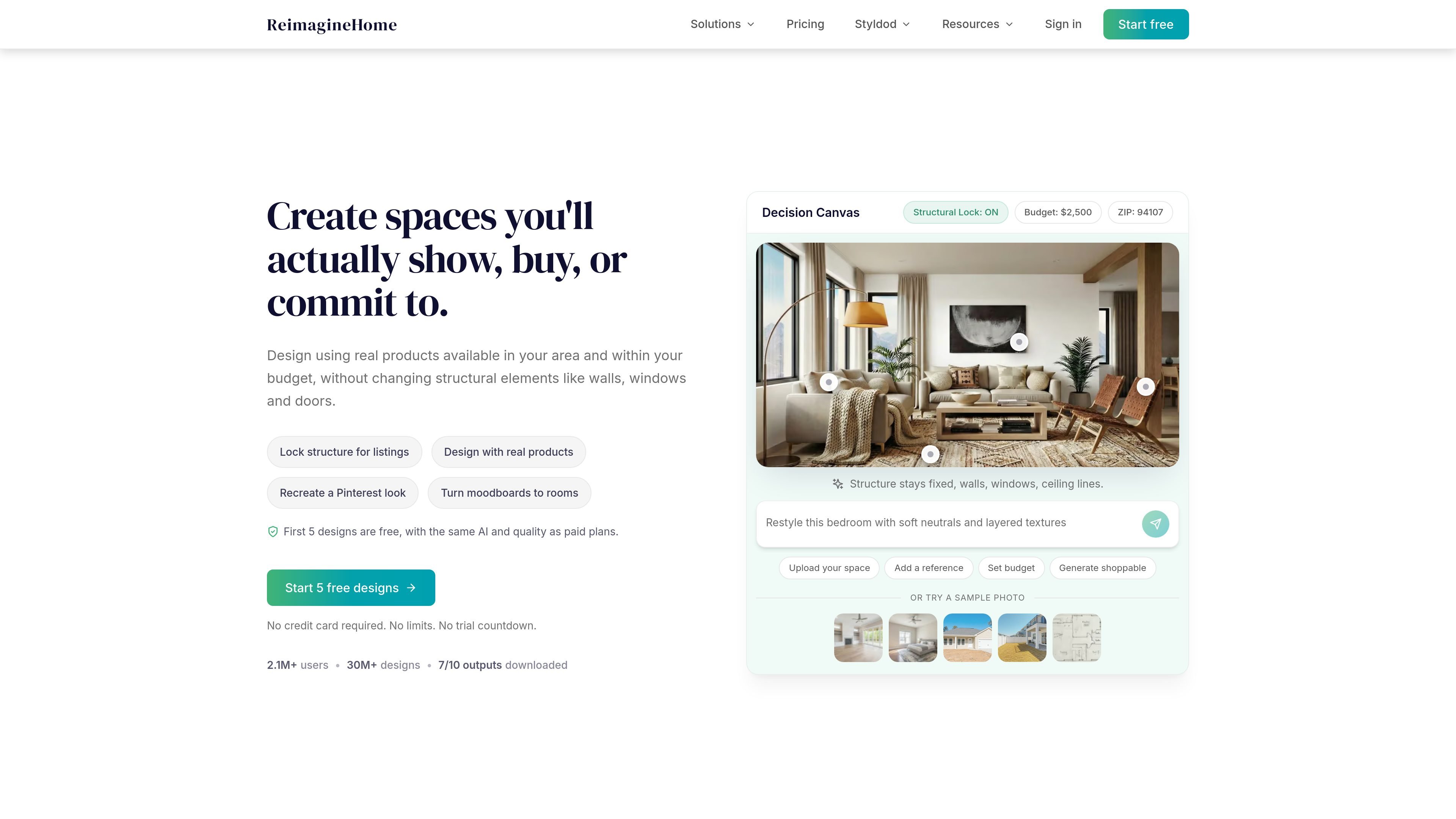
REimagineHome is an AI interior design and virtual staging product that turns room photos into realistic design visualizations. The site positions it for both homeowners and professionals who need to show a space as furnished, restyled, or repurposed before making a decision.
Its core workflow is image-based: upload a photo or floor plan, describe the change you want, and refine the result through conversational edits or reference images. The product also extends beyond interiors into exterior edits, landscaping, and other property-focused visualization tasks, with paid plans that add watermark-free exports, bulk output options, and real-products discovery.
The pricing page presents a monthly credit model with several tiers, while the sign-up flow offers 5 free premium designs without a credit card. Across the site, the emphasis is on outputs that are suitable for sharing and decision-making rather than rough concept mockups.
Upload a room or property photo and generate designs that fit the existing space rather than starting from a blank canvas.
Use the product for vacant rooms, light redesigns, decluttering, room repurposing, floor plans, landscaping, exterior edits, and other common real-estate or home-improvement scenarios.
Guide results through conversational instructions, follow-up edits, and reference images so you can refine details without restarting.
Discover relevant real products and visualize them in the room before buying, including examples that reference style, budget, and ZIP-code context.
Export watermark-free, shareable images with before/after comparisons, plus higher-resolution downloads on paid plans.
Use credit-based plans that scale from lighter monthly usage to higher-volume team or studio work.
Stage an empty room for a listing so buyers can understand scale, furniture placement, and the room’s potential without changing the underlying structure.
Remove clutter, restyle finishes, or test a new aesthetic before buying materials, ordering furniture, or committing to a renovation plan.
Turn a bedroom into a home office, a blank floor plan into a furnished apartment, or a concept into a photorealistic render for review.
Edit exteriors and outdoor areas with landscaping, hardscaping, snow removal, or day-to-dusk changes for presentation and listings.
Preview real products in the room before purchase, using the product’s product-discovery flow to compare options against the actual space.
REimagineHome is designed for uploading a room or property photo and generating AI design visualizations from that image. The source pages show use cases such as virtual staging, decluttering, room repurposing, exterior edits, and real-furniture styling.
The pricing page describes a conversational, agentic workflow with incremental editing, reference photo control, and real-products visualization. The sign-up page also says users get 5 free premium designs without a credit card.
The source pages show outputs such as watermark-free, shareable images, before/after comparisons, and high-resolution, presentation-ready downloads in the paid plans.
The pricing page indicates plans are organized around monthly credits, with tiers from Essential through Advanced. It also says paid plans include features such as watermark-free exports and bulk exports.
The sign-in page says your designs, decisions, and progress are saved so you can continue where you left off. The source does not provide detailed team-sharing or collaboration documentation.