
Multiple input sources
Generate quizzes from a topic, pasted text, PDF documents, or a web URL. The site also mentions premade templates as another starting point.

QuizWhiz is an AI quiz generator that creates practice quizzes from topics, text, PDFs, or URLs. It helps students and self-directed learners study with instant feedback, skill tracking, and exportable quiz formats.
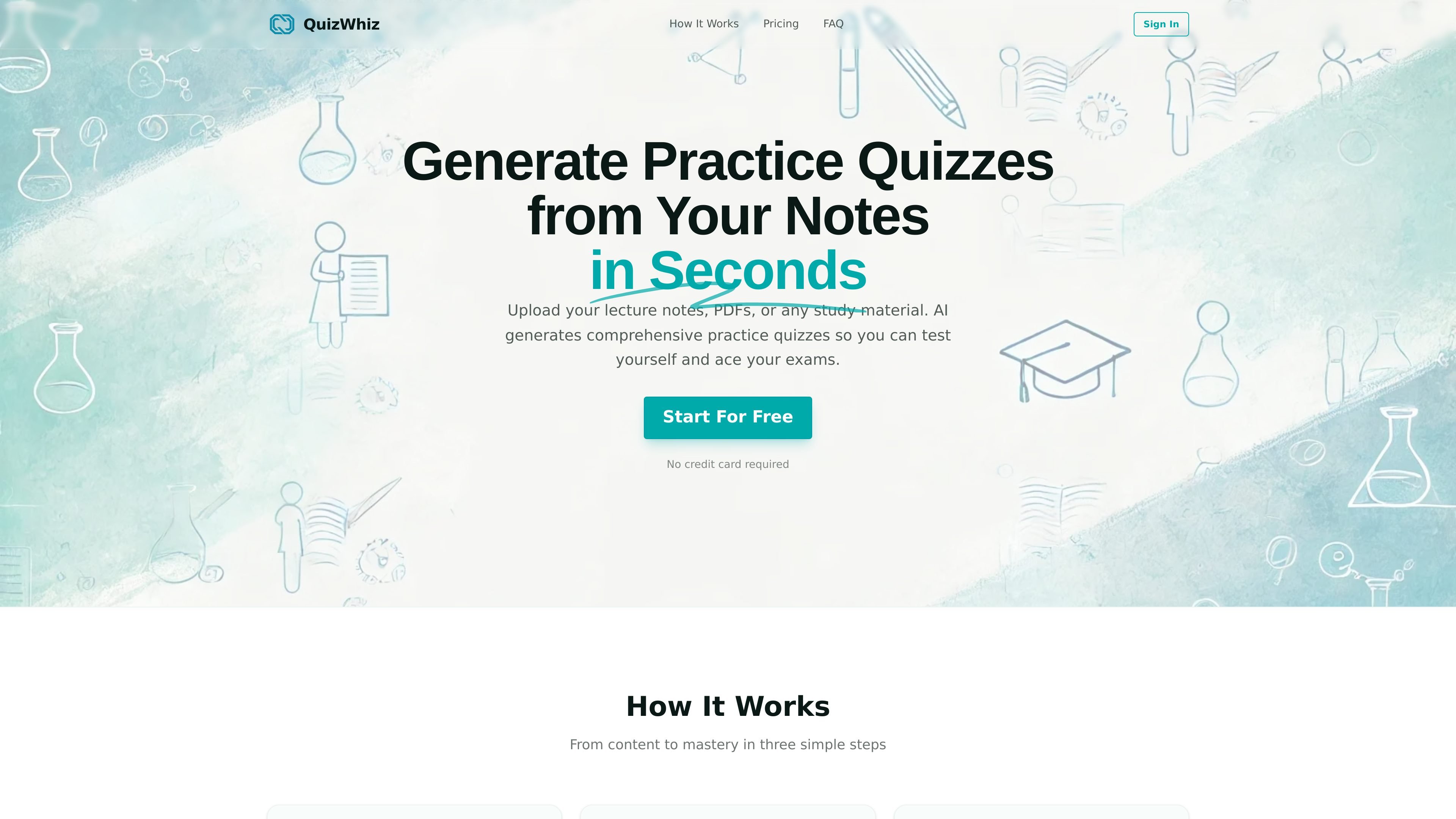
QuizWhiz is an AI quiz generator that turns study material into practice quizzes. The site says it can work from lecture notes, PDFs, pasted text, URLs, or a plain topic and then produce quizzes in seconds.
It is designed for self-study and exam practice: users can take quizzes with instant feedback, track skill breakdowns over time, set learning goals, and use AI-guided study planning to focus on weak areas.
Generate quizzes from a topic, pasted text, PDF documents, or a web URL. The site also mentions premade templates as another starting point.
Create quizzes with Multiple Choice, True/False, Short Answer, Fill-in-the-Blank, and Scenario-based questions, with support for higher-order questions.
The app analyzes quiz results to identify 5-10 key skills or concepts and tracks progress over time so learners can see where they improve.
Focused Quiz targets weak areas based on prior performance, while Level Up Quiz uses Bloom’s Taxonomy-style higher-order questions to increase difficulty.
Goals let users set objectives with deadlines, link quizzes to those goals, and get a readiness percentage plus AI suggestions on what to study next.
Users can export quizzes in PDF, DOCX, TXT, Markdown, and JSON, and can separate questions from answers when needed.
Turn lecture notes, chapter summaries, or pasted study guides into practice quizzes before an exam.
Paste a topic or broad subject area when you do not already have source notes and want the AI to generate questions from scratch.
Upload a PDF or provide a web article URL to quiz yourself on assigned reading or research material.
Use Focused Quiz after taking a quiz to work on weak areas identified by the skill tracker.
Set a learning goal with a deadline and use the AI coach and study plan to organize what to review next.
QuizWhiz can generate quizzes from a topic, pasted text, PDF documents, or a URL to a web article.
The product supports Multiple Choice, True/False, Short Answer, Fill-in-the-Blank, and Scenario-based questions, and it can also generate higher-order questions.
Yes. The site says quizzes can be exported as PDF, DOCX, TXT, Markdown, and JSON, with options to separate questions from answers or export individual question sets.
Yes. The free plan is shown on the site, and the FAQ states it includes unlimited quiz generation, all question types, self-assessment, and 1 goal, with weekly limits on Focused Quiz and Level Up Quiz usage.
Yes. The FAQ states subscriptions can be canceled at any time and access continues until the end of the current billing period.