
Fast slide generation
Generate presentation content in seconds instead of starting from a blank slide deck. The homepage positions the product as a way to save time when creating new presentations.

PresentationGPT is an AI presentation generator for Microsoft PowerPoint and Google Slides, with English input, basic styling controls, and API access.
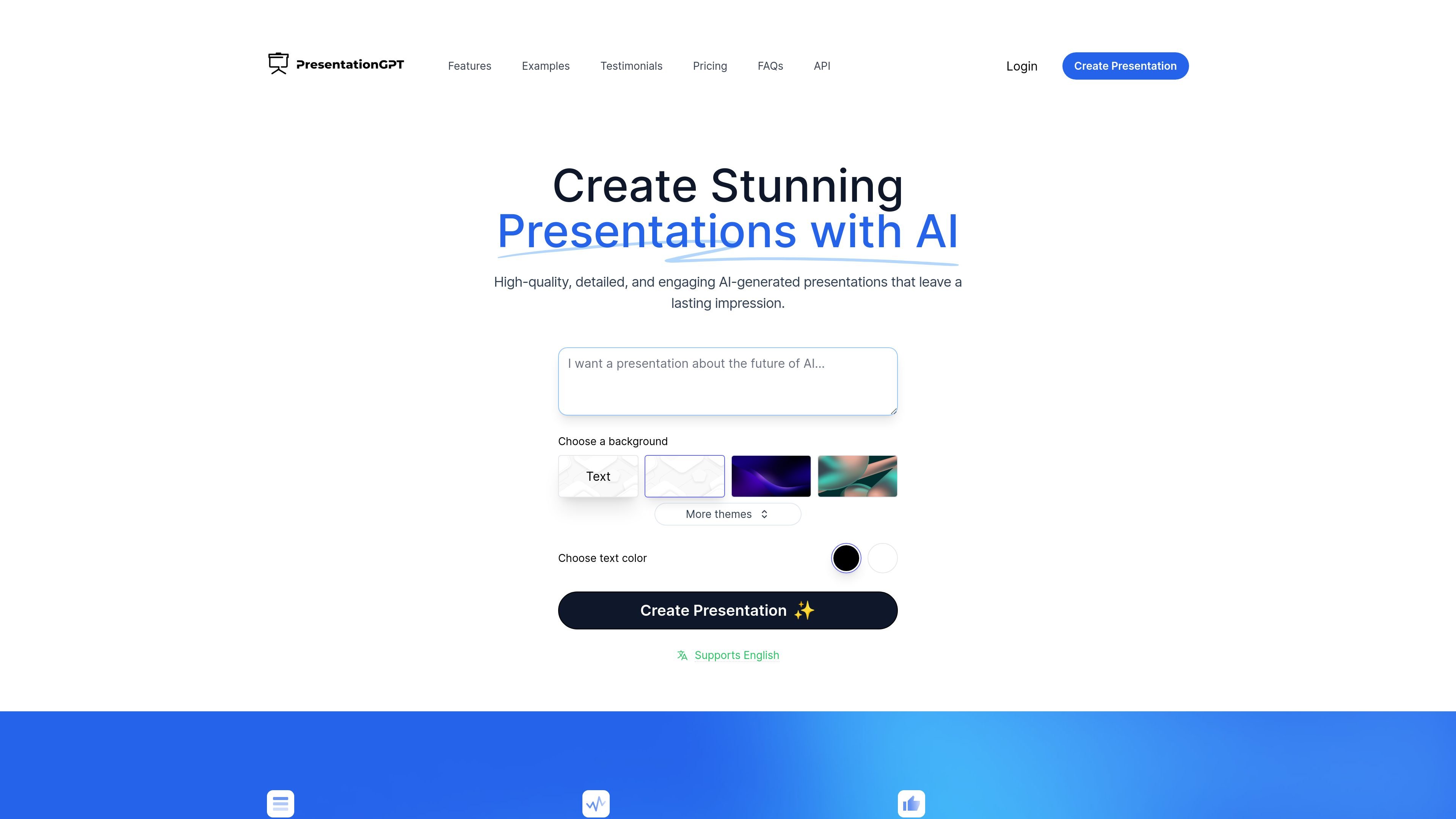
PresentationGPT is an AI presentation generator that creates slide decks from user input and presents them in formats compatible with Microsoft PowerPoint and Google Slides. The homepage describes it as a highly advanced tool for making presentations in seconds, with editable outputs that can be adjusted after download.
The site says the product is powered by an in-house language model called LISA and includes a simple creation flow with basic styling controls such as background, themes, and text color. It also highlights an API offering for teams that want to integrate presentation generation into their own services.
Generate presentation content in seconds instead of starting from a blank slide deck. The homepage positions the product as a way to save time when creating new presentations.
Export presentations in formats that work with Microsoft PowerPoint and Google Slides, so users can continue editing them in familiar tools after download.
Create presentations in English, as indicated by the homepage label that the product supports English.
Use the product's in-house language model, LISA, which the site says is trained and optimized to generate presentations.
Choose presentation styling options during creation, including background, themes, and text color, based on the homepage interface text.
Integrate the AI presentation generation API into your own services, according to the homepage API callout.
Useful when someone needs a slide deck quickly and wants to start from generated content instead of manually building every slide.
Helpful for users who want to move generated slides into PowerPoint or Google Slides for further editing and final formatting.
Fits simple presentation styling workflows where the user wants to choose a background, theme, or text color before generating slides.
Relevant for teams or developers who want to embed AI presentation generation into a product or service through an API.
PresentationGPT generates presentations from a prompt and presents them as PowerPoint, PDF, or Google Slides outputs. The homepage also says all generated presentations work with Microsoft PowerPoint and Google Slides.
The homepage says no registration, hidden fees, or subscriptions are required to create and share presentations for free, with payment needed when you download. It also lists a $12/month unlimited downloads subscription and a pay-per-download option, but the pricing details on the dedicated pricing page were not available.
The homepage says the generated presentations can be edited after download in PowerPoint or Google Slides. It also shows that users can choose themes and adjust presentation styling in the creation flow.
Yes. The homepage includes an API section that says you can integrate AI presentation generation APIs into your services.
The homepage includes a support question, but no public support contact details were visible in the collected source text.