
Task-specific AI tools
The platform centers on 30+ purpose-built tools rather than one generalized editor, so users can choose a specific workflow such as cleanup, background removal, enhancement, or generation.

PhotoEditor.ai is a browser-based AI photo editor and image generator with 30+ tools for cleanup, background removal, restoration, upscaling, and text-to-image workflows. It works without signup for free tools and supports desktop and mobile browsers.
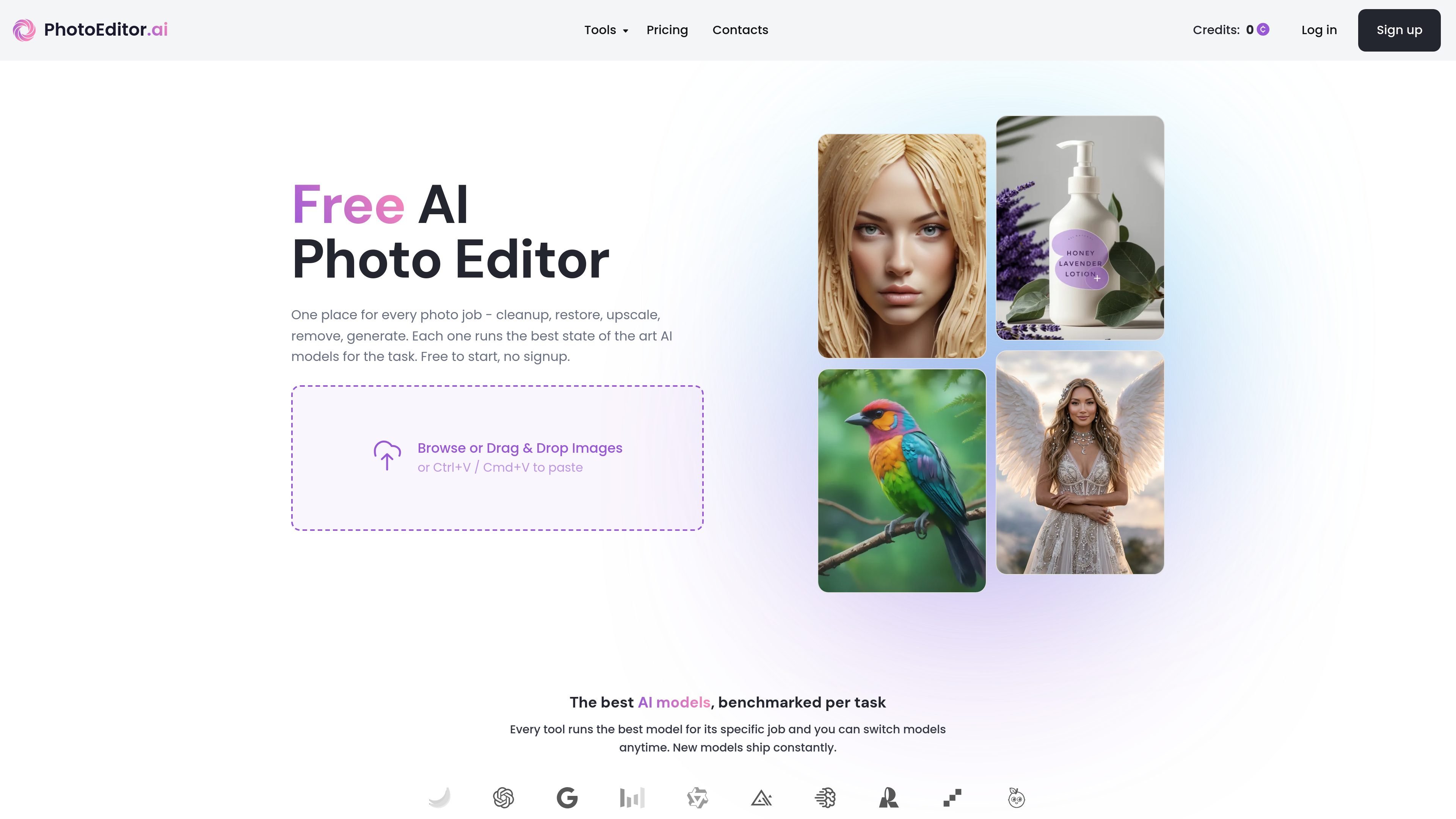
PhotoEditor.ai is a browser-based AI photo editor and image generator built around 30+ dedicated tools for editing, enhancing, restoring, removing, and generating images. The site positions it as a single place to handle common photo tasks such as cleanup, background removal, upscaling, restoration, and text-to-image generation without installing software.
The product emphasizes task-specific tools instead of one general-purpose editor. Users can upload an image, choose a workflow such as AI Chat, Restore Old Photos, Remove BG, or Upscale, and then download the result in the browser. The site also highlights commercial use support, mobile browser access, and a pricing model that includes free tools plus paid plans for advanced features.
The platform centers on 30+ purpose-built tools rather than one generalized editor, so users can choose a specific workflow such as cleanup, background removal, enhancement, or generation.
Each tool is said to run the best model for its job, with model benchmarking across Nano Banana, GPT Image, Gemini, SeeDream, Qwen, and in-house fine-tunes. Users can also switch models from the settings rail.
The chat editor lets users describe edits in plain language, upload reference images, and keep refining the result through back-and-forth prompts without masking or layers.
The restore and enhance tools target blurry, low-light, damaged, or faded photos, with the site calling out sharpening, denoising, and restoration for old scans and family photos.
Upscaling and outpainting support higher-resolution output and canvas expansion, with the site describing print-ready 4K and 8K upscales and generative outpaint past the original edges.
Background removal, object removal, text removal, watermark removal, and SVG conversion are listed as dedicated tools for common cleanup and asset-prep tasks.
Clean up product and marketplace images by removing clutter, fixing shadows, changing backgrounds, and preparing photos for listing or publishing.
Restore old scans and damaged family photos by sharpening faces, reducing noise, and recovering detail from faded or JPEG-corrupted images.
Generate new visuals from prompts or references for logos, portraits, product shots, vectors, and illustrations when you need original assets quickly.
Edit photos through chat when you want to describe a change in plain language, then refine the result without using manual layers or masking.
Prepare images for social posts, ads, and campaign assets by removing unwanted elements, upscaling, or converting graphics to SVG when needed.
PhotoEditor.ai is a browser-based AI photo editor with 30+ purpose-built tools for editing, enhancing, generating, and removing parts of images. It is positioned for people who want quick results without installing software.
The site describes a three-step workflow: upload an image, choose the appropriate tool, then download the result. For chat-based editing, you can upload a photo and describe the change in plain language, then refine the result in the same thread.
The product supports AI editing, generation from text prompts or references, image enhancement, upscaling, old photo restoration, background removal and swapping, object and text removal, and SVG conversion. Specific tools called out on the site include Cleanup, Remove BG, Enhance, Upscale, Restore Old Photos, AI Chat Editor, AI Image Generator, AI Logo Maker, AI Portrait Generator, AI SVG Generator, and Image to SVG.
The site says free tools are available with no signup required, and standard quality is free while HD output is available on PRO. The pricing page also indicates paid plans unlock advanced AI features.
Yes. The site says it works in the browser on desktop and phone, and that Chat editing supports device uploads from desktop, tablet, or mobile. It also lists iPhone, Android, and any browser as supported.