
AI model routing
PearAI Router automatically connects to higher-performing AI models for coding and lets users select a single PearAI Model instead of managing multiple subscriptions.

PearAI is an open source AI code editor for building and editing software with chat, agentic coding, and model routing. Free, Maker, and Enterprise plans available.
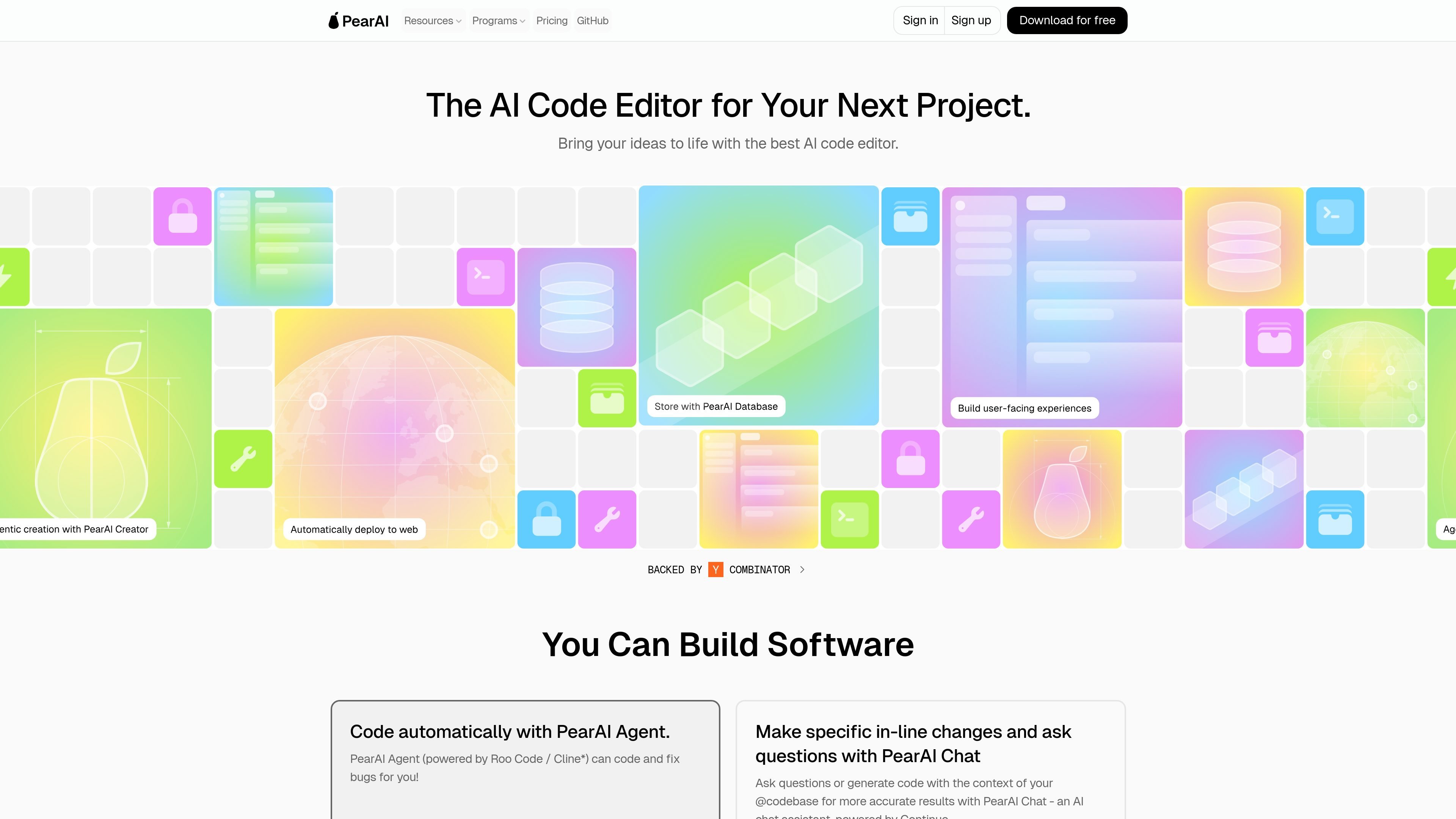
PearAI is an open source AI code editor built for people who want help creating and improving software projects. The site describes it as an editor with AI chat, an agent for coding and bug fixing, and a router that selects strong coding models through a single subscription.
The product page also frames PearAI around project-building workflows, not just chat. Its roadmap highlights tools for starting projects, adding login, and launching web apps, while the pricing page shows free access alongside paid Maker and Enterprise plans.
PearAI Router automatically connects to higher-performing AI models for coding and lets users select a single PearAI Model instead of managing multiple subscriptions.
PearAI Chat, powered by Continue, is described as a way to make edits in your codebase with context from the project.
PearAI Agent, powered by Roo Code / Cline, can automatically code features and fix bugs.
PearAI Creator, also powered by Roo Code / Cline, is positioned for starting new projects from scratch with current technologies and best practices.
PearAI Login, coming soon, is intended to help with adding login flows using best practices and recent tools.
PearAI Launch, coming soon, is described as a way to deploy web projects to the internet, powered by Netlify.
Use PearAI when you want to draft a new software project and have the editor help with setup and best-practice choices instead of starting from a blank file manually.
Use the AI chat and agent features when you need contextual edits, feature implementation, or bug fixes inside an existing codebase.
Use PearAI Router when you want access to strong coding models without juggling several separate subscriptions.
Use the paid plans when you want hosted servers, refillable credits, and founder or contributor support for ongoing work.
PearAI is presented as an open source AI code editor with tools for chatting with code, generating new projects, and helping debug or fix issues. The site positions it around helping people move from idea to implementation faster.
The pricing page shows a free option, a Maker plan at $15/month, and an Enterprise option with bulk purchasing and a contact flow. The free tier is available as an intern/free download or trial, while paid plans add PearAI Router, hosted servers, credits, and support.
The FAQ page asks whether PearAI stores code, but the rendered text does not provide a visible answer. The pricing page does mention a full privacy option with zero data retention policy with Anthropic for paid plans, but that is not the same as a complete storage policy for all usage.
The site says users can ask questions in Discord or by email if they cannot find an answer. It also includes links for contributing and references documentation, pricing, blog, and changelog pages in the site footer.