
OpenAI-compatible API and SDKs
Send standard HTTP requests to an OpenAI-compatible chat completions endpoint, or use the OpenRouter SDKs for TypeScript and Python when you want typed helpers and less boilerplate.

OpenRouter provides a unified API for hundreds of AI models with routing, fallback, OpenAI-compatible integration, SDKs, prompt caching, and team controls.
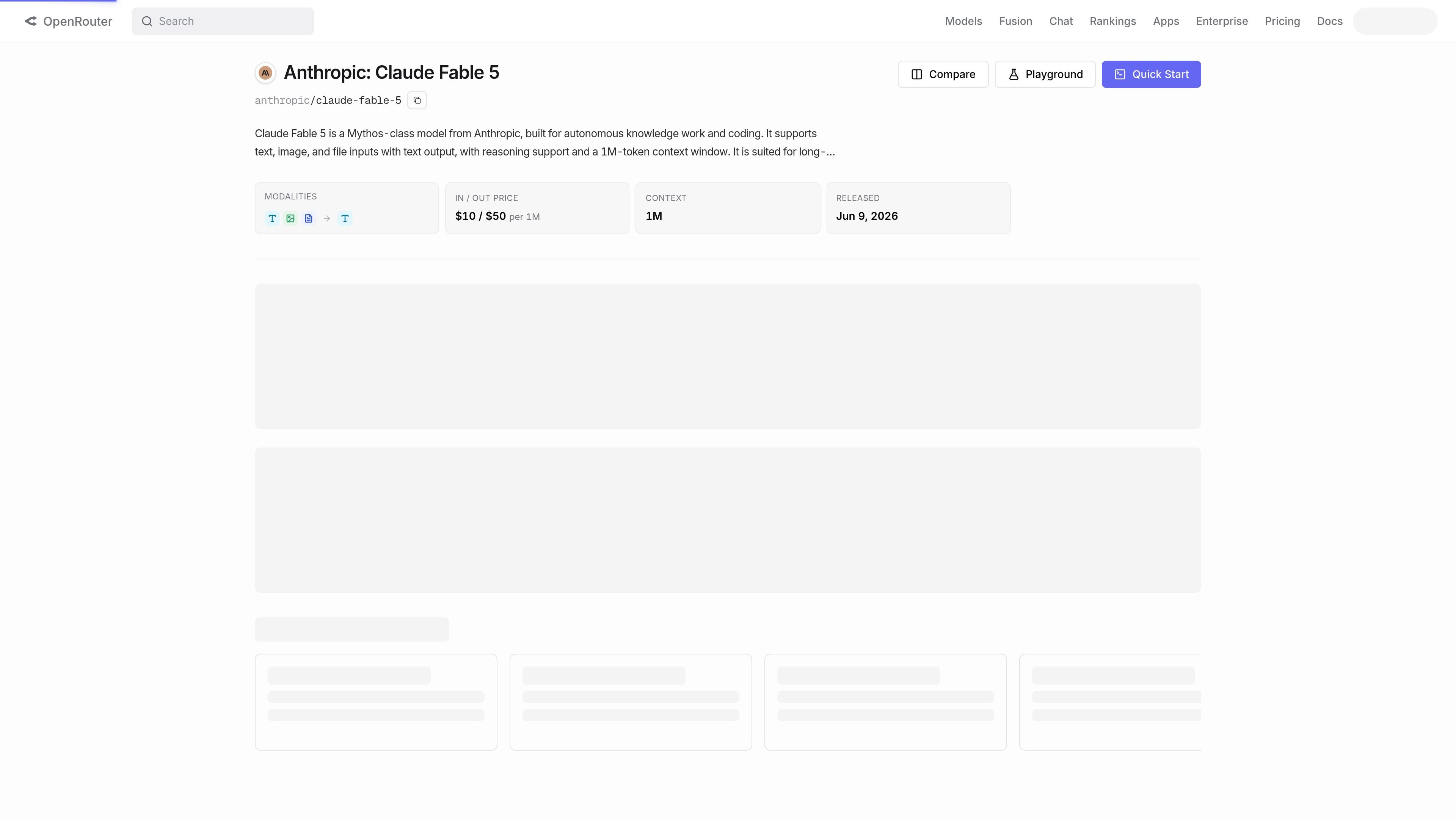
OpenRouter is a unified interface for large language models. It gives developers one API surface for accessing hundreds of AI models and routes requests across providers so applications can choose from multiple models without rewriting their integration.
The product is aimed at teams that want OpenAI-compatible access, fallback behavior, and cost-aware model selection in one service. The site and docs also point to SDKs, agent tooling, prompt caching, and policy-based controls for teams that need more operational structure around model usage.
Send standard HTTP requests to an OpenAI-compatible chat completions endpoint, or use the OpenRouter SDKs for TypeScript and Python when you want typed helpers and less boilerplate.
Route requests across providers and models, with automatic fallback if a provider is down or a model errors. The platform is positioned around reliability and choosing cost-effective options automatically.
Use prompt caching to reduce repeated prompt costs when the same context is sent again across supported models. The docs position it as a way to optimize model spend rather than changing your application logic.
Create and manage separate API keys for different environments, with caps, alerts, and activity logs called out in the pricing FAQ. This supports cleaner operational separation for development and production.
Apply data policies and provider/model routing rules, including enterprise features like policy-based routing and managed policy enforcement. The pricing page also mentions optional regional routing for paid plans.
Use the Agent SDK for multi-turn loops, tool execution, and state management in agent-style applications. The quickstart shows it as a higher-level option for workflows that need tool use.
Build an app against one API instead of integrating each model provider separately. The quickstart shows standard HTTP, client SDK, and agent SDK options depending on how much control you need.
Improve resilience when a provider is unavailable or a model fails. OpenRouter can fall back to alternate models, and the pricing FAQ says you are billed only for successful runs when routing or fallback is enabled.
Control prompt spend in workloads that reuse context. Prompt caching is presented as a way to lower repeated prompt costs across supported models.
Run separate environments with distinct keys, caps, and logs. The pricing FAQ describes environment-specific API keys as a way to separate dev, staging, and production usage.
Adopt enterprise controls for teams that need policy enforcement, SSO/SAML, regional routing, or contractual SLAs. The pricing page presents these as higher-tier capabilities for organizational deployment.
OpenRouter provides a unified API for accessing AI models through a single endpoint. The quickstart shows three integration paths: direct API requests, client SDKs, and an Agent SDK for tool-using workflows.
The docs say OpenRouter is OpenAI-compatible, so existing OpenAI-style integrations can be updated by changing the base URL and model names. The site also offers SDKs for TypeScript and Python.
Yes. The pricing page says routing and fallback can automatically try alternative models, and billing is only for the successful model run when routing or fallback is enabled.
OpenRouter offers a free tier, pay-as-you-go, and enterprise plans. The pricing page also says pay-as-you-go users buy credits, while enterprise adds controls such as SSO/SAML, contractual SLAs, and policy-based routing.
The pricing page says OpenRouter does not train on customer data, and provider-side retention can be disabled at the account level or per API call. Enterprise features include managed policy enforcement and data policy-based routing.
Os dados de tráfego são apenas para referência.
| mar. | 15770628 |
|---|---|
| abr. | 17919468 |
| mai. | 16784945 |