
Visual test creation
Create end-to-end tests from simple actions, with the platform handling the code structure and best practices while product, QA, or engineering users build visually.

Octomind is an AI-powered platform for automated end-to-end testing of web apps. Create, run, debug, and maintain tests in Git-based workflows with local, cloud, and CI/CD execution.
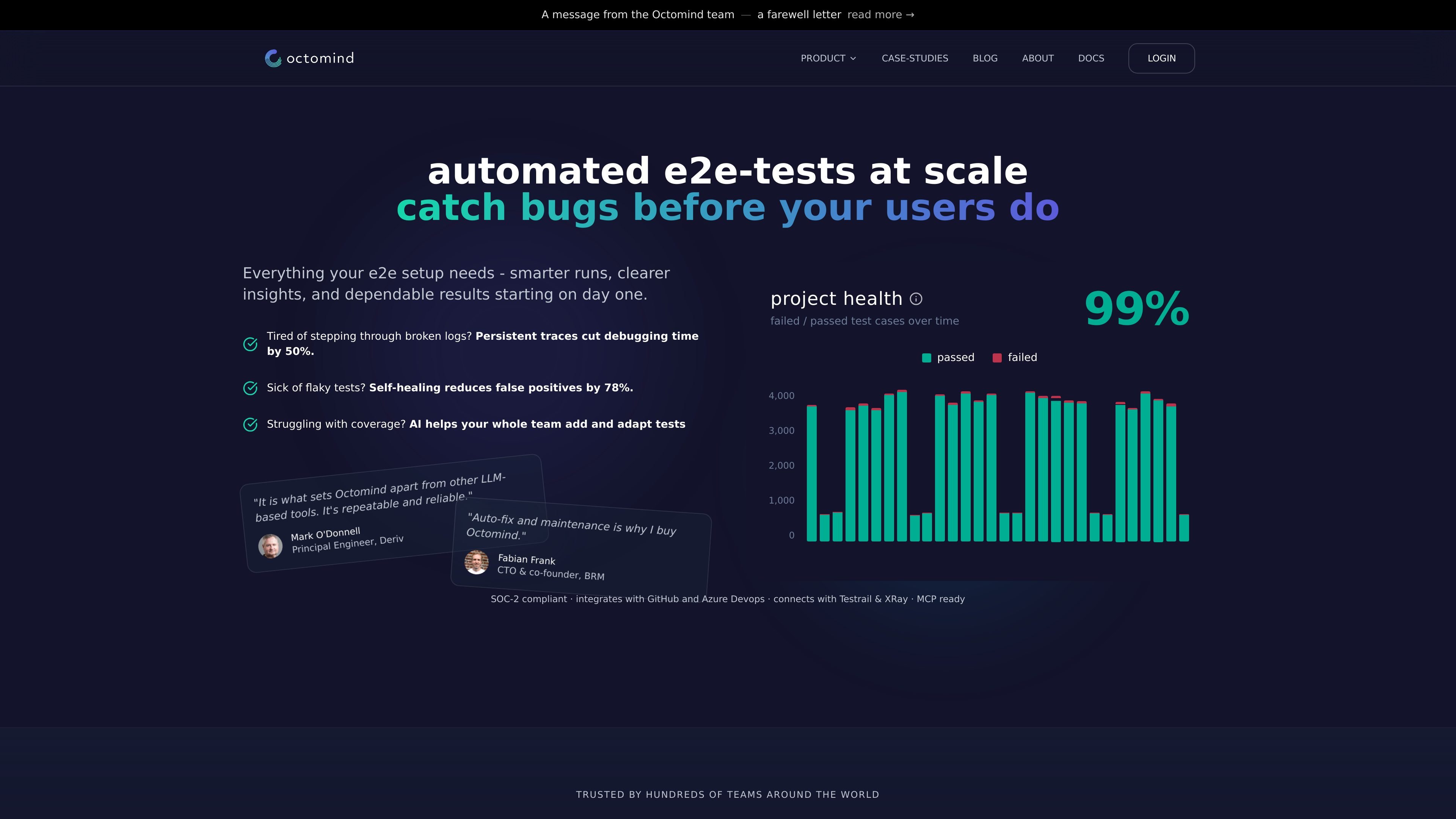
Octomind is an AI-powered platform for automated end-to-end testing of web applications. It focuses on creating tests, running them in a team’s workflow, debugging failures with more context, and maintaining tests when the UI changes.
The site positions the product for fast-moving teams that need stable coverage without building everything manually. It supports both local and cloud execution, keeps test definitions in Git as standard YAML, and presents self-healing as a source-level update that teams can review before pulling into their repository.
Create end-to-end tests from simple actions, with the platform handling the code structure and best practices while product, QA, or engineering users build visually.
Run tests locally or in the cloud while Octomind focuses on stable, reproducible execution across environments.
Surface failures with screenshots, logs, and visual diffs so teams can identify whether a failure comes from an app issue or a changed UI.
Propose selector and flow updates when the UI changes, then let teams pull the fix into their repository as a permanent source update.
Keep tests in Git as readable YAML so teams can version, review, and edit them like application code.
Connect an AI agent through MCP to generate, run, and debug tests from tools such as Cursor or Claude without leaving the editor.
Generate readable test cases for core user journeys, then commit them alongside application code so the tests can be reviewed in pull requests.
Run tests against localhost or staging before pushing changes, which helps developers verify behavior without waiting for the full CI cycle.
Inspect screenshots, logs, and visual diffs when a test fails to quickly determine whether the issue is a broken selector or a real application bug.
Let the platform propose selector updates when the UI changes, then review and pull the fix into the repository to keep the suite current.
Connect an AI coding assistant through MCP to generate, run, and debug tests from the editor while staying inside the normal development environment.
Octomind is an AI-powered QA platform for creating, running, and auto-fixing end-to-end tests for web apps. The site says it integrates into CI/CD workflows and is aimed at teams that want to protect core user journeys without building a large QA function first.
The pricing page shows three plans: Basic, Pro, and Enterprise. Basic and Pro are listed with monthly pricing, while Enterprise is custom; the page also indicates a free trial is available.
The site says setup takes under 5 minutes, and users can start seeing automated test results immediately after the next pull request. The DEV mode page also shows a pull workflow that syncs generated YAML test cases into the repo.
Yes. The product pages describe reviewable YAML test files, local execution, pull-based syncing, and source-level healing that updates test definitions in the repository rather than silently changing code.
Octomind says it works with Playwright and can integrate with GitHub, Azure DevOps, TestRail, Xray, and MCP-based workflows. The source content also describes support for local or cloud execution.