
Full remote access
Connect to your printer through a remote access mesh so the web interface loads from outside your local network without exposing the printer directly on the internet.

OctoEverywhere is a cloud service for 3D printers offering remote access, webcam streaming, notifications, live streaming, and AI failure detection.
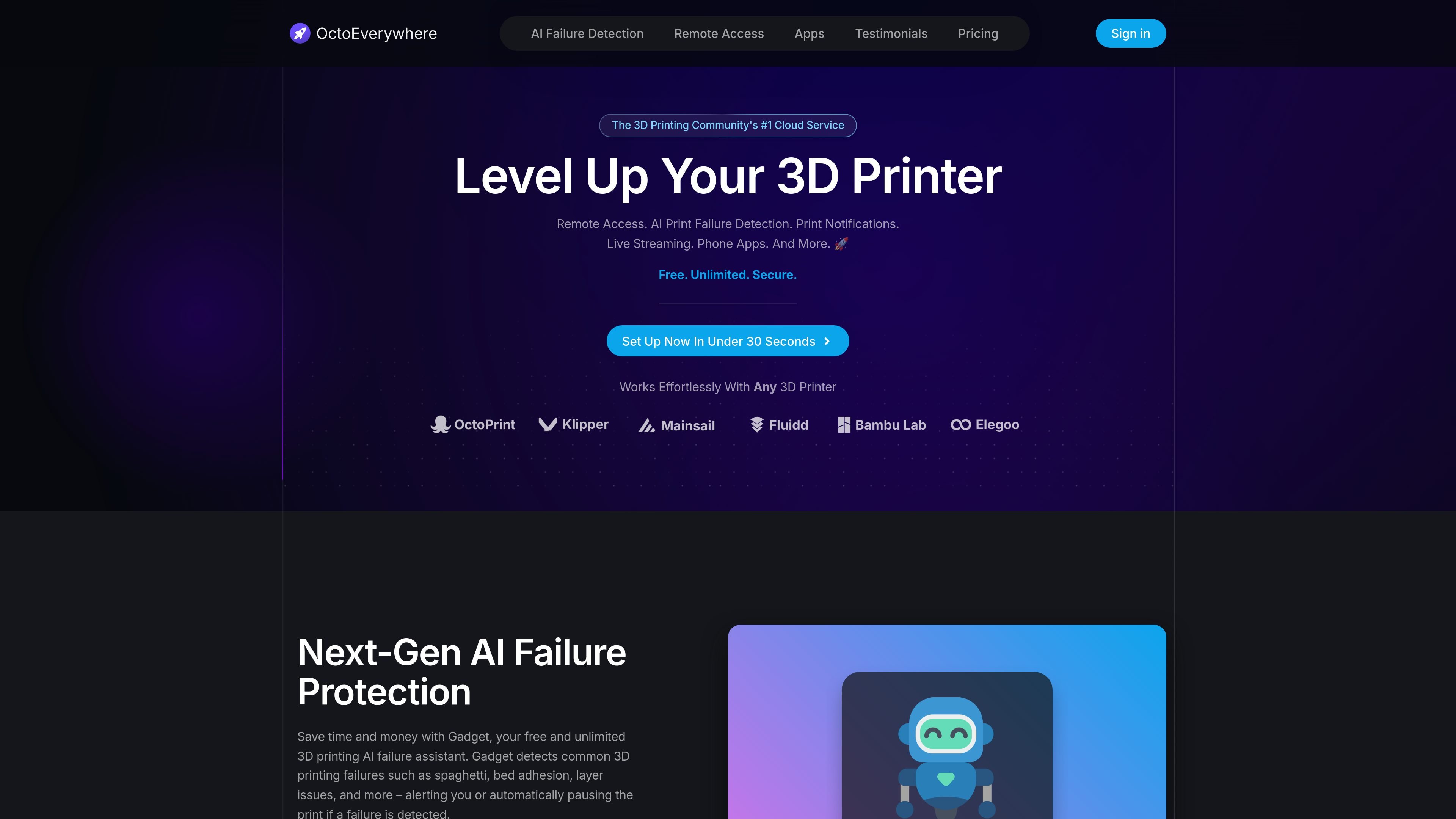
OctoEverywhere is a cloud service for 3D printers that adds remote access, webcam streaming, notifications, and AI print failure detection to supported printer setups. The site presents it as a community-funded service that aims to make these tools available for free or at low cost.
It supports a range of printer ecosystems, including OctoPrint, Klipper, Bambu Lab, and Elegoo, and pairs its remote access features with iPhone and Android apps. The product also includes shared connection links, live streaming, and multi-printer monitoring for people who want to manage prints away from their workshop.
Connect to your printer through a remote access mesh so the web interface loads from outside your local network without exposing the printer directly on the internet.
Use Gadget for free AI failure detection that looks for common print problems such as spaghetti, bed adhesion issues, and layer issues, then alerts you or pauses the print.
View webcam feeds at full FPS, with the site calling out free webcam streaming and 30 FPS webcam streaming as part of the base offering.
Receive print updates through push notifications and other channels such as Discord, Telegram, and SMS, based on the site’s feature list.
Manage more than one printer from a single view, with snapshots and status information for each printer.
Use supported mobile apps and shared connections to access OctoPrint, Klipper, Bambu Lab, Elegoo, and other printer workflows from iPhone or Android devices.
Check a print from outside your home or workshop, view the webcam feed, and make adjustments through the remote interface without exposing the printer directly to the public internet.
Watch for common print failures such as spaghetti or bed adhesion issues and use alerts or automatic pausing to reduce wasted time and material.
Track several printers at once from a dashboard that surfaces snapshots and status updates, which is useful for hobbyists or small print farms.
Open the printer from an iPhone or Android app that OctoEverywhere already integrates with, rather than relying only on a desktop browser.
Share temporary public access with a unique link when someone else needs to inspect the printer or view a live stream.
OctoEverywhere uses a community-funded model. The site says the service is free forever for core features, and optional Supporter Perks provide extra capabilities and help fund the platform.
The site says your data, printer status, and webcam images remain private to you and under your control, and that OctoEverywhere does not sell your data to third-party companies or services.
OctoEverywhere says it creates an end-to-end encrypted tunnel, secures accounts with an email two-factor challenge and optional time-based two-factor code, and does not publicly expose your printer on the internet.
OctoEverywhere says it supports many 3D printer ecosystems, including printers running OctoPrint, Klipper, Moonraker, Mainsail, Fluidd, Bambu Lab OS, and Elegoo OS.
The site highlights setup in under 30 seconds and app-based access through supported iPhone and Android apps. It also mentions shared connection links for public access when you choose to enable them.