
Personal AI model creation
Upload photos and selfies so the system can learn a person's look and create a personal AI model. The homepage says this model is created in less than 3 minutes.

Narkis.ai creates personalized AI photos from uploaded images for headshots, social content, brand visuals, virtual try-on, presets, custom prompts, and AI video.
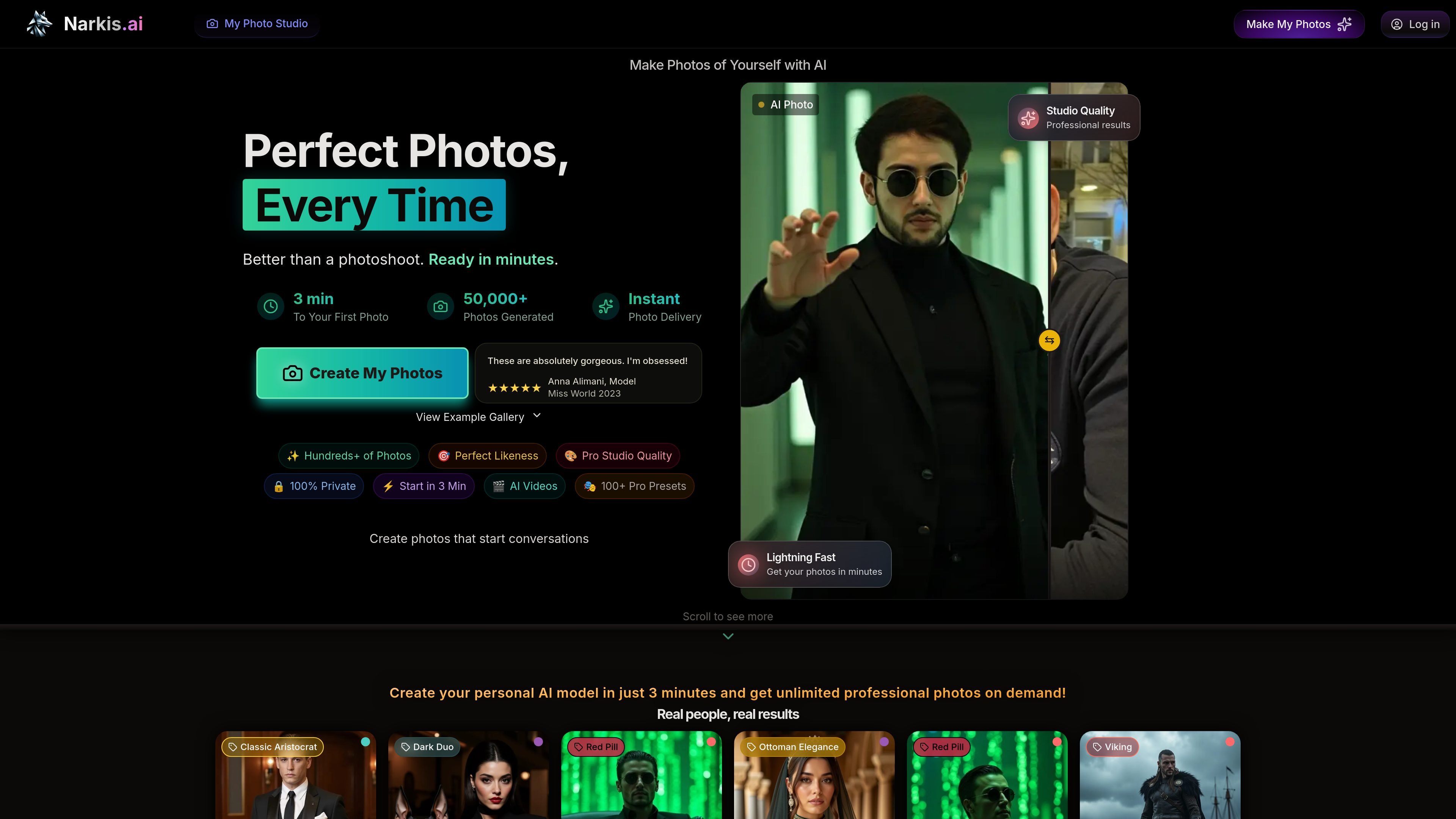
Narkis.ai is an AI-powered personal photography studio that creates realistic photos of a person from uploaded reference images. The product is built around training a personal AI model, then using that model to generate new photos, videos, and outfit visualizations without a traditional photo shoot.
The site presents the service as useful for professional profile photos, social content, brand material, and fashion previews. Its main workflow is straightforward: upload a set of photos, let the model train, then generate new images with presets or custom prompts. The pricing page says model setup is ready in about 3 to 5 minutes and that generated credits are available through paid plans.
Upload photos and selfies so the system can learn a person's look and create a personal AI model. The homepage says this model is created in less than 3 minutes.
Generate new photos from the trained model in a range of styles and settings. The pricing page says users can use presets, write their own prompts, and take photos in different scenes without a traditional shoot.
Create professional headshots for LinkedIn and similar profile uses. The LinkedIn page describes a workflow with curated presets such as Executive, Effortless, and Power Suit.
Preview how clothing looks on a photo by applying virtual outfits to AI-generated or personal images. The virtual try-on page says the feature works with both uploaded photos and Narkis.ai-generated photos.
Create AI videos from photos. The pricing page lists AI video creation as part of the product capabilities, and the homepage also highlights AI videos as a core feature.
Share access to AI models so other people can generate new photos without the original training photos. The homepage says this is useful for teams, photographers, and collaborators.
Create a polished LinkedIn profile image without booking a studio session. The dedicated LinkedIn page describes a guided workflow with photo uploads, AI training, and headshot presets tailored to professional profile pictures.
Generate profile photos and content images for personal social accounts. The homepage positions the product as useful for social media and says it can create unlimited professional photos on demand.
Preview how clothing looks on yourself or on an AI-generated version of your image. The virtual try-on page shows this as useful for shopping, styling, fashion projects, and visual experimentation.
Produce brand or creator images without repeating the same photoshoot setup. The homepage and FAQ describe the product as suitable for brand content and for creating realistic photos of a person in different situations.
Let teammates or collaborators generate new images from a shared model. The homepage says model sharing is meant for teams, photographers, and other collaborative workflows.
Narkis.ai creates a personal AI model from uploaded photos, then lets you generate new portraits and other image variations from that model. The source pages describe use cases such as LinkedIn headshots, virtual try-on, brand content, and AI videos.
The LinkedIn page recommends uploading at least 15 clear photos with a variety of angles and expressions. The homepage also says the AI model is created in less than 3 minutes, with the result ready in about 3 to 5 minutes.
Narkis.ai says you can generate photos instantly after your model is ready. The pricing page states that each plan includes photo credits, and the product can be used to create photos in different styles, with presets or custom prompts.
Yes. The homepage and LinkedIn page both describe outputs that can be used for professional profile photos, while the homepage also mentions social use and brand content. The virtual try-on page adds outfit visualization on top of generated or uploaded photos.
The pricing page says the service offers a satisfaction guarantee and that support can help users get better results if they are unhappy with the first output. The LinkedIn page also says users can keep generating and fine-tuning prompts or presets.