
AI assistant prompts
Use the assistant to ask questions and get help with tasks such as brainstorming, transcription, and solving math problems.

Meta AI is Meta’s AI assistant at meta.ai for asking questions, generating images, and creating or editing AI videos and photos. The site also highlights free AI-generated images and a community feed for remixing shared creations.
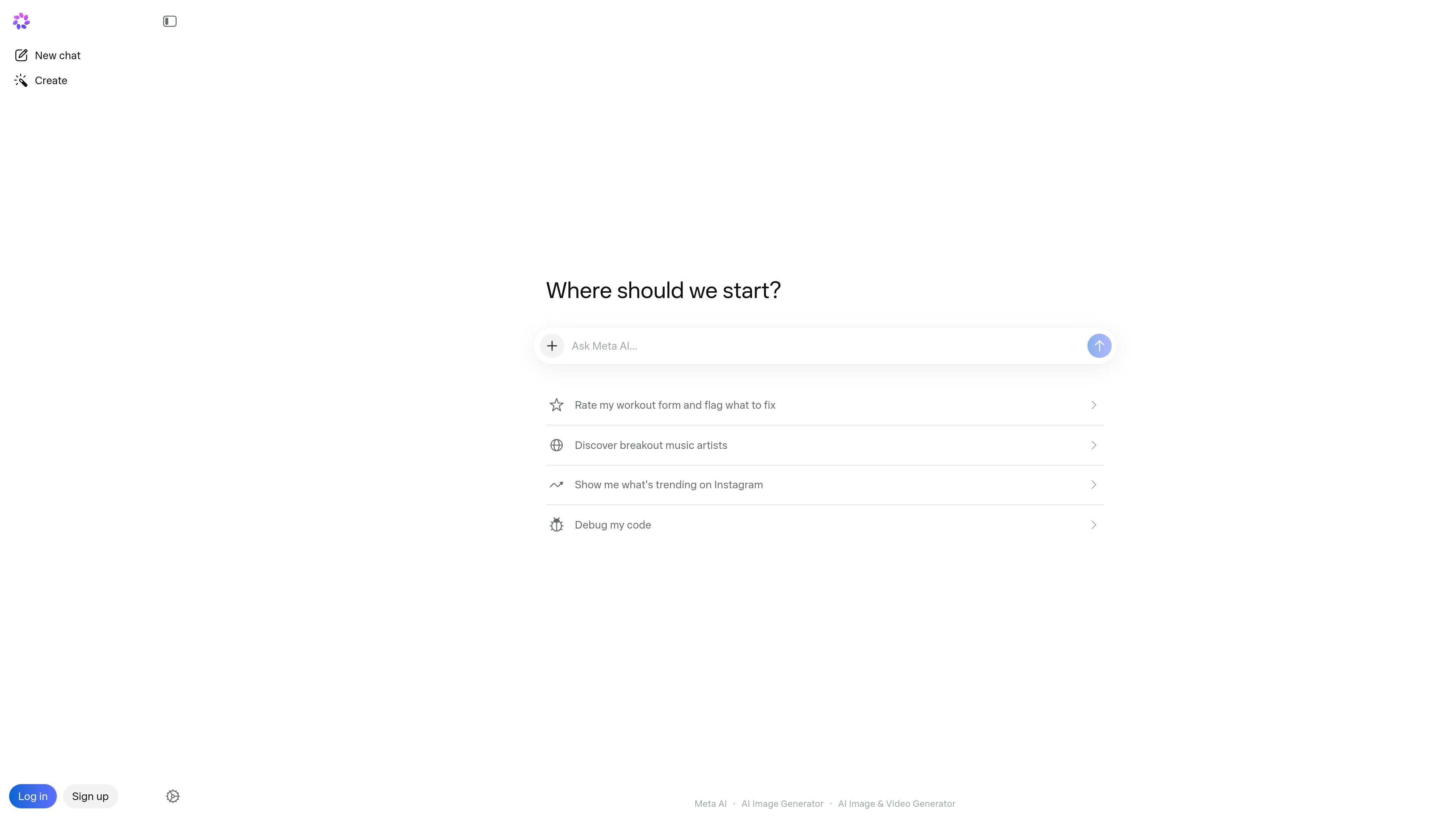
Meta AI is an AI assistant and media generation product from Meta available at meta.ai. It combines chat-style assistance with tools for creating and editing AI images and videos from text prompts or uploaded media.
The site positions the product around practical tasks such as answering questions, generating images for free, transcribing handwritten notes, solving math problems, animating photos, and restyling or extending videos. It also includes a community feed for browsing, remixing, and sharing generated content.
Use the assistant to ask questions and get help with tasks such as brainstorming, transcription, and solving math problems.
Generate images from simple text prompts, including personal or illustrative concepts such as avatars, memes, and scene ideas.
Upload an image and transform it by adding or changing parts, removing backgrounds, or switching outfits.
Animate created or uploaded images to turn still visuals into short animations.
Create, remix, extend, restyle, and add music to AI-generated videos from text, images, or video inputs.
Browse an immersive community feed, remix existing creations, and share outputs back to the Meta AI feed.
Ask Meta AI to help with everyday information, quick calculations, or task-oriented prompts like brainstorming and transcription.
Create images from text prompts for personal concepts, school projects, memes, or illustrative visuals.
Upload photos or generated images and change backgrounds, outfits, styles, or other visible elements.
Animate still images, extend video clips, restyle videos, and add music for short-form creative output.
Remix community creations or share your own work to iterate on an idea and see how others adapt it.
Meta AI is designed to answer questions, help you generate AI images, and support image and video creation and editing from prompts or uploaded media.
The source pages show text-to-image generation, image editing, image animation, video creation, video restyling, and a general AI assistant experience on the Meta AI site.
Yes. The image page says you can create AI images in seconds, animate images, and edit your own images by adding, removing, or changing parts of them.
The source pages do not provide supported platform details, so the official site text here only confirms access through meta.ai.
Os dados de tráfego são apenas para referência.
| mai. | 27792052 |
|---|---|
| jun. | 25583639 |
| jul. | 25703227 |
As análises de tráfego ainda não estão disponíveis.
As análises de tráfego ainda não estão disponíveis.