
Multi-agent task execution
LogiCoal uses seven specialized agents — Orchestrator, Coder, Researcher, Planner, Reviewer, Tester, and DevOps — to split a task into smaller steps and coordinate the work.

LogiCoal is an AI-powered CLI coding assistant for developers in the terminal, with multi-agent workflows, smart model routing, and code-aware tools.
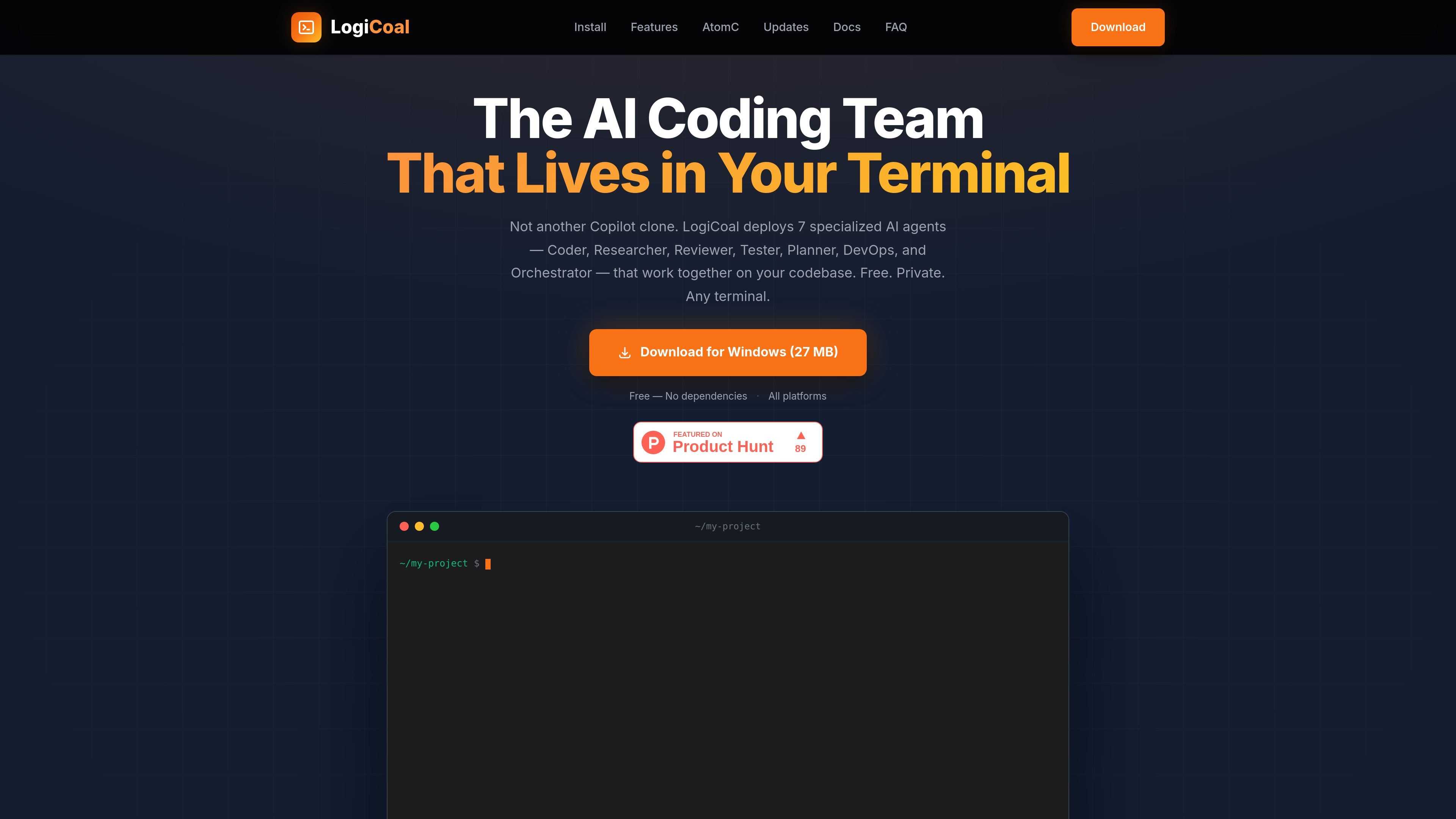
LogiCoal is an AI-powered CLI coding assistant designed for developers who want to work inside the terminal. It combines a multi-agent workflow with smart model routing, codebase-aware search, and terminal-native tooling so it can help with tasks from planning through execution.
The product centers on seven specialized agents — Orchestrator, Coder, Researcher, Planner, Reviewer, Tester, and DevOps — that collaborate on a request instead of relying on a single assistant role. The site also says LogiCoal supports standalone installers for macOS, Windows, and Linux, along with package-manager installation and automatic updates.
LogiCoal uses seven specialized agents — Orchestrator, Coder, Researcher, Planner, Reviewer, Tester, and DevOps — to split a task into smaller steps and coordinate the work.
A lightweight classifier routes requests to different model sizes, from fast 7B models for quicker work to more capable 30B models for harder generation tasks.
Semantic code search with vector embeddings helps the assistant understand code structure and find relevant files across large repositories.
The terminal UI shows syntax-highlighted code, live agent status, progress indicators, and markdown rendering while you stay in the shell.
LogiCoal can read, write, and edit files, run bash commands, search the web, and inspect code with grep and glob for end-to-end work.
Conversations and task context persist across sessions, with history, checkpoints, and the option to resume multi-agent work later.
Use LogiCoal when you want a terminal assistant to break a request into planning, research, code changes, review, testing, and devops-style follow-up instead of handling everything in one pass.
Use the assistant to ask natural-language questions about a large repository and locate relevant code through semantic search and code-aware analysis.
Use smart routing when you want quicker responses for simple tasks but still want the system to escalate harder requests to larger models automatically.
Use the session history, checkpoints, and resume flow when a task spans multiple interruptions or needs to be continued later.
Use MCP support when you need to add third-party tool extensions to the terminal workflow without staying limited to the built-in tools.
LogiCoal is an AI-powered CLI coding assistant that runs in your terminal and uses a multi-agent workflow to handle coding tasks from planning through execution.
Yes. The site says LogiCoal is free to download and use, but you need a free COALS account for authentication.
LogiCoal supports macOS (Intel and Apple Silicon), Windows 10+, and Linux on x64 and ARM64. The site also offers standalone installers and package-manager installs.
Yes. LogiCoal supports MCP, which lets you connect third-party tool extensions beyond the built-in command set.
Yes. The site says LogiCoal includes automatic updates that apply without force-closing terminal sessions.
Os dados de tráfego são apenas para referência.
| mar. | 0 |
|---|---|
| abr. | 0 |
| mai. | 0 |
As análises de tráfego ainda não estão disponíveis.