
AI Kitchen Design
Generate kitchen layouts and room concepts from the product’s AI design tools, including a dedicated kitchen design flow.

KitchenGPT is a web-based AI interior design tool for kitchen redesign and room visualization. It helps homeowners and design professionals generate concept ideas from a photo, style choice, or text prompt.
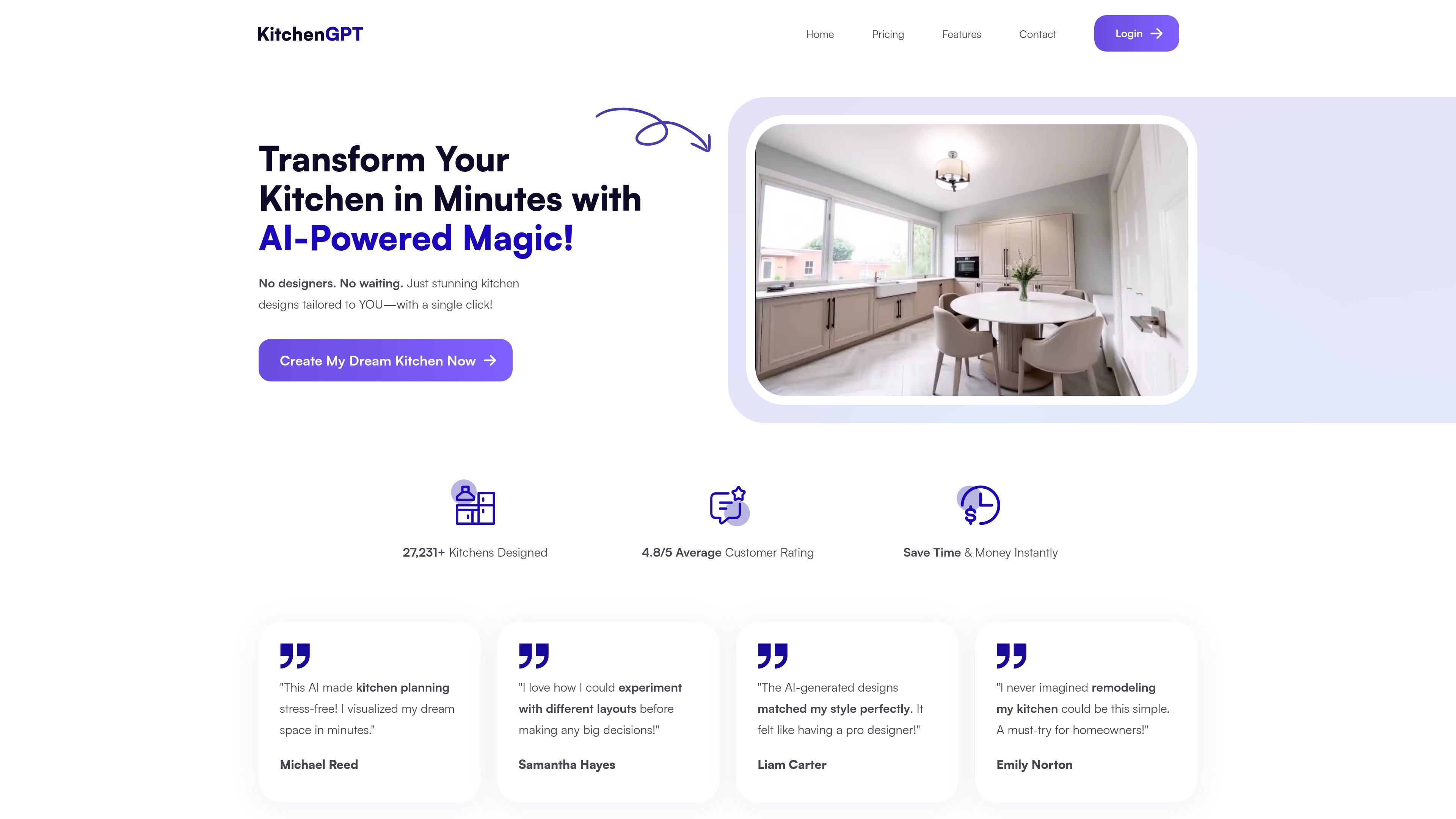
KitchenGPT is an AI interior design product focused on kitchen redesign and room visualization. The site presents it as a way to generate new layouts and style variations in seconds rather than working through a traditional design process.
The product supports a photo-based workflow and multiple design modes, including AI kitchen design, style transfer, AI kitchen remodel, and text-to-design. The pricing page shows paid monthly plans for personal, premium, and business use, with different design limits and style counts.
Generate kitchen layouts and room concepts from the product’s AI design tools, including a dedicated kitchen design flow.
Apply different looks to an uploaded space by selecting a theme or style and letting the AI restyle the room.
Describe the kitchen you want in words and have the system generate a design from that prompt.
Use the product’s remodel-oriented workflow to visualize changes before making physical updates.
Start from a photo, then pick a style and submit instructions to guide the redesign process.
Choose between kitchen-only and broader interior-oriented plan scopes, with a business plan that also mentions garden use.
Homeowners can upload a kitchen photo, choose a style, and preview design directions before committing to a remodel.
Interior designers can use the AI to produce quicker concept iterations and present multiple looks to clients earlier in the process.
Contractors can generate visuals to support proposals and make design discussions easier for clients to follow.
Architects can use the tool as a fast visual aid when discussing kitchen layouts and appearance changes with clients.
People exploring room design more broadly can use the interior-focused plans to generate and compare room ideas beyond kitchens.
The source describes KitchenGPT as an AI interior designer for kitchens and rooms. Users sign in with Google and can start redesigning a space from there.
The site says you can upload a photo, pick a style or theme, and give instructions for the AI to generate a redesigned kitchen or room.
The pricing page lists paid plans with different monthly design limits and style counts, plus options for kitchen only or broader interior and garden use.
The visible pages do not clearly document exports, sharing options, or collaboration features, so those details should be confirmed on the site before purchase.