
Deep editing of existing text
Improves clarity, readability, flow, and word choice in the text you already wrote, rather than drafting new copy from a prompt.

InstaText is an online editing tool that improves your text for clarity, readability, flow, and word choice with reviewable suggestions.
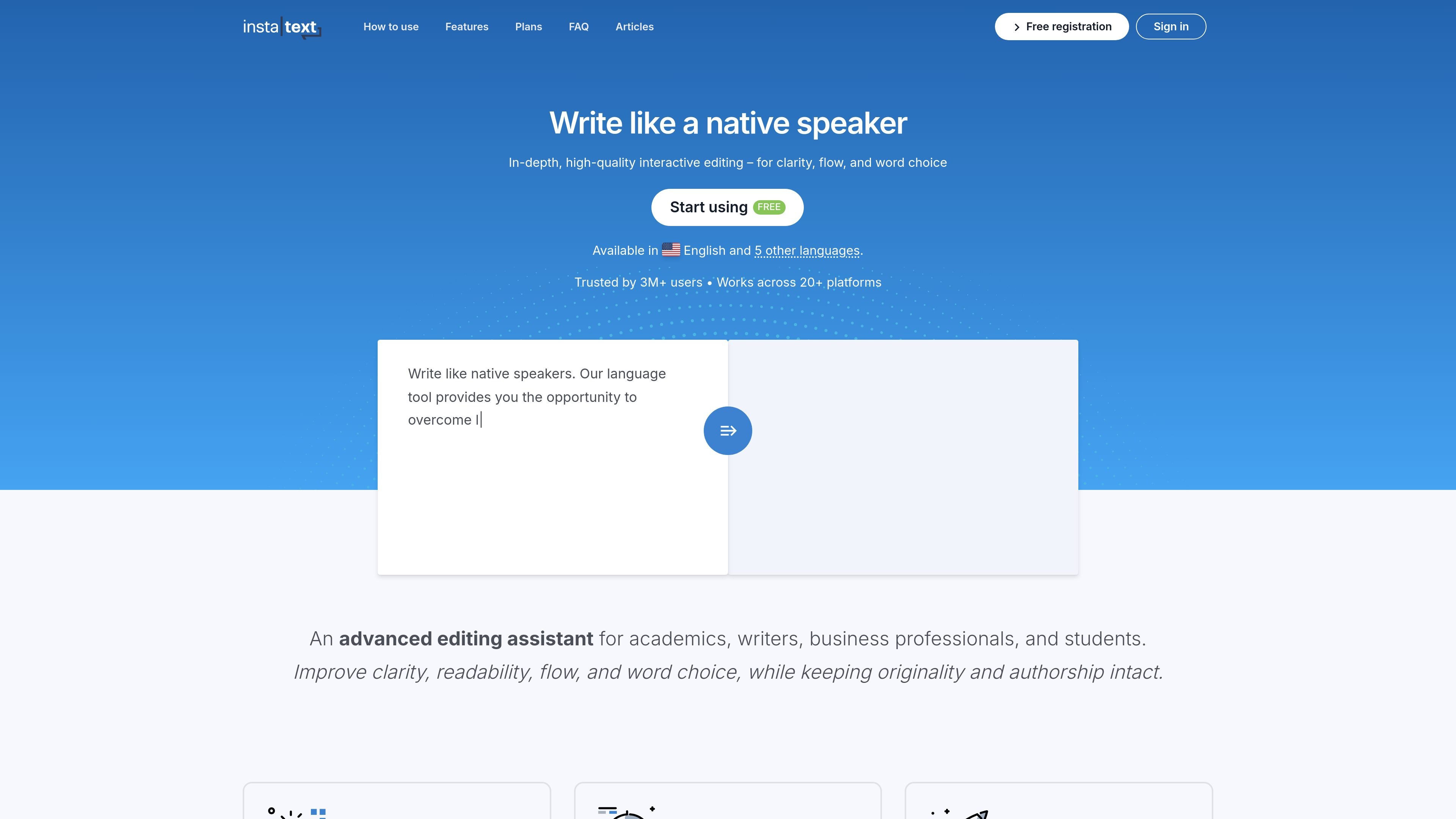
InstaText is an online writing and editing tool that helps users improve their existing text for clarity, readability, flow, and word choice. The product is positioned as an editing assistant rather than a writing generator: you paste or type text, click improve, and review visible suggestions before accepting or rejecting them.
The site presents InstaText for academics, writers, business professionals, students, and teams that need clearer emails, documents, and longer-form writing. It also offers browser and Word-based workflows, making it usable in common writing environments without forcing a separate copy-and-paste process for supported apps.
Improves clarity, readability, flow, and word choice in the text you already wrote, rather than drafting new copy from a prompt.
Shows each suggested change and leaves the decision to you, so nothing is applied without review.
Uses a single improve action with one clear result, avoiding prompt writing and multiple rewrite options.
Supports browser-based editing across 20+ applications, with no copy and paste required for supported workflows.
Provides a Word add-in with support for both the online and classic version of Microsoft Word, including Track Changes.
Lets you preserve preferred terms and phrases, including multi-word entries, through a Personal dictionary.
Refine research papers, dissertations, grant proposals, and other academic writing where clarity and precise wording matter.
Polish emails, reports, proposals, and internal messages so business communication reads clearly and professionally.
Improve blog posts, articles, and social media copy by tightening flow and word choice without rewriting the whole piece.
Edit directly in tools such as Word, Google Docs, Gmail, Slack, and Overleaf to keep revision work inside the writing environment.
Keep technical terms, brand language, or recurring phrases consistent with the Personal dictionary.
InstaText is an advanced editing assistant that improves clarity, readability, flow, and word choice in text you have already written. It shows suggestions for you to review, and you decide whether to accept or reject them.
You paste or type your text, click improve, and then review the suggested changes one by one. Nothing is applied automatically, and InstaText does not generate new content for you.
InstaText supports English and other major languages, including Spanish, French, German, Italian, and Portuguese. The homepage also states that the free trial and paid plans cover all supported languages.
Yes. InstaText is available as a browser extension for 20+ applications and as a Word add-in. The site also mentions direct editing in tools such as Overleaf and Google Docs.
Yes. The pricing page says you can cancel your subscription at any time through your profile, and the subscription stays active until the expiration date.