
Prompt-based icon generation
Enter a short description of the icon idea, then choose the color, style, and number of icons to generate.

IconifyAI is an AI icon generator that turns short prompts into app icons fast, with styled PNG or JPG downloads for creators and designers.
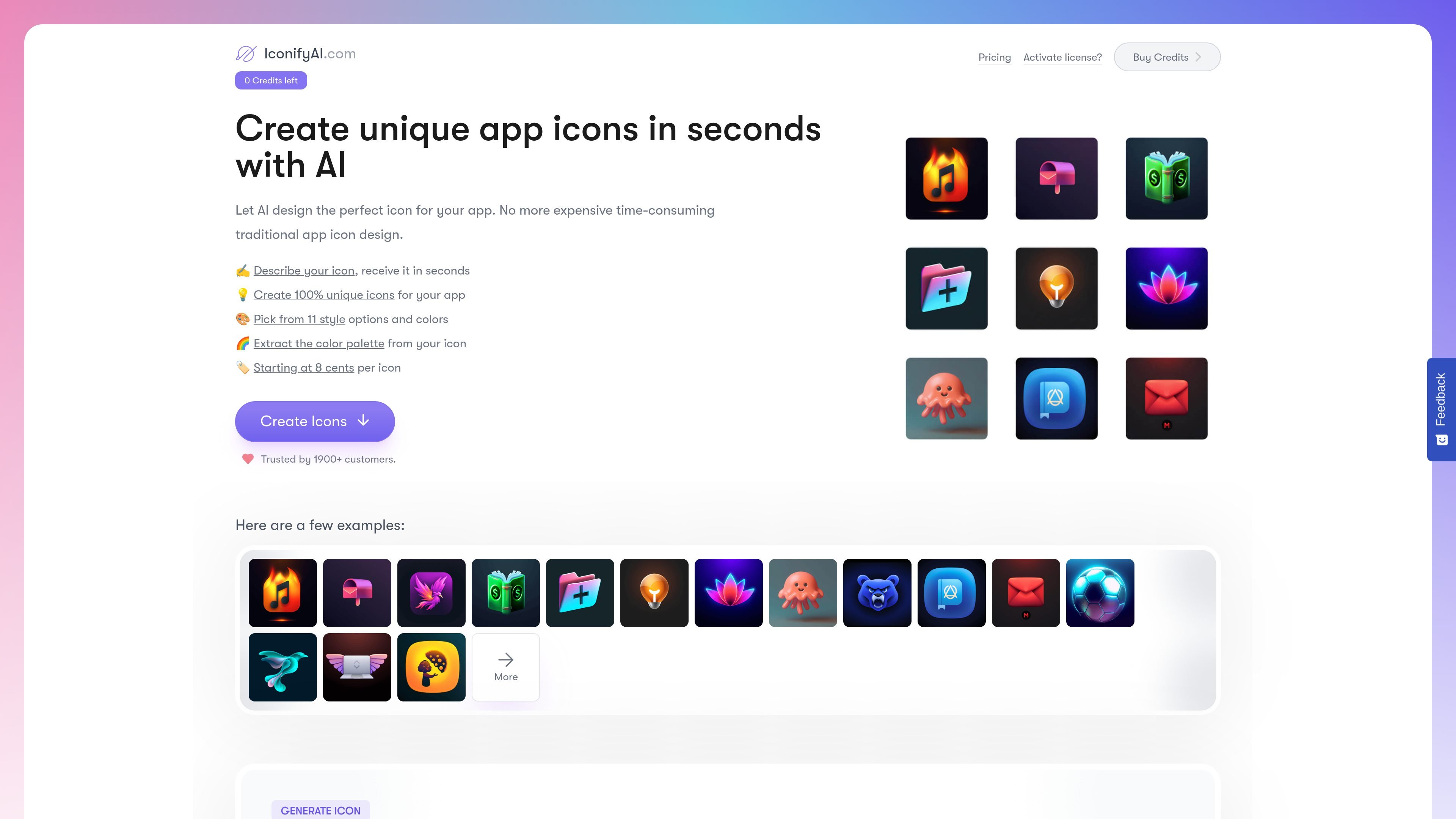
IconifyAI is an AI icon generator for creating app icons from a short text description. The core workflow is to describe the icon, choose a style and color direction, and generate a result in seconds.
The site positions the product for app creators who want a faster alternative to traditional icon design. It emphasizes unique outputs, multiple style choices, automated color palette generation, and downloadable 1024×1024 icon files for use in apps or related branding work.
Enter a short description of the icon idea, then choose the color, style, and number of icons to generate.
The generator offers 11 style options, including Metallic, Textured, Pixelated, Clay, Gradient, Solid, Mascot, Flat, Vintage, Sketch, and Photorealistic.
The product can extract a color palette from the icon or selected graphics and brand colors, which helps keep outputs consistent with an app’s visual identity.
Generated icons can be previewed before download, then saved as 1024×1024 HD images, with PNG and JPG formats mentioned in the FAQ and gallery.
The site says users can copy the generated image to the clipboard for easy sharing.
The product states that generated icons are fully owned by the buyer, including selling rights and copyright.
A solo app developer can turn a rough app concept into a usable icon without hiring a designer or opening a full design suite.
Teams that need several visual directions can compare different style presets and color combinations before choosing a final direction.
Developers shipping an iOS app can use the dedicated iOS page to generate an icon tailored to that platform’s needs.
Creators who want a quick asset for marketing, product launches, or social sharing can export the icon as an image and copy it to the clipboard.
Buyers who need commercial reuse can use the generated icon in products or branding work, since the FAQ says commercial rights are included.
The site says icon generation takes less than a minute once you provide a prompt and choose options.
The gallery and generator pages state that finished icons can be saved as PNG or JPG, with 1024×1024 HD output mentioned in the FAQ.
The site says you can create as many icons as you need as long as you have enough credits; there is no separate design limit mentioned.
Yes. The FAQ states that commercial rights are included and that you can keep, use, and even resell the generated icon.
The activation page says existing customers can enter a license key to activate credits, and the home page shows a credit-based buying flow.