
Trend discovery across categories
Browse a large set of trends across many categories, updated daily, to identify topics that are beginning to accelerate rather than only those already widely known.

Glimpse uses search data to spot fast-growing trends, track search volume, and monitor where topics emerge for SEO, ecommerce, PR, and research.
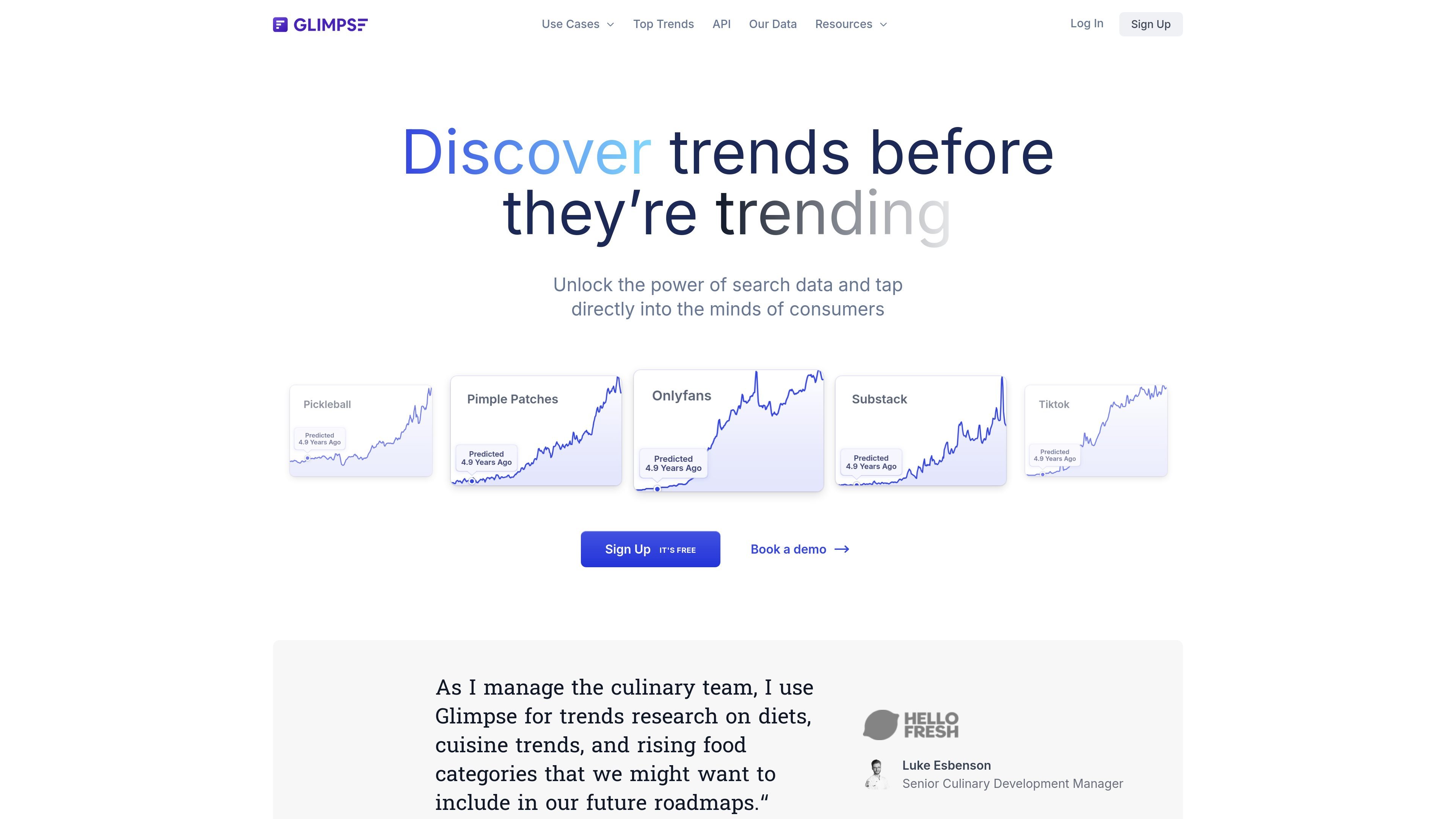
Glimpse is a trend discovery platform that uses search data and web-wide consumer behavior signals to help people find fast-growing topics before they become obvious. The site positions it as a way to unlock search data, track what consumers are searching for, and identify under-the-radar trends across the internet.
The product surface shown in the source includes trend pages with search volume, year-over-year growth, related trends, and channel breakdowns. It also presents broader platform views for browsing trends by category, monitoring alerts, and comparing trend trajectories over time.
Browse a large set of trends across many categories, updated daily, to identify topics that are beginning to accelerate rather than only those already widely known.
View absolute search volume for keywords by country, along with year-over-year and month-over-month growth metrics, to understand scale and momentum.
See where people are discussing a topic across channels such as TikTok, LinkedIn, Reddit, Instagram, Twitter, YouTube, Facebook, and Pinterest.
Set real-time alerts on keywords so you can monitor when a topic starts to rise or decline in search activity.
Inspect trajectory and forecasting views that remove seasonality and noise and show a projected view of next year’s trend.
Use the Chrome extension and the broader web-based platform as search-based research tools for exploring topics and saving time on manual trend hunting.
Track emerging topics in a category before they are broadly discussed, using search volume, growth rates, and related trends to decide what deserves deeper research.
Compare demand across countries or evaluate whether a keyword is gaining or losing momentum, which is useful for editorial planning, campaign timing, and market sizing.
Review which social and content channels are discussing a topic most, helping teams decide where a trend is spreading and which platforms deserve attention.
Set alerts on important keywords so you can respond when a topic starts accelerating or cooling down instead of checking trends manually on a schedule.
Use forecast and trajectory views to understand whether current growth looks temporary or durable when planning products, content, or research roadmaps.
Glimpse is built to surface trending topics using search data and web-wide consumer behavior signals. The source pages describe it as a trend platform that helps users discover fast-growing and under-the-radar topics before they become widely visible.
The source pages show Glimpse as useful for SEO, ecommerce, market research, PR, investing, and other trend research workflows. Its examples focus on finding emerging topics, measuring search volume, and tracking where people discuss a subject across channels.
The product pages do not expose detailed plan names or prices in the provided text. The pricing page does show calls to sign up and book a demo, but no concrete tier or cost information was visible.
The rendered pages mention daily-updated trend data, search volume, channel breakdowns, trend alerts, and trajectory and forecasting views. The exact dashboard setup and export options are not shown in the provided text.
The source material does not list formal integrations or a broad platform ecosystem. It does mention a Chrome extension and shows channels such as TikTok, LinkedIn, Reddit, Instagram, Twitter, YouTube, Facebook, and Pinterest in the product views.