
Script-to-video generation
Turn a script, prompt, URL, or link into a vertical short that includes narration, visuals, and captions in one flow.

Flarecut is an AI video generator for TikTok, Instagram Reels, and YouTube Shorts. It turns scripts, prompts, URLs, and product ideas into finished vertical shorts with voiceover, captions, and visuals.
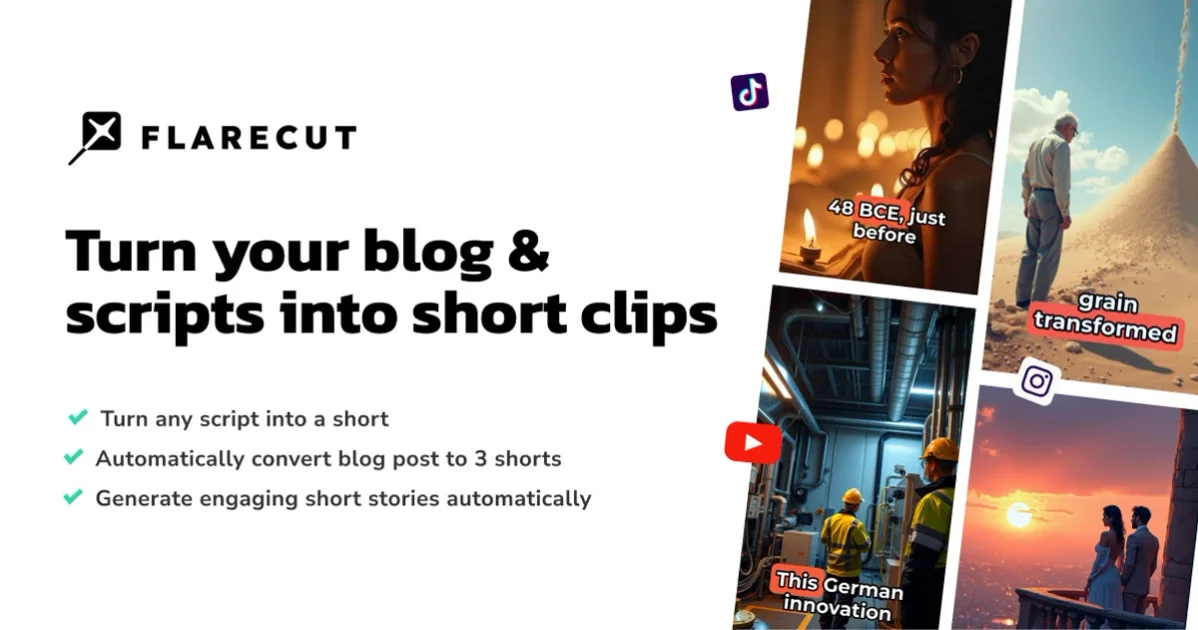
Flarecut is an AI video generator for short-form social content. It turns a script, prompt, URL, or product idea into a finished vertical short with voiceover, captions, and visuals, designed for TikTok, Instagram Reels, and YouTube Shorts.
The product is organized around preset workflows rather than a blank editor. Its pages show formats for storytelling, UGC ads, gameplay commentary, talking avatars, and viral AI clips, with support for reference images, product photos, and consistent characters across scenes.
Pricing is credit-based. The site lists monthly and annual plans, starter credits with no card required, and a Studio tier for teams and high-volume production. The pricing page also says credits reset each billing cycle and unused credits do not roll over.
Turn a script, prompt, URL, or link into a vertical short that includes narration, visuals, and captions in one flow.
Choose from preset workflows for storytelling, UGC and avatars, gameplay, and viral AI formats so the output matches the content type.
Upload a product photo or reference image and place it into influencer-style scenes for product-led videos and UGC ads.
Generate talking-avatar and influencer-style clips for apps, websites, digital products, and physical products without filming.
Keep characters, voice, art style, and brand assets consistent across scenes and projects, including reference-based characters.
Add expressive voiceover, beat-synced captions, word highlights, karaoke-style text, and placement options designed for vertical viewing.
Create narrated stories, explainers, or educational shorts from a script, article, or link, with scenes, voiceover, and captions assembled in one workflow.
Build ad-style clips for apps, websites, or digital products using talking avatars or AI influencers instead of filming a presenter.
Turn a product photo or reference image into a creator-style short that shows real packaging or a specific item in the scene.
Make gameplay commentary or other niche short-form content using format-specific presets instead of a generic timeline.
Produce multiple short videos from different scripts while keeping voice, art style, and characters consistent across projects.
Flarecut turns a script, prompt, URL, or link into a finished vertical short with voiceover, visuals, and captions. The source pages describe it as built for TikTok, Reels, and YouTube Shorts.
The source describes starter credits with no card required, and pricing plans that use monthly AI credits. The pricing page shows Hobby, Creator, and Studio plans.
The pricing page says Flarecut supports monthly and annual billing, and that credits reset each billing cycle. It also says unused credits do not roll over.
Yes. The pricing page lists a Studio plan for teams and high-volume production, while the Creator plan is positioned for creators shipping every week.
The product pages say you can start from text, scripts, prompts, URLs, or product photos and reference images, then export a finished vertical short ready for social platforms.