
Direct facial controls
Adjust eyebrows, mouth, eyes, jawline, and forehead by clicking and dragging directly on the portrait, rather than editing through separate sliders or layers.

FacePoke is a free web-based AI editor for adjusting facial expressions, head position, and subtle emotion in portrait images. Fast drag-and-drop edits with real-time feedback and high-resolution downloads.
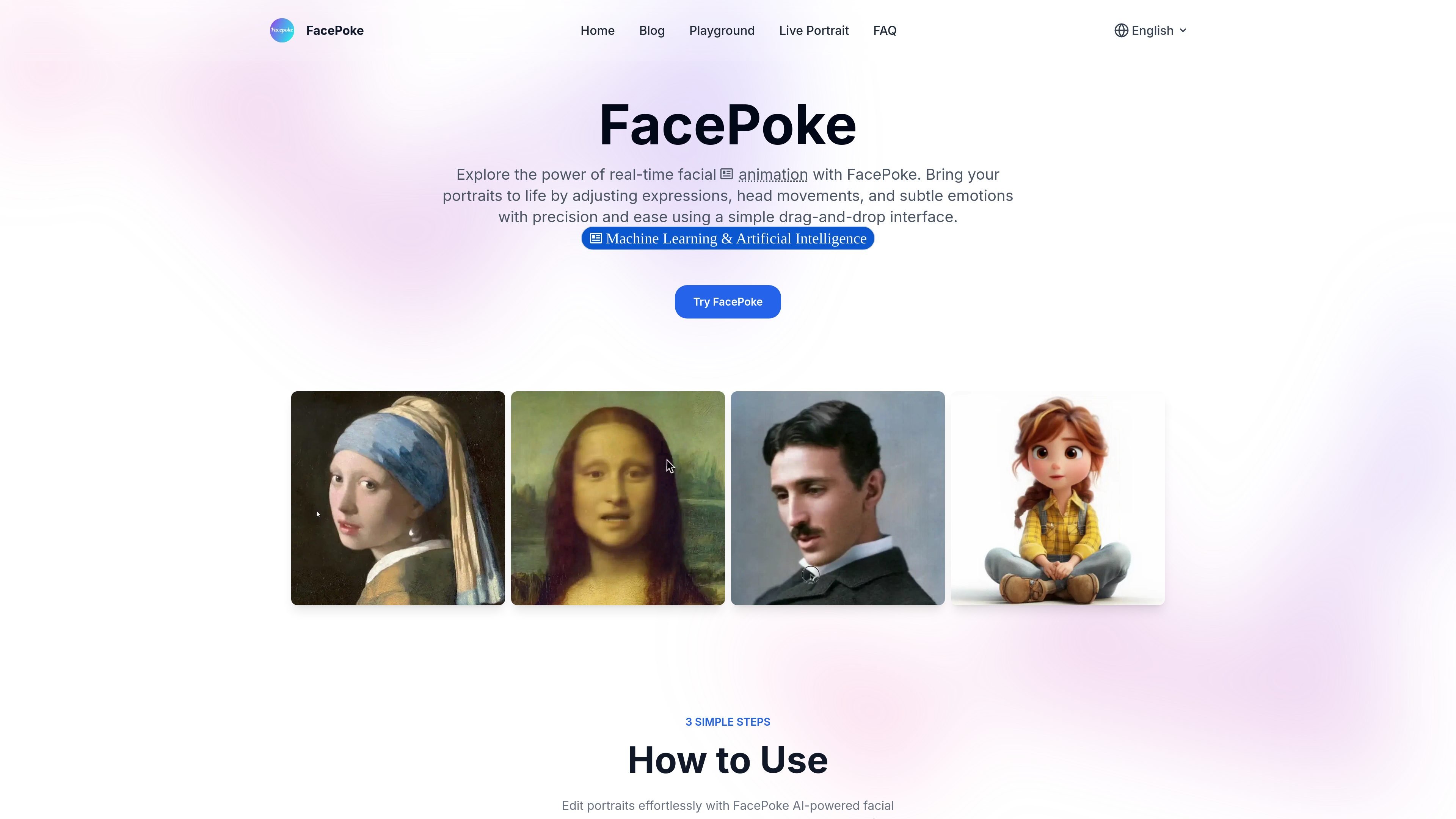
FacePoke is a free online AI portrait facial expression editor for adjusting how a person looks in a still image. It focuses on expression changes, head movement, and subtle emotion edits rather than general photo retouching.
The product uses a drag-and-drop interaction model: upload a portrait, manipulate facial areas such as the eyebrows, mouth, eyes, jawline, or forehead, then preview and download the edited result. The site presents it as a real-time tool for creating more expressive portraits for creative work.
FacePoke’s public pages also show a playground experience and mention a Hugging Face option for trying it for free, but the available source material does not provide paid-plan details or advanced platform documentation.
Adjust eyebrows, mouth, eyes, jawline, and forehead by clicking and dragging directly on the portrait, rather than editing through separate sliders or layers.
See changes as you work, which helps you iterate on expressions and head position without waiting for batch processing.
Enable 'Show Face Markers' to reveal control points around facial areas for more accurate fine-tuning.
Download a high-resolution version of the edited portrait after previewing the result.
Work from a simple upload-first flow designed for portrait images, with the site indicating a clear-face, centered composition is best for results.
Use the tool for digital art, content creation, animation, and other visual workflows that need expression changes or head-angle adjustments.
Photographers, designers, or hobbyists can upload a portrait and adjust expression or head angle to create a different mood without rebuilding the image from scratch.
Digital artists can refine small facial details with face markers to get more control over subtle changes in eyes, mouth, and brows.
Content creators can quickly generate alternate facial moods for thumbnails, social posts, or visual storytelling where expression matters.
Animators and motion-focused creators can use the tool to produce expressive stills that can then feed into a broader animation workflow.
Marketing teams can adapt the same portrait to different campaign moods by changing expression and head position while keeping the underlying image consistent.
FacePoke is a browser-based AI facial editing tool for portrait images. It lets you adjust expressions, head angle, and small facial details by dragging on the image.
The source describes a simple three-step workflow: upload a portrait, adjust facial features by dragging on areas such as the eyebrows, mouth, eyes, jawline, or forehead, then preview and download the result.
FacePoke says it supports high-resolution outputs and can retain the original image quality in edited results, which makes it suitable for detailed portrait work.
The site states that FacePoke currently does not support real-time collaboration directly in the tool. Users can export images and share them externally.
The site shows a 'Try on Hugging Face for free' link and describes FacePoke as free online AI facial editing or face manipulation tool. The pricing page itself is a 404, so no paid-plan details are available from the source.