
Unified routing for multiple coding agents
DragonCode routes Claude Code, Codex, and Gemini CLI through one stable connection and a single configuration model, so users do not need separate setups for each tool.

DragonCode is an enterprise-oriented AI coding relay platform that connects Claude Code, Codex, and Gemini CLI through one account and one configuration. It provides unified access, usage visibility, and cross-platform setup for developers working in IDEs or CLI tools.
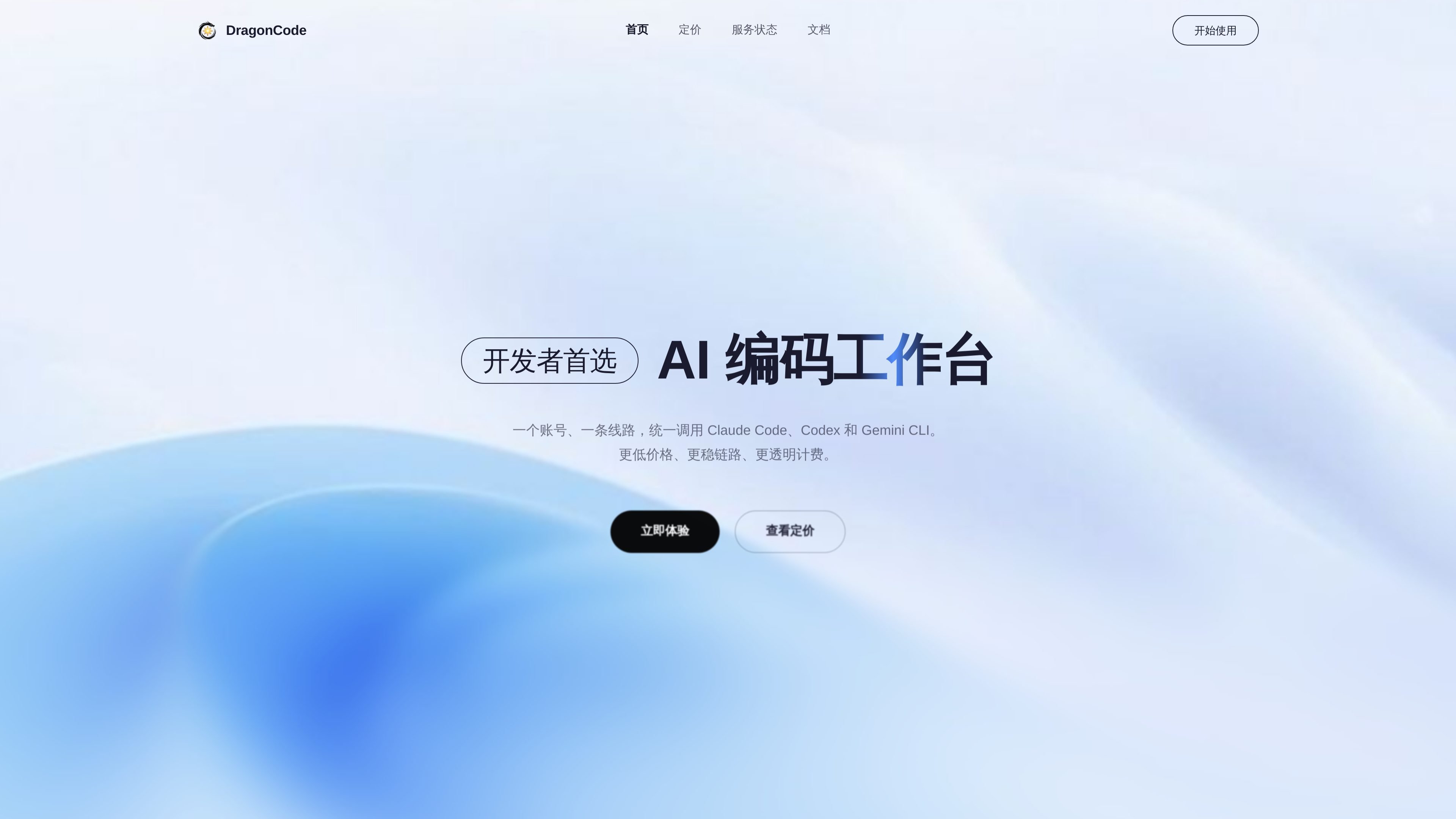
DragonCode is an enterprise-oriented AI coding relay platform that puts Claude Code, Codex, and Gemini CLI behind one account, one route, and one configuration model. The site positions it as a way for developers to work across multiple coding agents without managing separate network paths or inconsistent setup steps.
The product focuses on practical coding workflows: unified API access, transparent billing, call-level cost visibility, and support for common developer environments on Windows, macOS, and Linux. Public pages also indicate team-oriented account management and editor integration guidance for tools such as VS Code and JetBrains.
DragonCode routes Claude Code, Codex, and Gemini CLI through one stable connection and a single configuration model, so users do not need separate setups for each tool.
The service presents one API address and one key format for supported tools, with setup guidance aimed at common IDE plugins and CLI workflows.
The homepage says every call can be inspected with logs and fee details, making it easier to reconcile usage and understand where costs come from.
Public messaging states that pricing uses the official providers’ pricing method and is shown in RMB, with a published model table on the homepage.
The site highlights support for Windows, macOS, and Linux, plus team features such as multi-user, group, and subscription management.
The homepage also notes direct support for VS Code and JetBrains workflows, where DragonCode can be configured for Claude coding assistants inside the editor.
A developer who wants to use Claude Code and Codex without maintaining separate network paths or configuration schemes can route both through one DragonCode account and one API setup.
A team that needs to understand where AI usage costs are coming from can review call logs and fee details instead of relying on aggregate billing alone.
An engineer working in VS Code or JetBrains can follow the product’s editor-oriented setup guidance to connect the relay to their local development environment.
A user on Windows, macOS, or Linux can use the same service across operating systems, which reduces environment-specific setup differences.
Teams that want shared management can use the product’s multi-user, group, and subscription concepts to organize access at the account level.
DragonCode provides a quick-start flow shown in the docs: register an account, create an API Key, then configure the key and proxy endpoint in your IDE or CLI tool. The docs point users to platform-specific guides in the navigation for detailed setup.
The homepage says DragonCode is used with Claude Code, Codex, and Gemini CLI, and the docs describe a shared setup for IDEs or CLI tools using the same API address and key format. The site also mentions VS Code and JetBrains support for Claude coding assistants.
The homepage states that pricing is billed in RMB and uses the same pricing method as the official providers, with per-model rates shown in a table. The pricing page itself is behind a login gate, so only the public homepage pricing table is available here.
The docs describe DragonCode as supporting Windows, macOS, and Linux, and the homepage repeats the same platform coverage. This suggests the service is intended for cross-platform developer workflows rather than a single operating system.
The homepage and docs emphasize a unified API address, transparent cost tracking, and team-oriented account management with multi-user, group, and subscription management. That makes it suitable for individual developers as well as shared team usage.