
Notebook workspace
Work in notebooks that combine code blocks, SQL blocks, text blocks, chart blocks, and autocomplete. The product also supports importing and exporting `.ipynb` files, folders, shared datasets, and a notebook API.

Deepnote is a collaborative cloud notebook for Python and SQL that helps analysts and data teams explore data, build dashboards, and share work in one workspace.
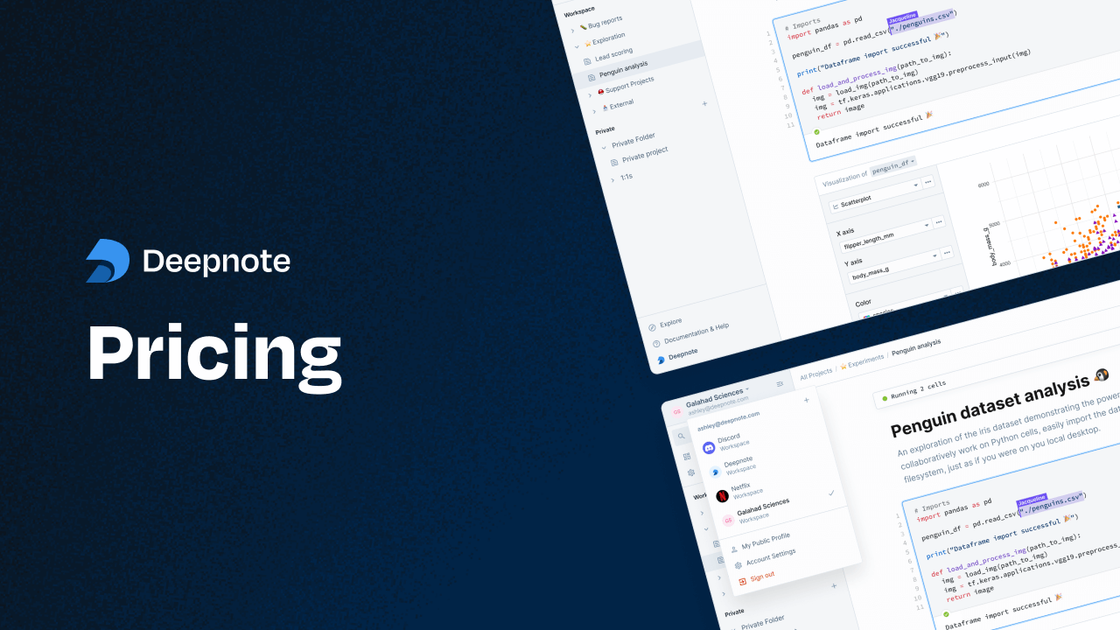
Deepnote is a collaborative analytics and data science notebook built for working with Python and SQL in a shared cloud workspace. The site positions it as a data workspace for humans and agents, combining notebooks, dashboards, data apps, scheduled execution, and sharing in one environment.
The product is designed for exploratory analysis, reporting, and production-facing notebook workflows. The homepage and pricing pages show support for code blocks, SQL blocks, chart blocks, real-time collaboration, comments, version history, and compute options from basic machines to larger GPU and custom setups.
Work in notebooks that combine code blocks, SQL blocks, text blocks, chart blocks, and autocomplete. The product also supports importing and exporting `.ipynb` files, folders, shared datasets, and a notebook API.
Use Deepnote for collaborative editing with real-time collaboration, commenting, review, public projects, access controls, and revision history. The pricing page shows revision history ranging from 7 days on Free to 30 days on Team and unlimited on Enterprise.
Create dashboards and data apps from notebook work. The homepage highlights interactive visualizations, custom layouts, hidden code blocks, input blocks, buttons, and scheduled notebooks.
Run notebooks on basic, plus, performance, high-memory, GPU, or custom machines depending on plan. The pricing page also lists scheduled runs, terminal access, shared environments, and inactivity periods for hosted compute.
Connect to warehouses, databases, and storage systems such as PostgreSQL, BigQuery, Snowflake, Databricks, Amazon S3, Google Drive, GitHub, and GitLab. The site also mentions dbt metadata, Spark, Snowpark, and extensible APIs.
Use Deepnote AI for code completion, generating code, editing code, explaining code, and auto AI actions. The pricing page also shows model access tiers and an option to bring your own LLM on Team and Enterprise plans.
Explore datasets in notebooks, write Python or SQL, and turn intermediate findings into charts or text blocks for faster analysis.
Build shared analytics workflows where teammates comment on blocks, review changes, and use access controls and revision history to collaborate on the same notebook.
Create dashboards, interactive reports, and data apps from notebook work by combining charts, inputs, layouts, and hidden code blocks.
Schedule notebooks to run on a recurring basis, expose notebooks as APIs, or use managed compute when analysis needs to move beyond a one-off notebook session.
Connect to warehouses, databases, and file storage to work with company data directly in the workspace rather than exporting CSVs between tools.
Deepnote is a cloud data workspace for collaborative analytics and data science. It supports Python and SQL notebooks, dashboards, data apps, scheduled runs, and team sharing in one place.
The source shows a Free plan, a Team plan billed at $39 per editor per month when billed yearly, and an Enterprise plan with custom pricing. The pricing page also offers a 14-day trial for the Team plan.
The pricing page lists live chat support on all plans, while Enterprise adds priority support, a dedicated success manager, custom contract and invoicing, and unified billing across multiple workspaces.
Deepnote connects to databases, warehouses, file storage, and collaboration tools. The pricing page lists PostgreSQL, MySQL, ClickHouse, MariaDB, BigQuery, Snowflake, Redshift, Amazon Athena, SQL Server/Azure SQL, MongoDB, Databricks, Trino, Dremio, Google Drive, GitHub, GitLab, Amazon S3, and Google Cloud Storage.
The source indicates that Enterprise includes single-tenant deployments, SSO and directory sync, audit logs, federated authentication, private docker images, and the option to bring your own LLM.