
Automatic profanity removal
CurseCut automatically detects profanity and offensive language in video and audio files, then mutes or bleeps the flagged segments.

CurseCut is an AI tool that removes profanity and offensive language from audio and video files for cleaner podcasts, videos, and livestream archives.
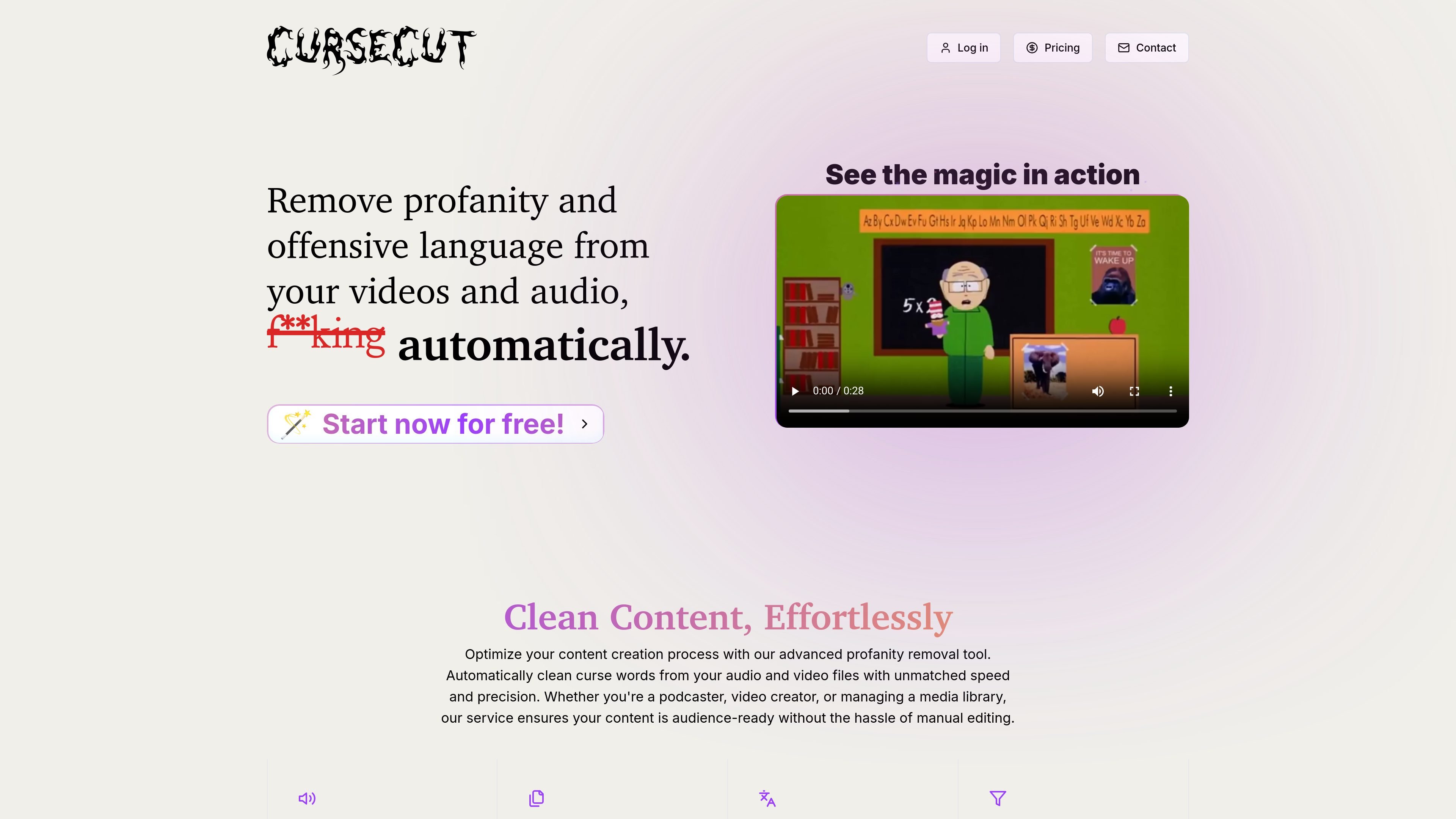
CurseCut is an AI-powered profanity removal tool for video and audio. It is designed to automatically detect curse words and offensive language, then mute or bleep those sections so content can be prepared for a cleaner audience-facing release.
The site positions the product for creators working with podcasts, video files, livestream archives, training material, and other media that needs selective censorship. It also emphasizes user control, with settings for custom word lists, matching behavior, language selection, and the style of the censoring effect.
CurseCut automatically detects profanity and offensive language in video and audio files, then mutes or bleeps the flagged segments.
Upload a mix of audio and video formats, including MP3, WAV, MP4, AVI, MOV, WMV, FLV, AAC, FLAC, and OGG, for one processing workflow.
Process multiple files together so larger content libraries, podcast series, or video batches can be handled in one run.
Choose between automatic language detection or manually selected languages, with support for more than 30 languages according to the homepage.
Set your own word or phrase lists, choose exact or approximate matching, and adjust how much of each flagged word gets muted.
Select the censoring style that fits the project, including beep tones, silence, custom sound effects, or audio reversal.
Clean up podcasts, interviews, and other spoken-word recordings where you want to keep the conversation intact but remove explicit language before publishing.
Prepare YouTube videos, livestream archives, or reaction content for broader audiences by censoring offensive segments while preserving the original pacing.
Handle episode libraries or video collections in batches instead of editing each file one by one.
Apply consistent censorship rules across workplace videos, training modules, or internal media that needs to meet a stricter tone.
Work with multilingual files by letting the system detect language automatically or by selecting a specific language for more controlled filtering.
The site describes CurseCut as an automatic AI profanity removal tool for video and audio. It can detect selected words or phrases and mute or bleep those segments.
The homepage says it supports MP3, WAV, MP4, AVI, MOV, and more, and the how-it-works page adds formats such as WMV, FLV, AAC, FLAC, and OGG.
The homepage says CurseCut can process files up to 2GB, and the how-it-works page says it can handle uploads of any length.
The homepage says profanity can be filtered in over 30 languages, with automatic language detection or manual language selection.
The site says output can be customized with beep tones, silence insertion, custom sound effects, or audio reversal, and users can define exact or approximate word matching.