
Dynamic content building
Create custom post types, taxonomies, relations, option pages, forms, dynamic tables, and page templates for WordPress sites built with no-code or low-code workflows.

Crocoblock is a suite of WordPress JetPlugins for dynamic sites in Elementor, Gutenberg, Bricks, and Divi, with content, design, WooCommerce, and booking tools.
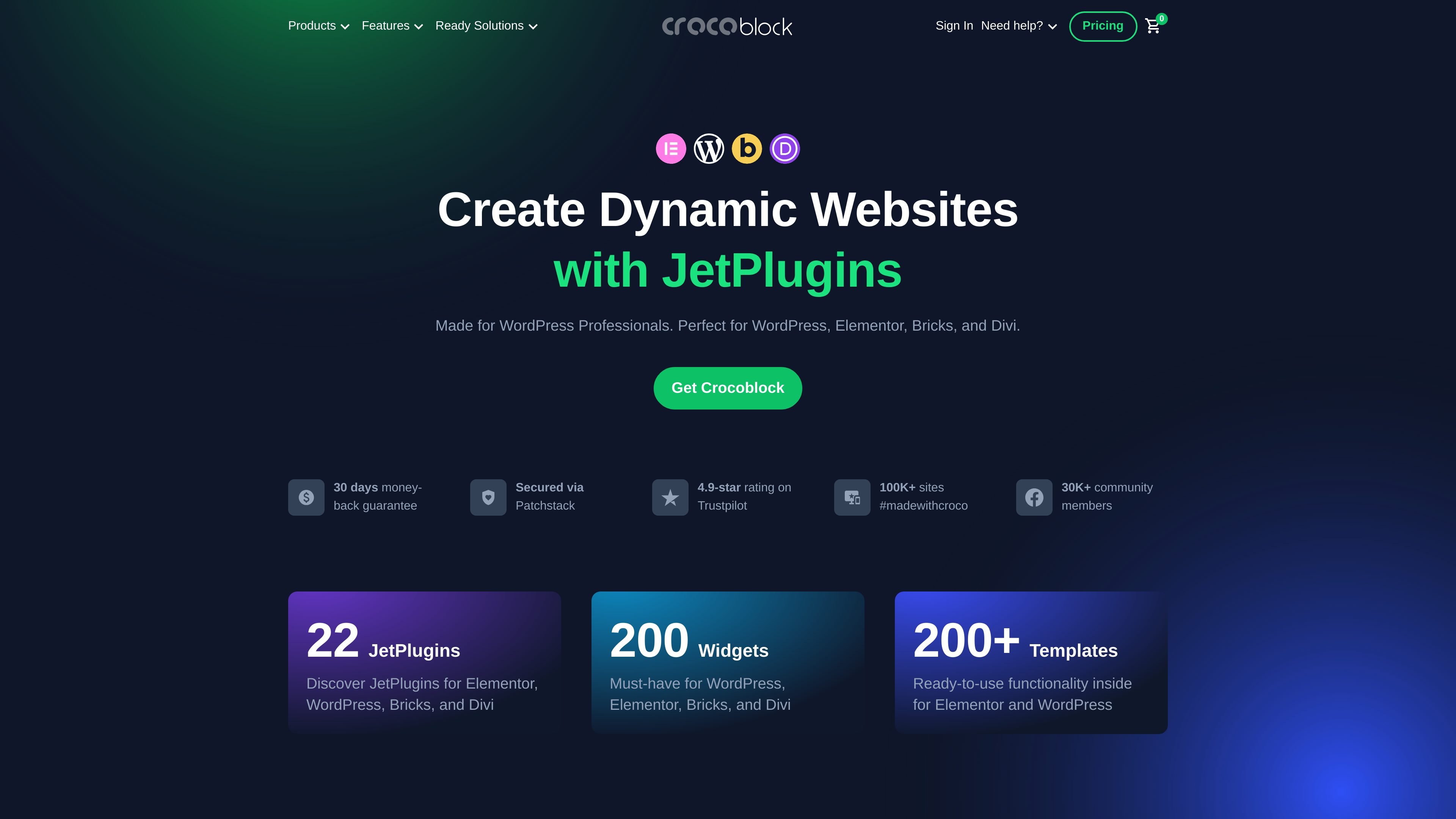
Crocoblock is a suite of JetPlugins for WordPress site building. The product pages present it as a toolkit for creators working in Elementor, Gutenberg, Bricks, and Divi, with plugins covering dynamic content, design widgets, booking flows, and WooCommerce-related site features.
The site emphasizes building complex WordPress pages without coding, using combinations of plugins, widgets, and templates. It also shows builder-specific subscription plans, individual plugin purchases, and support options that include Zoom chat, live chat, and tickets for paid plans.
Create custom post types, taxonomies, relations, option pages, forms, dynamic tables, and page templates for WordPress sites built with no-code or low-code workflows.
Use a large set of widgets and styling tools to create page sections, headers, footers, tabs, menus, pop-ups, and interactive effects inside supported builders.
Build stores with WooCommerce-focused tools for shop pages, product layouts, product galleries, tables, compare and wishlist features, and search/filter workflows.
Assemble booking and appointment experiences for rental, booking, and scheduling sites, with payment handling shown through WooCommerce for appointment flows.
Choose plugins by builder and project type, including Elementor, Gutenberg, Bricks, and Divi subscriptions, or buy individual plugins separately.
Use JetPlugins to build custom content structures such as post types, taxonomies, relations, and dynamic templates for editorial, directory, or information-heavy sites.
Assemble product pages, shop layouts, search, tables, and filtering for WooCommerce stores that need more control over presentation and browsing.
Create booking or appointment experiences for rentals, services, or scheduling-based businesses, with plugin combinations for booking and payment workflows.
Add menus, tabs, pop-ups, headers, footers, and visual effects for teams that want to improve page structure and interaction inside a supported builder.
Bundle selected plugins under a builder-specific plan when a project is centered on Elementor, Bricks, Divi, or Gutenberg rather than a general-purpose WordPress install.
Crocoblock is a collection of JetPlugins for building WordPress sites, with support shown for Elementor, Gutenberg, Bricks, and Divi. The product pages describe separate plugins for dynamic content, filters, bookings, WooCommerce layouts, and other website-building tasks.
The pricing page shows subscription options by builder and also individual plugin purchases. Crocoblock lists yearly subscriptions for Elementor, Bricks, Divi, and Gutenberg, plus a lifetime option on the pricing page.
The homepage and pricing page indicate support channels that include Zoom calls, live chat, and tickets for paid subscriptions. The pricing page also lists 1-year or forever support depending on the plan.
The site positions Crocoblock for people building dynamic WordPress websites, including stores, booking sites, appointment sites, and other content-heavy projects. It is aimed at WordPress professionals and site creators working in supported builders.
Crocoblock highlights ready-to-use templates, widgets, and builder-specific plugins, but the source does not show a single all-in-one install for every scenario. Most advanced use cases appear to depend on combining multiple JetPlugins.